

AI Image Studio · 3D
AI 3D Model Generator: Turn a Photo Into a 3D Model
Upload a photo of one object, pick an engine and get a real, textured 3D model in one to four minutes. Spin it in the viewer, check the wireframe, then download it as GLB, STL for your 3D printer, OBJ with its texture, or USDZ for AR on phones and tablets.
About the ai 3d model generator
A photo shows one side of an object. A 3D model has all of them. The generator reads the shape, the materials and the proportions from your image, builds a closed mesh, and paints PBR textures onto it, so the back of the model exists even though your photo never showed it.
Everything happens on one page: upload, generate, inspect, download. The model is a file you own, not a picture that only looks 3D. It opens in Blender, Unity, Unreal, Roblox Studio, any slicer and any web viewer.
From one image to a 3D model
Each of these started as a single image and became a textured 3D model with the Pro engine. Open one in the viewer above to rotate it.
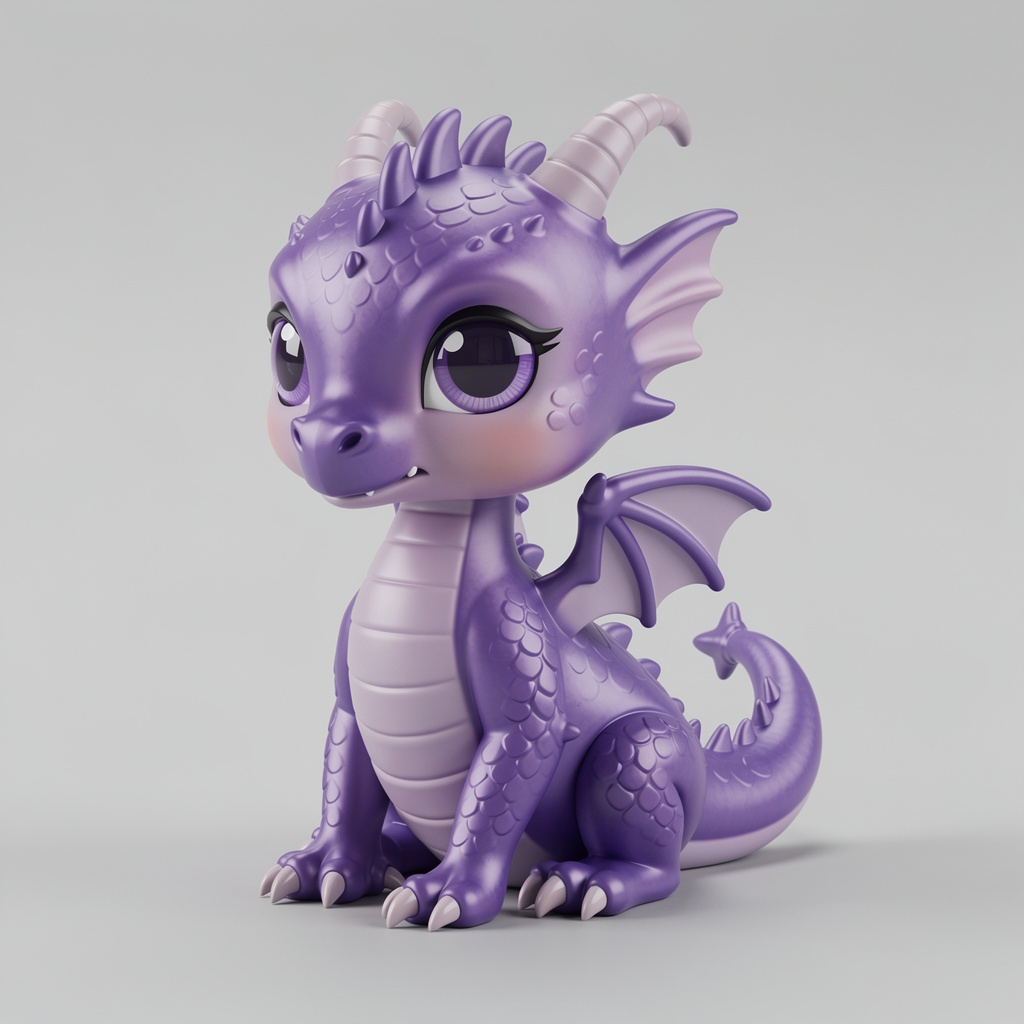 AI-generated
Dragon figurine
Tripo H3.1
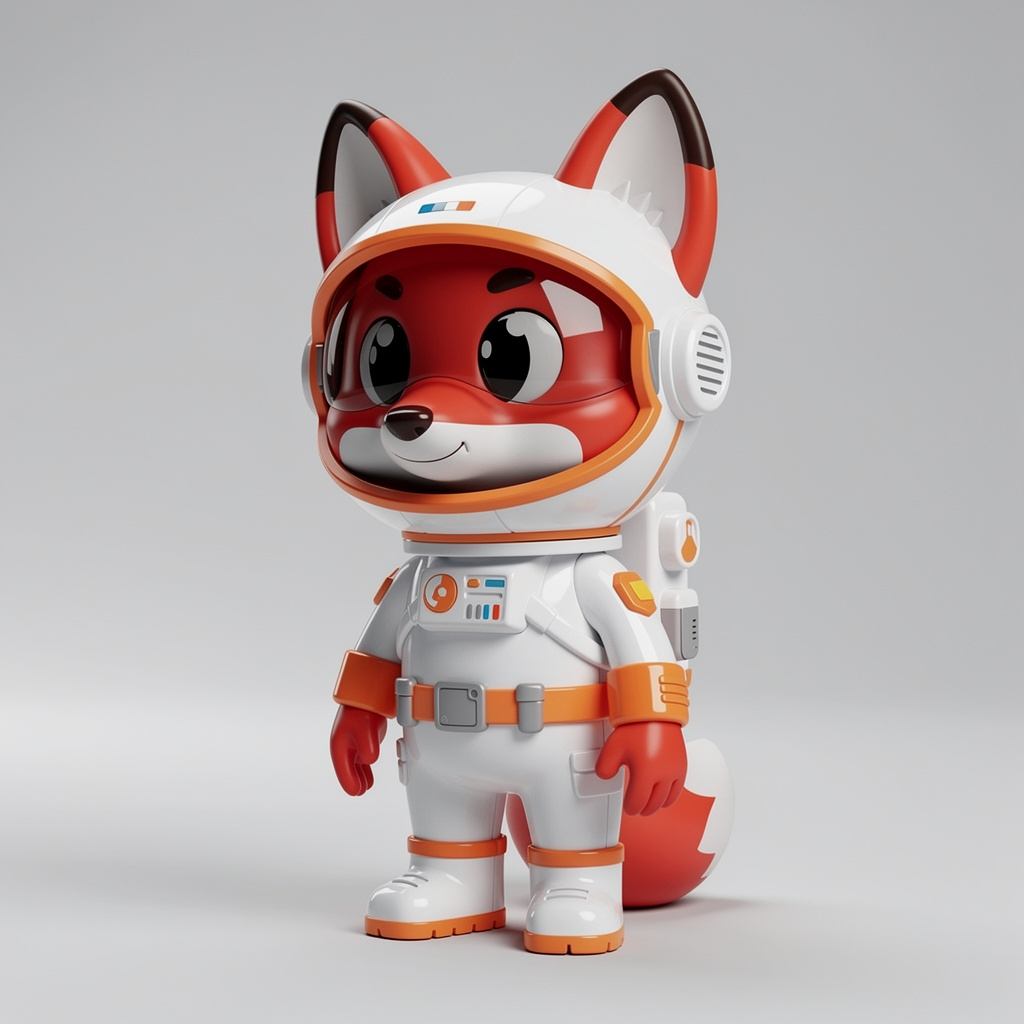 AI-generated
Fox astronaut vinyl toy
Tripo H3.1
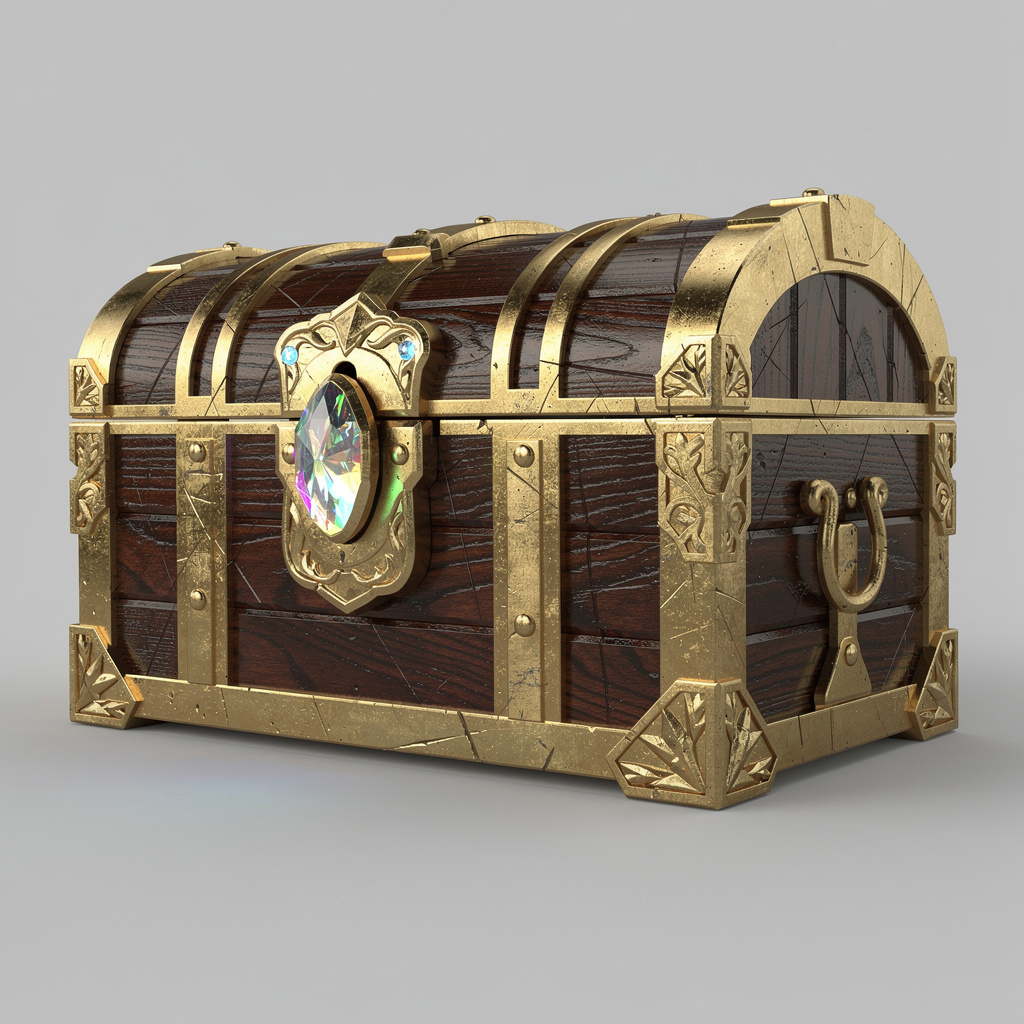 AI-generated
Fantasy treasure chest
Tripo H3.1
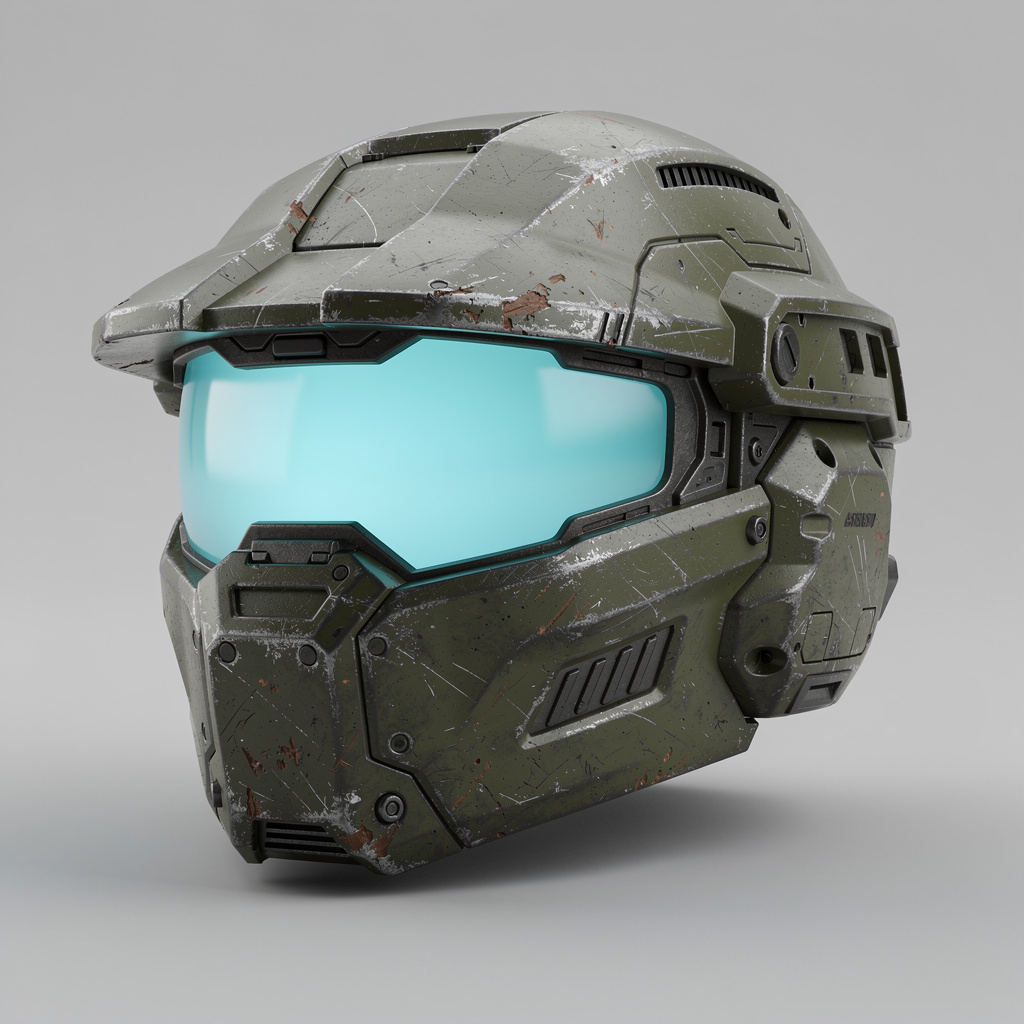 AI-generated
Sci-fi armored helmet
Tripo H3.1
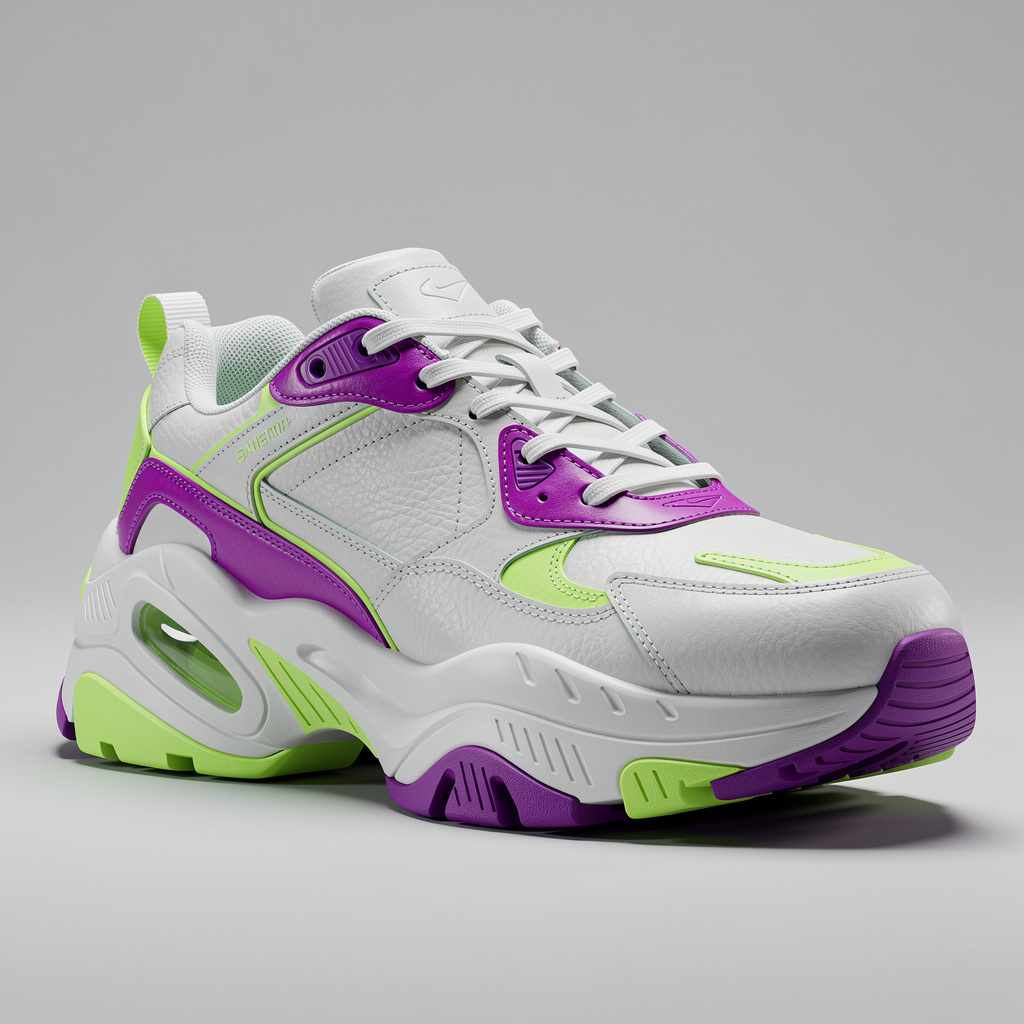 AI-generated
Chunky sneaker
Tripo H3.1
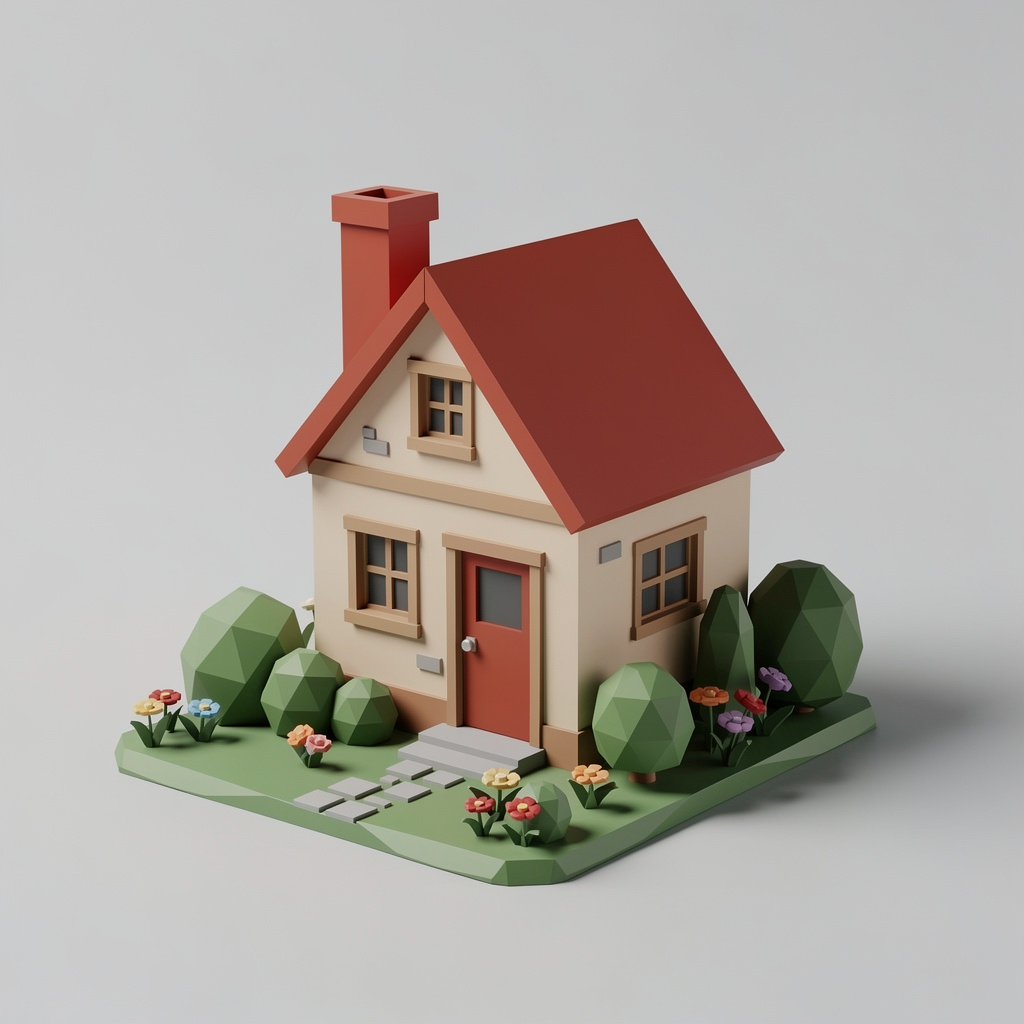 AI-generated
Miniature cottage diorama
Tripo H3.1
Photo to 3D model in three steps
Upload, generate, download. Below: how it works, what people use it for, how to get the cleanest mesh, and the questions people ask before their first model.
How it works
- 1
Add your object
Upload a photo, drag one in, paste it, or pick one of your AI images. For the best shape, add up to four angles of the same object in Multi-angle mode, or just describe it in Text mode.
- 2
Pick an engine
Pro gives the sharpest detail and truest colours. Fast gives a clean model in about a minute. Game-ready gives a light low-poly mesh with the detail baked into its textures.
- 3
Inspect and download
Rotate, zoom and switch between textured, clay, wireframe and normals views. Download GLB, STL (sized 100 mm and upright for slicers), OBJ with its texture, or USDZ for AR.
What you can use it for
3D printing
Turn a sketch, toy or AI character into an STL and print a figurine, a miniature or a desk toy.
Game assets
Props, weapons, furniture and creatures for Unity, Unreal, Godot and Roblox. Use Game-ready for light meshes.
Product and e-commerce
Rotatable 3D views of products for web stores, and USDZ files customers can place in their room with AR.
Concept and prototyping
Go from an image idea to a 3D block-out in minutes, then refine it in Blender or ZBrush.
Features
- Photo, multi-angle (up to 4 views) and text to 3D
- Textured PBR models: colour, roughness and metal maps
- In-browser viewer with turntable, clay, wireframe and normals views
- GLB, STL, OBJ + texture and USDZ downloads
- Print-ready STL: upright, 100 mm tall, ready for any slicer
- Low-poly game-ready engine and optional quad topology
- Every model saved to your library, even if you close the tab
- Credits refunded automatically if a model fails
Tips for the best results
- One object, fully in frame: The engine models everything it sees. Crop out other objects and keep the whole subject inside the image, with a little space around it.
- Plain background, even light: A clean, uncluttered background and soft light give the cleanest shape. Harsh shadows can end up painted into the texture.
- Three-quarter view: A slightly turned, slightly raised angle shows depth and two sides at once, which gives the engine more to work with than a flat front shot.
- Use Multi-angle for accuracy: When the back of the object matters, add a back and side photo of the same object in the same light.
Why a real 3D file matters
Many “3D generators” return a flat picture drawn to look three-dimensional. This one returns an actual mesh with textures: a GLB you can open in any 3D tool, an STL you can slice and print, an OBJ for older pipelines and a USDZ for AR. Every file carries a machine-readable AI-generated marker, and the viewer labels it too.
Frequently asked questions
What file formats can I download?
GLB (textured, the original file), STL for 3D printing, OBJ in a ZIP with its .mtl and texture image, and USDZ for augmented reality on phones and tablets.
Can I 3D print the model?
Yes. Download STL: it is exported upright (Z-up) and scaled to 100 mm tall, so it drops straight into Cura, PrusaSlicer, Bambu Studio or any other slicer. Scale it there to the size you want.
How long does it take?
Fast takes about a minute. Game-ready takes around three minutes and Pro around four. You can leave the page; the model is saved to your library when it finishes.
Which engine should I choose?
Pro for the best detail and colour fidelity, and whenever you want to use several photos or a text prompt. Fast for quick drafts. Game-ready when you need a light mesh for a game engine.
What kind of photo works best?
One object, completely in frame, on a plain background, in even light. Toys, figurines, furniture, shoes, props, food, sculptures and characters all work well.
What if a model fails?
The credits are refunded automatically. The most common causes are several objects in one image, a cropped subject or a very busy background.
Can I turn my AI images into 3D?
Yes. Pick any image from your creations in the upload box, or use the 3D button on an image in the AI Image Studio.
Who can use it?
Adults (18+) with an active subscription or credits. It is built for objects, props, creatures and fictional characters. Only upload photos you have the rights to use; images showing anyone under 18 are blocked before any credits are charged.
How much does it cost?
From 4 credits per model for Fast, 6 for Pro and 21 for Game-ready. The exact price is on the Generate button before you start.
Explore more AI photo tools
Image Editor
Edit any photo with a text prompt
Image to STL
Photo to a print-ready STL
Text to 3D
Describe it, get a 3D model
3D Game Assets
Low-poly props from one image
AI Headshots
Pro headshots from a selfie
AI Interior Design
Redesign any room from a photo
Object Remover
Brush away anything in a photo
Image Extender
Uncrop & expand any photo
Photo Restoration
Restore & colorize old photos
Background Remover
Transparent PNG in one click
Skin Enhancer
Natural one-click retouch
Change Camera Angle
New views of one photo
Mockup Generator
Your design on any product
See the full AI image tools collection or open the AI Image Studio.