
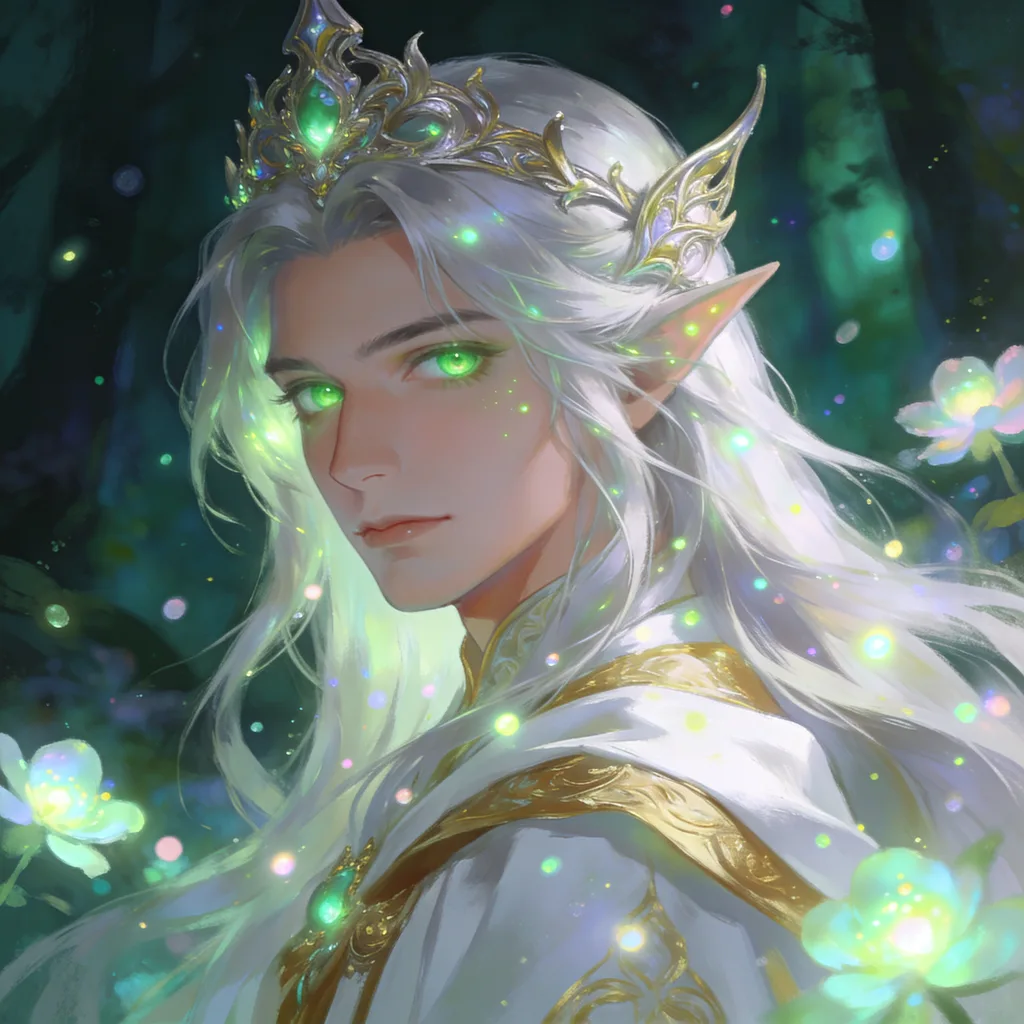
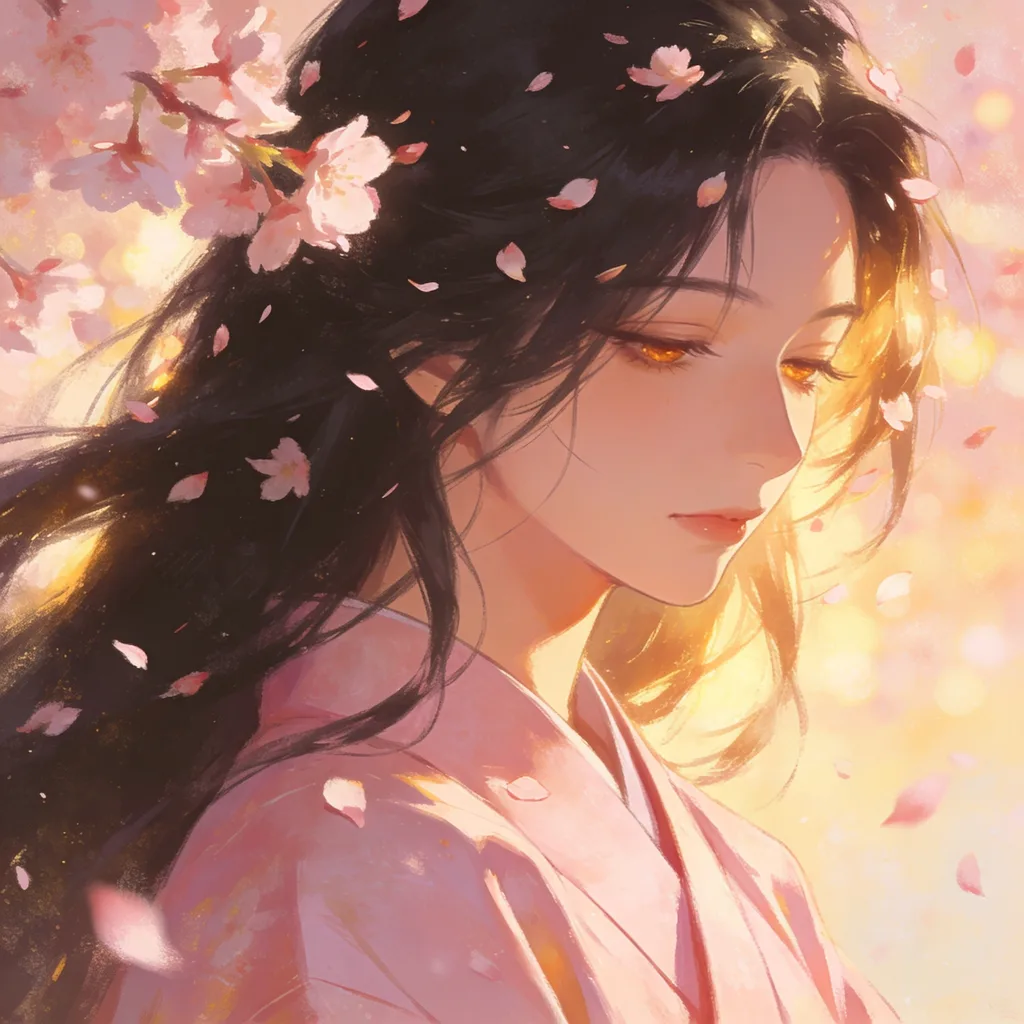
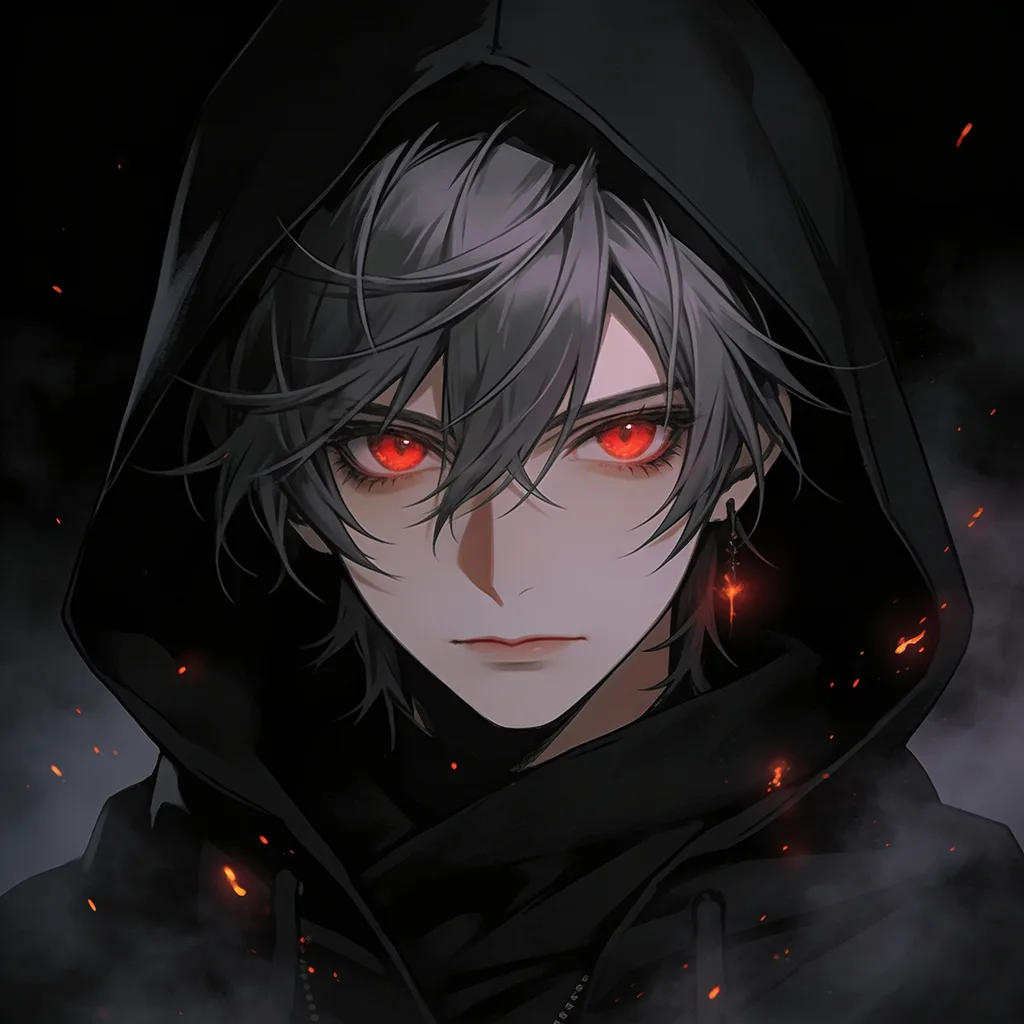
 AI-generated#Anime PFP#Aesthetic#Portrait
AI Anime Generator
Describe a character or scene and get anime art in seconds — then share it, remix others, and climb the rankings.
AI-generated#Anime PFP#Aesthetic#Portrait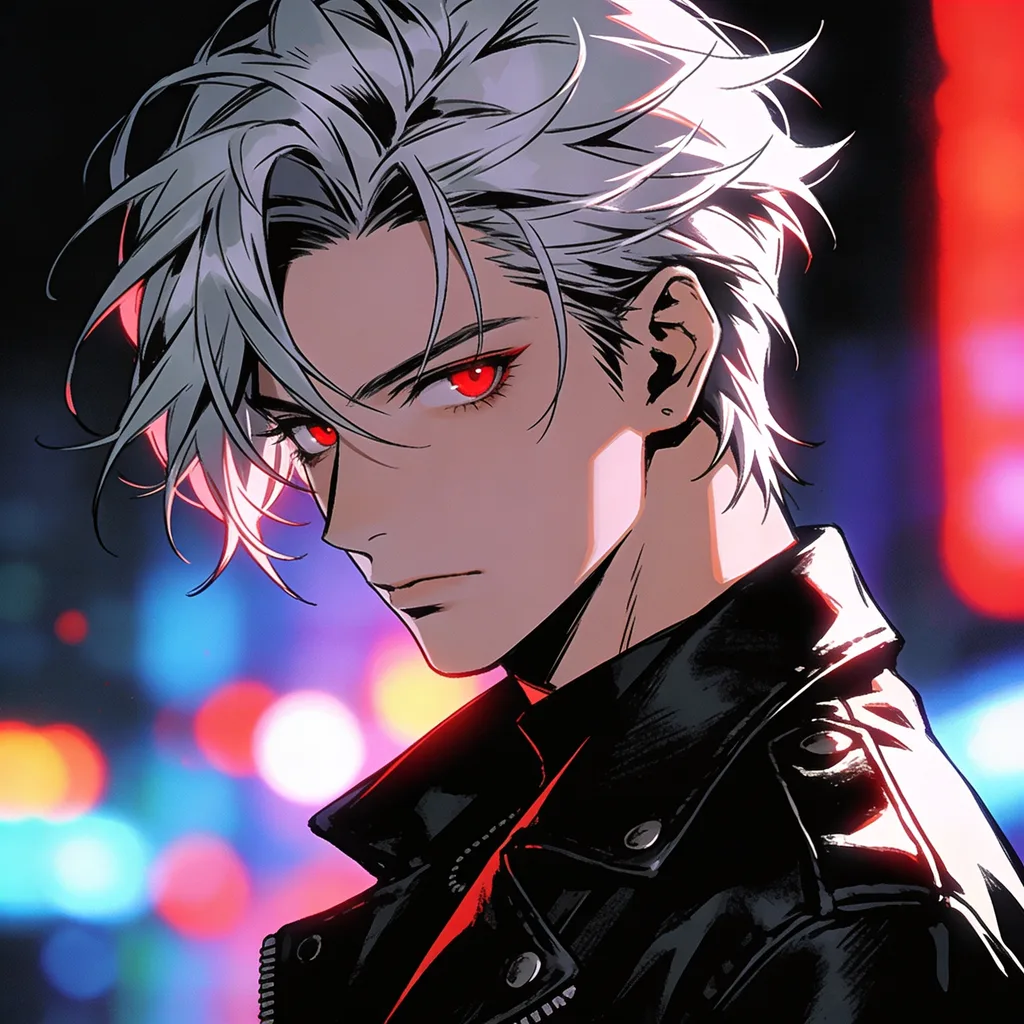
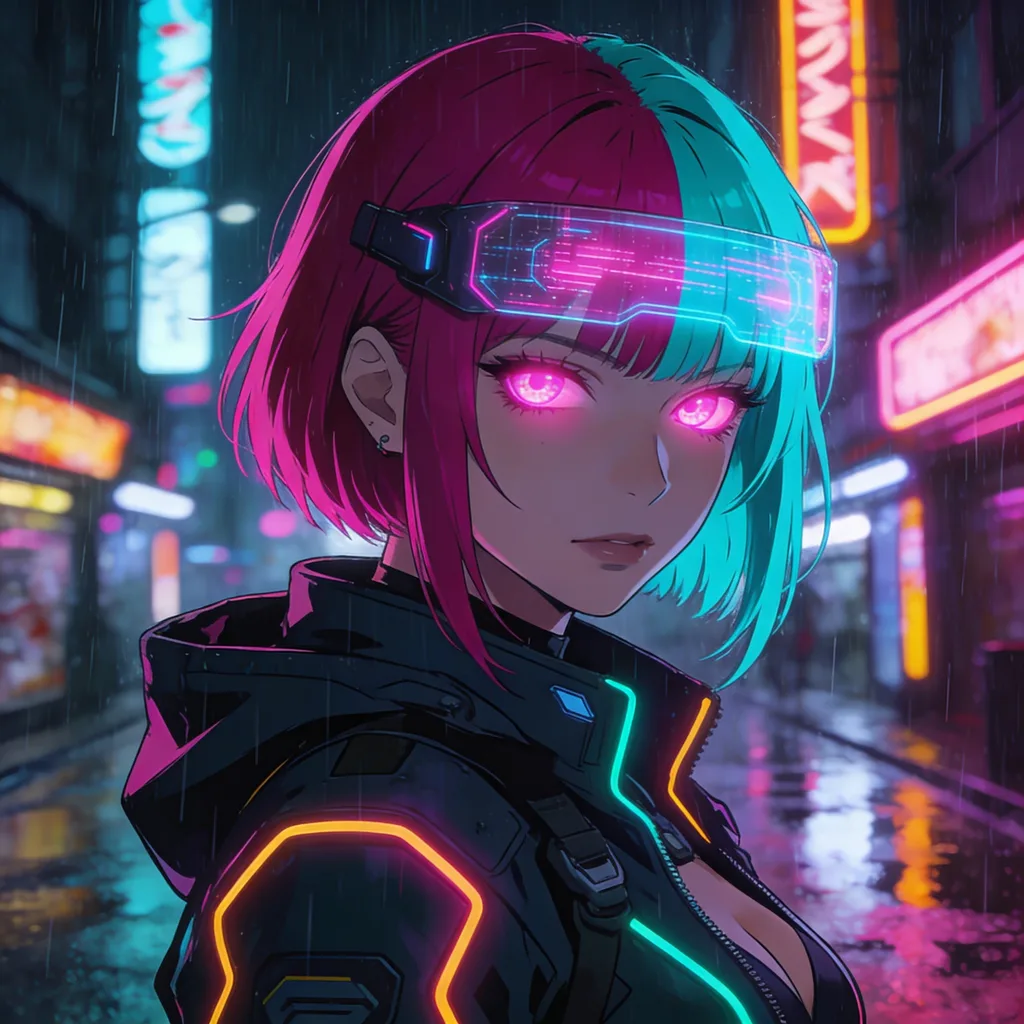
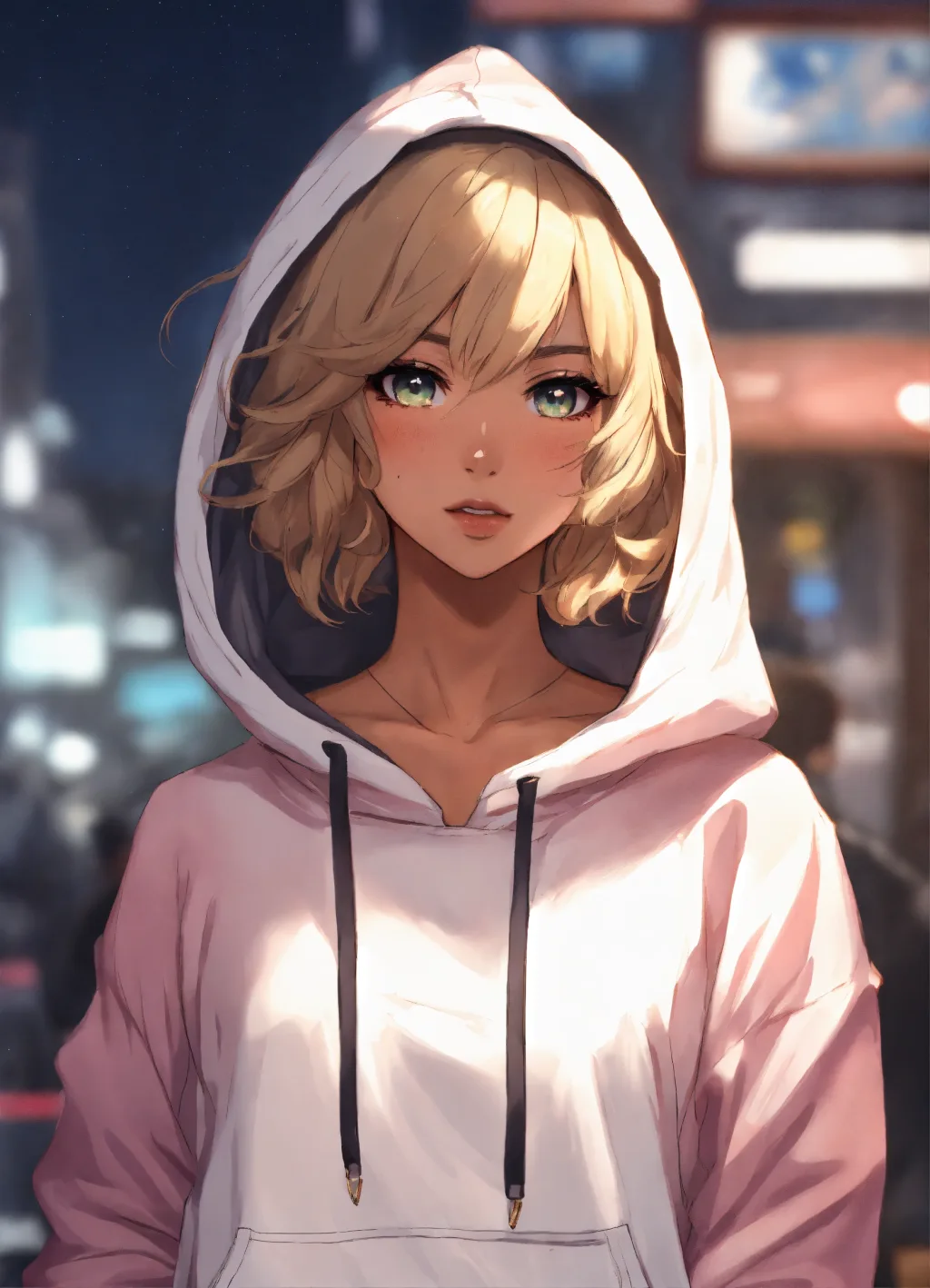
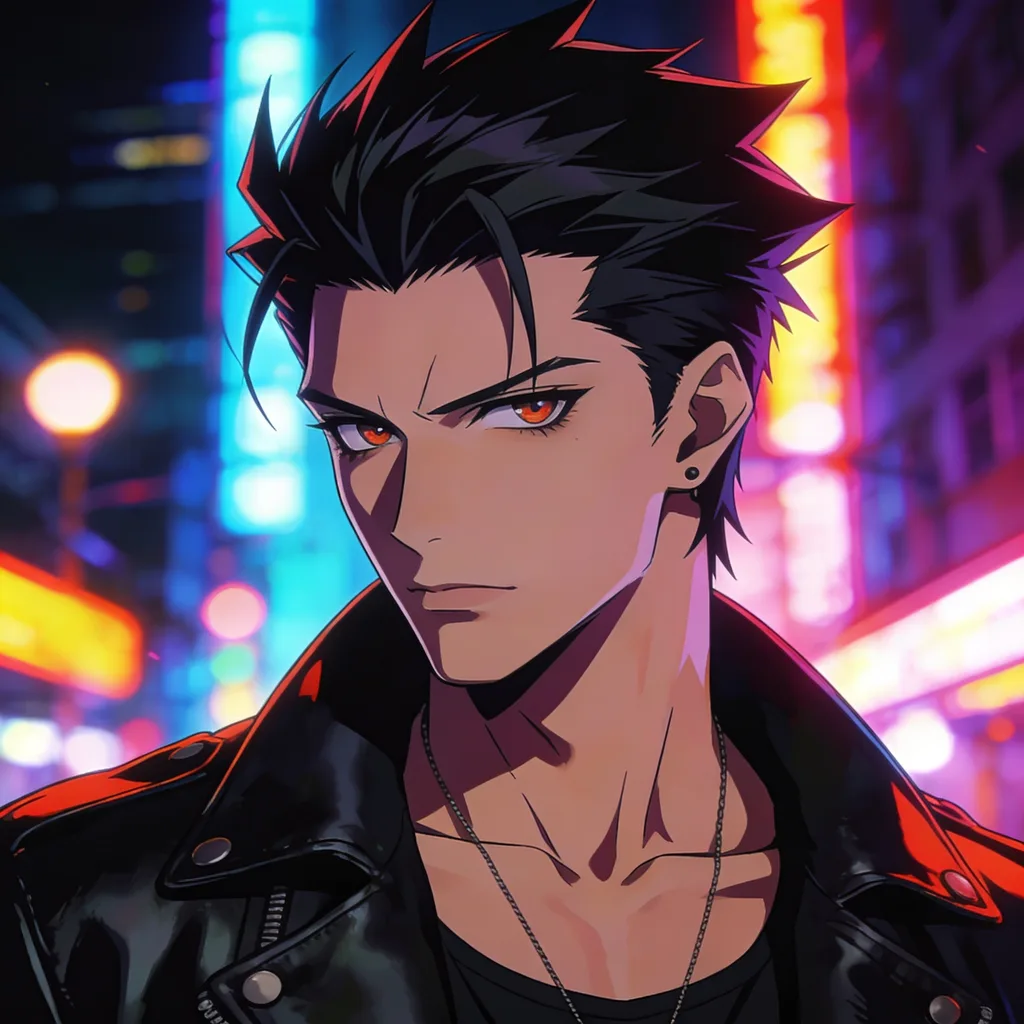
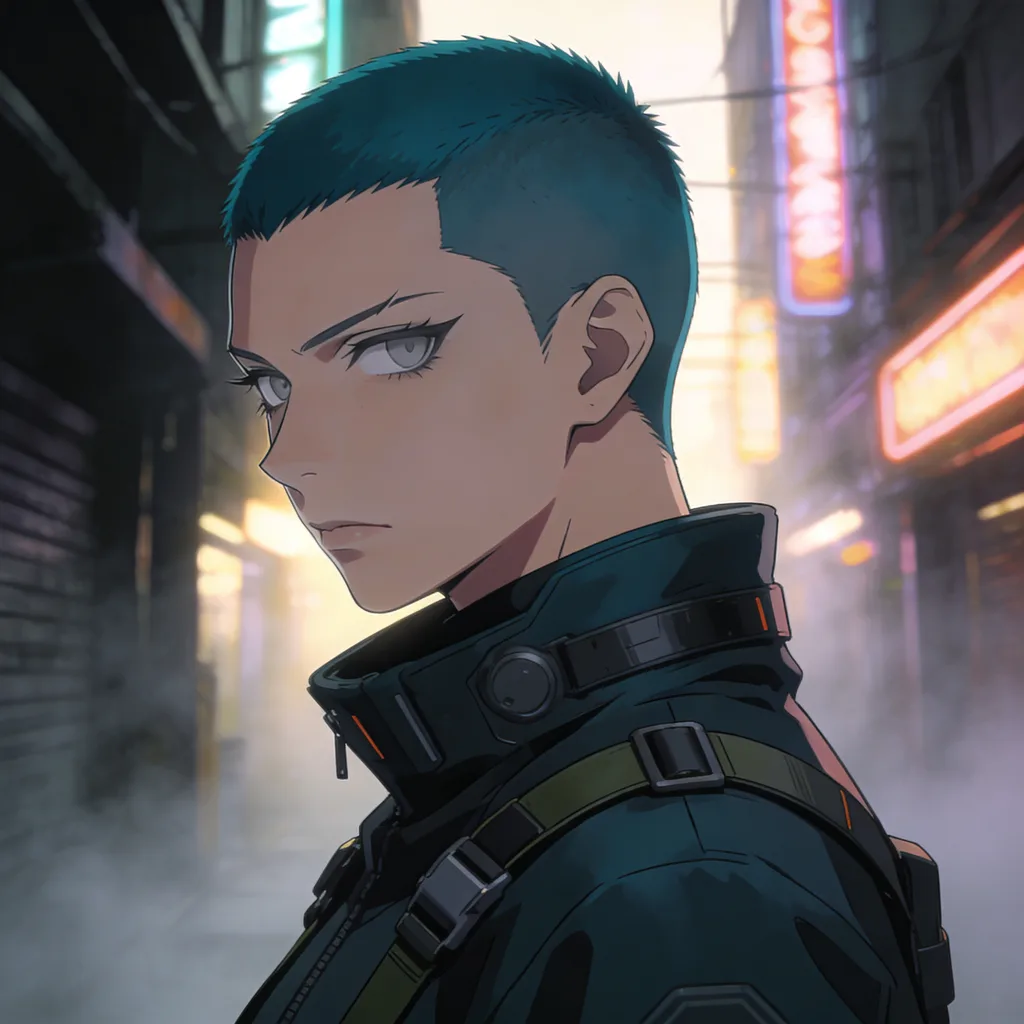
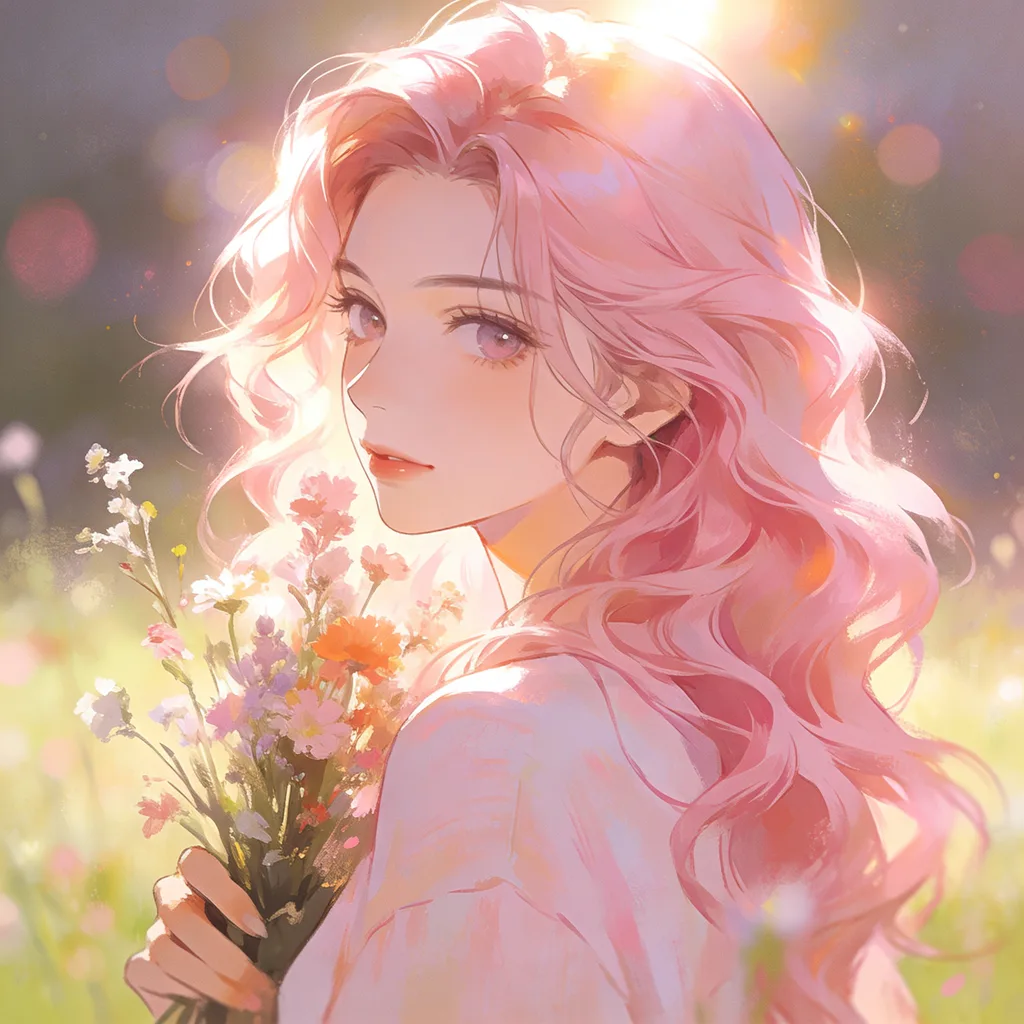
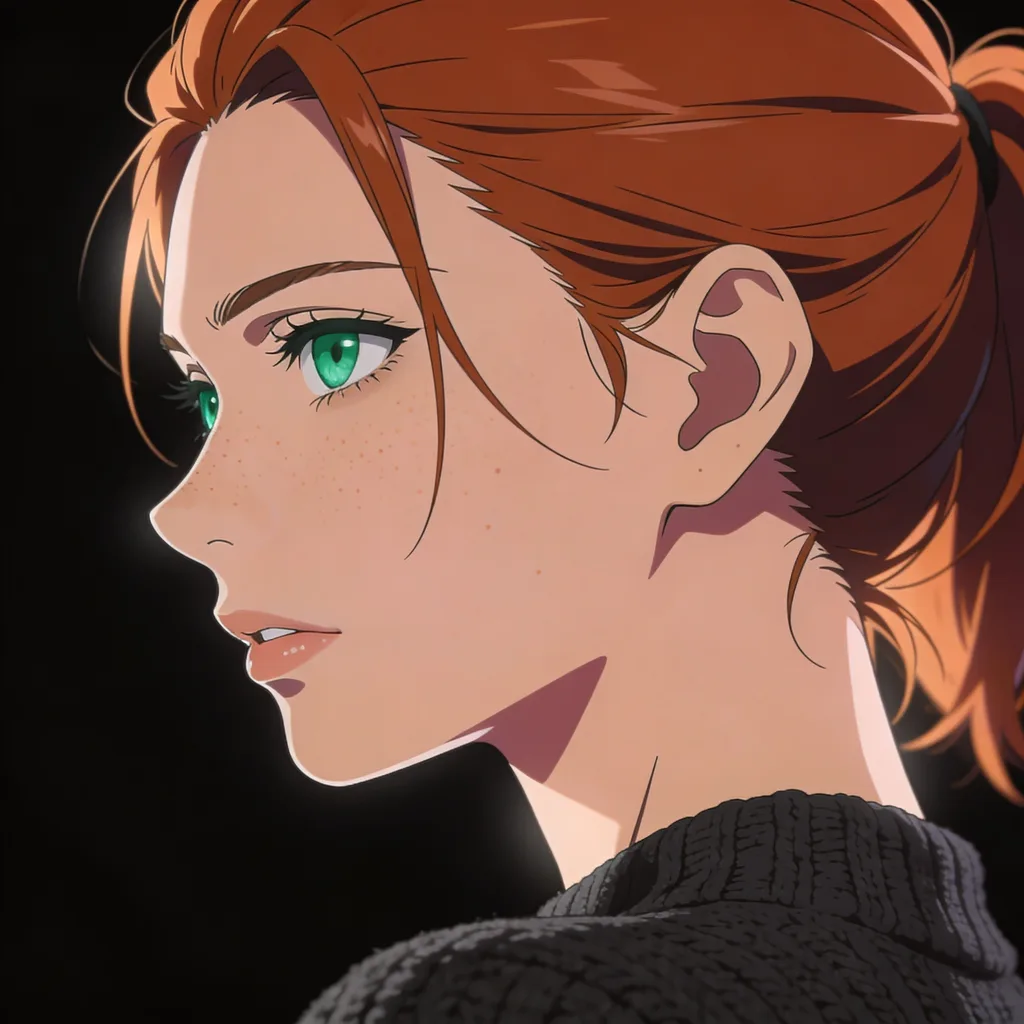
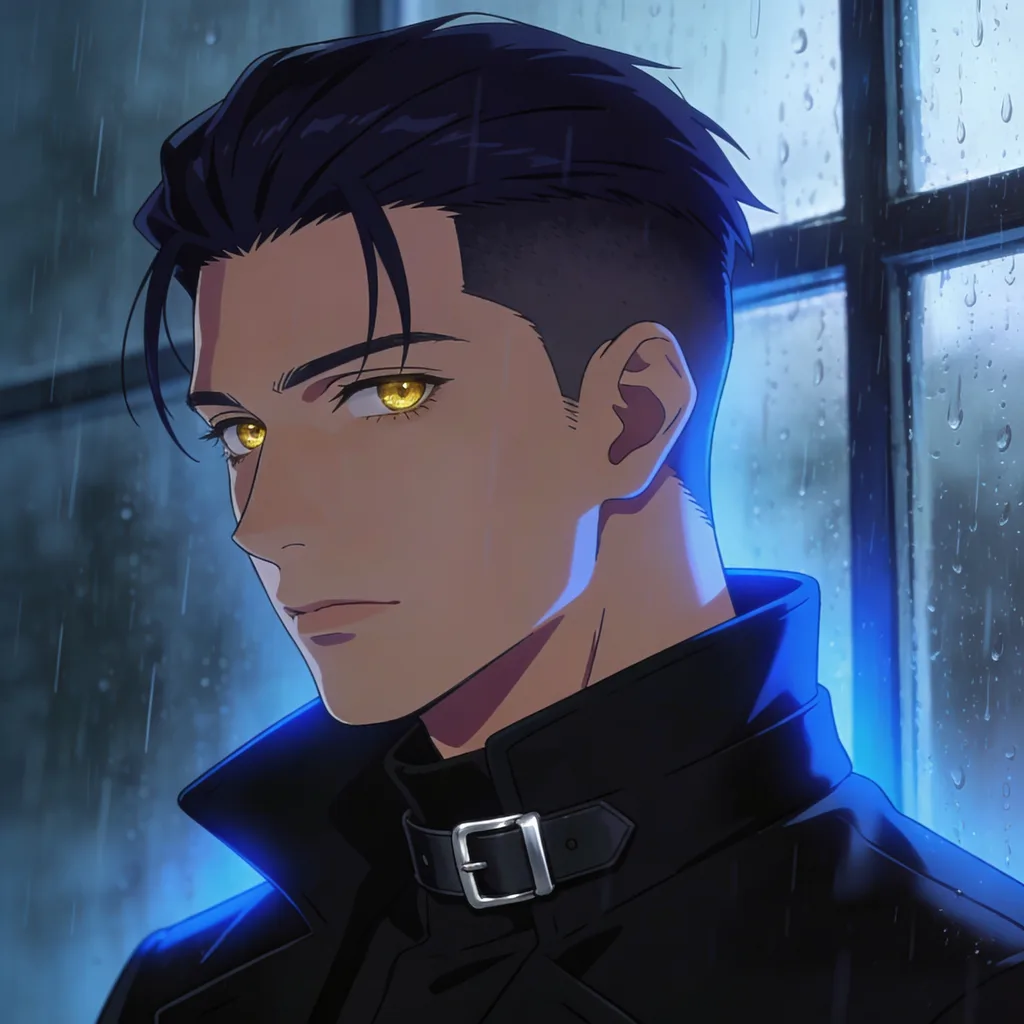
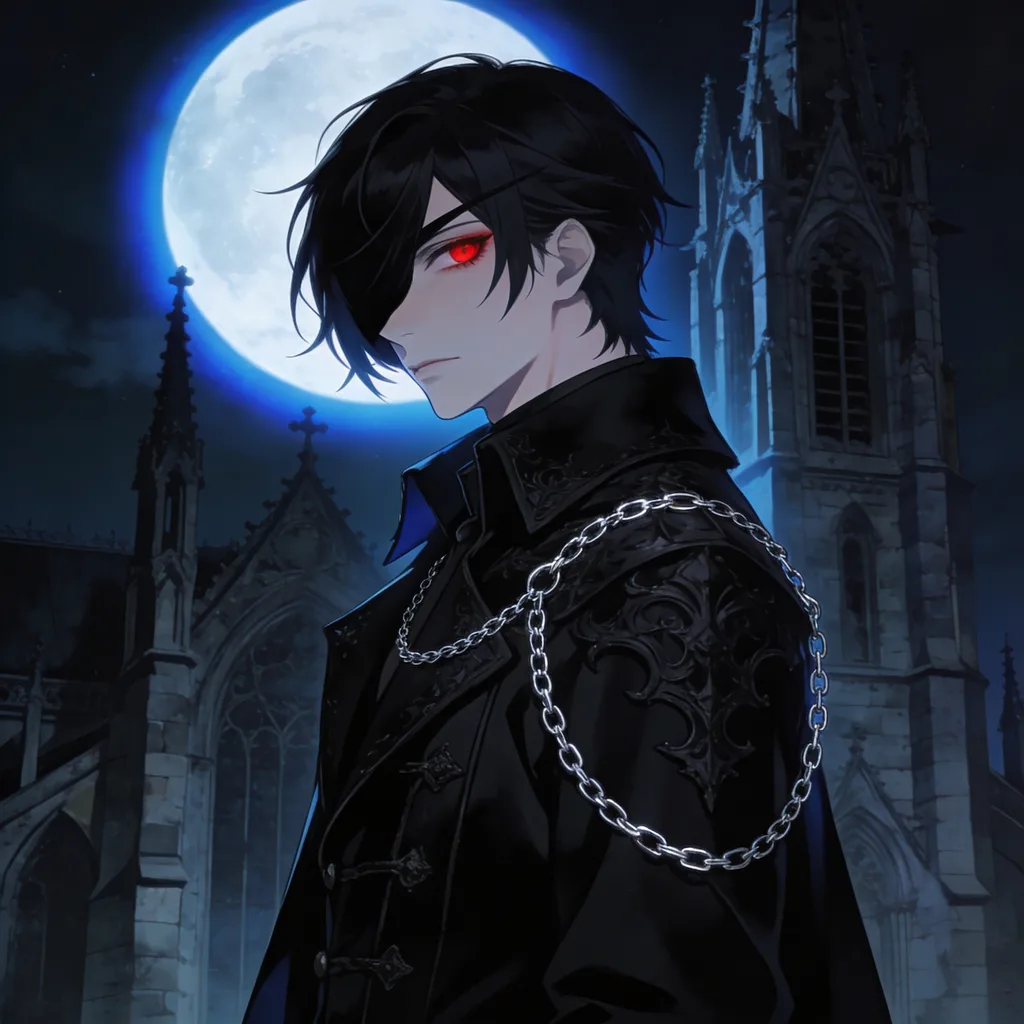
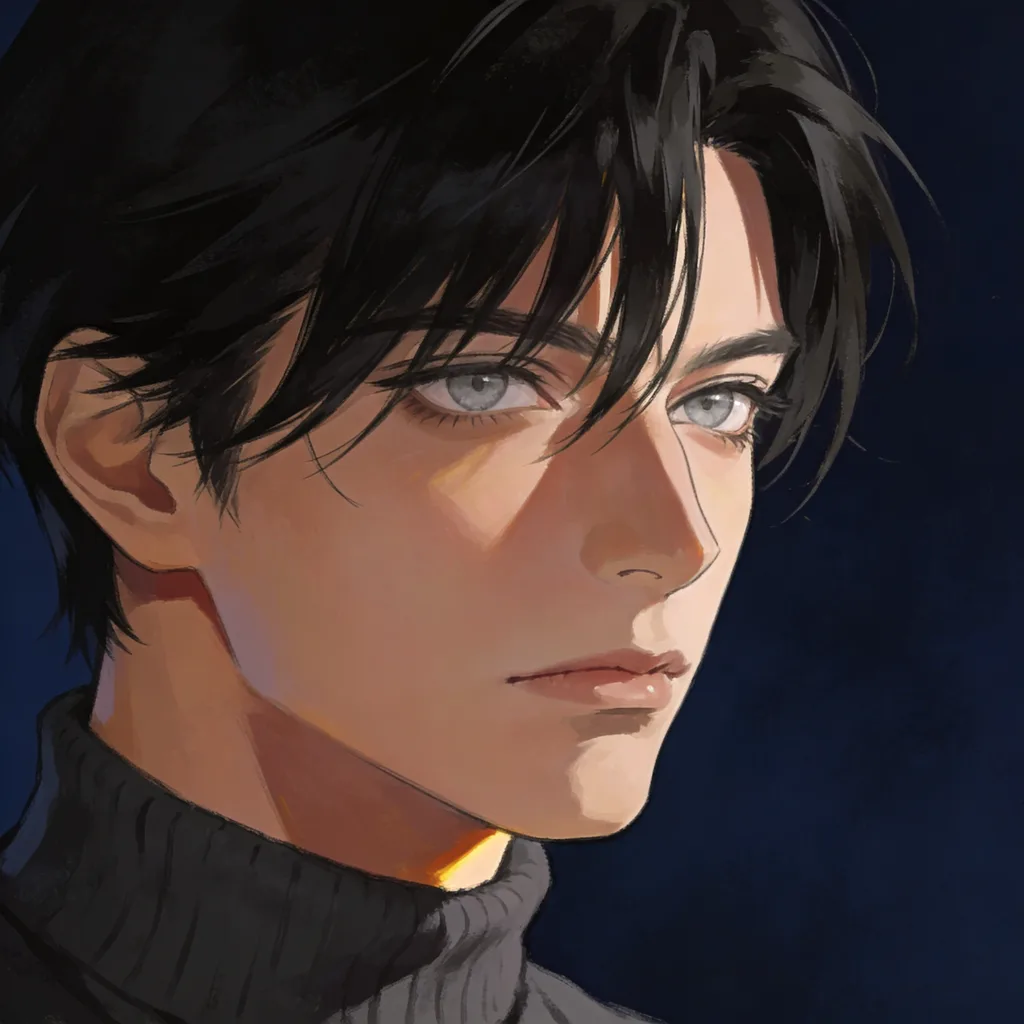
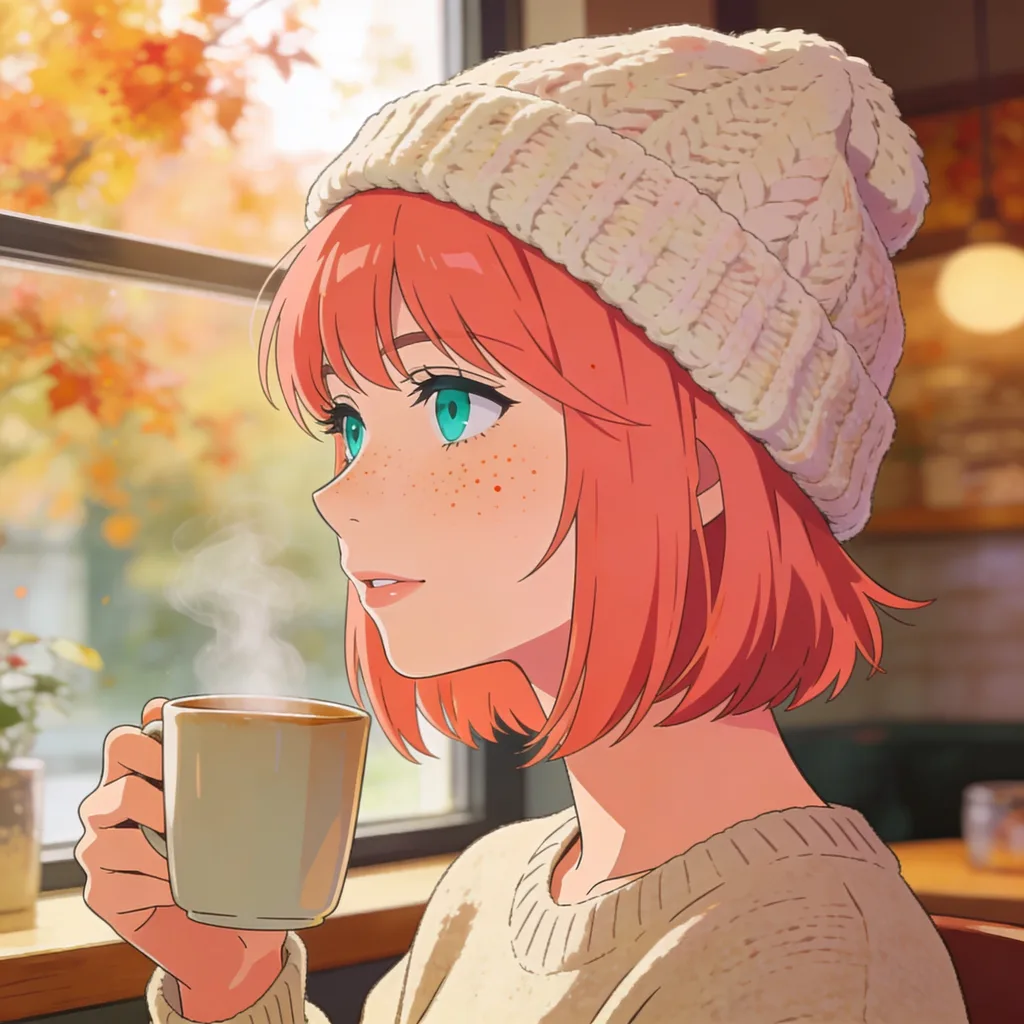
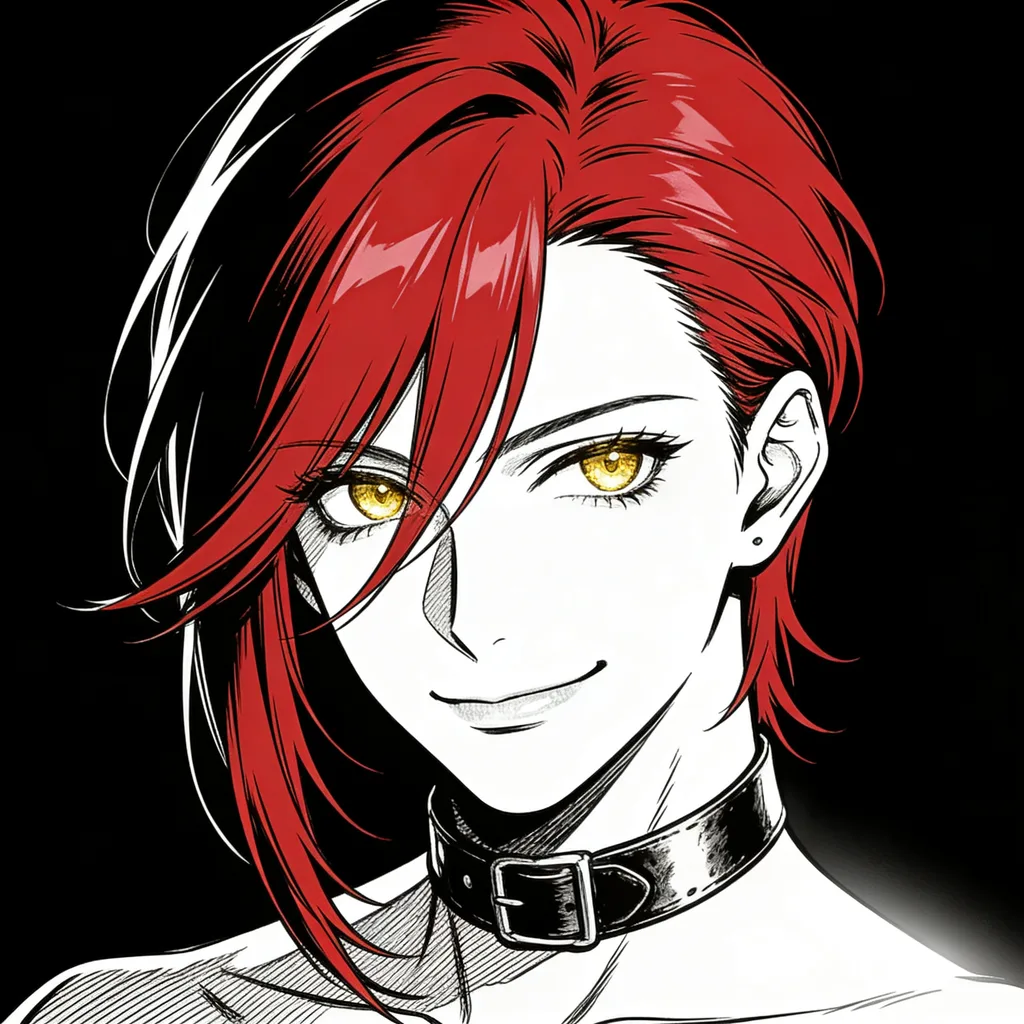
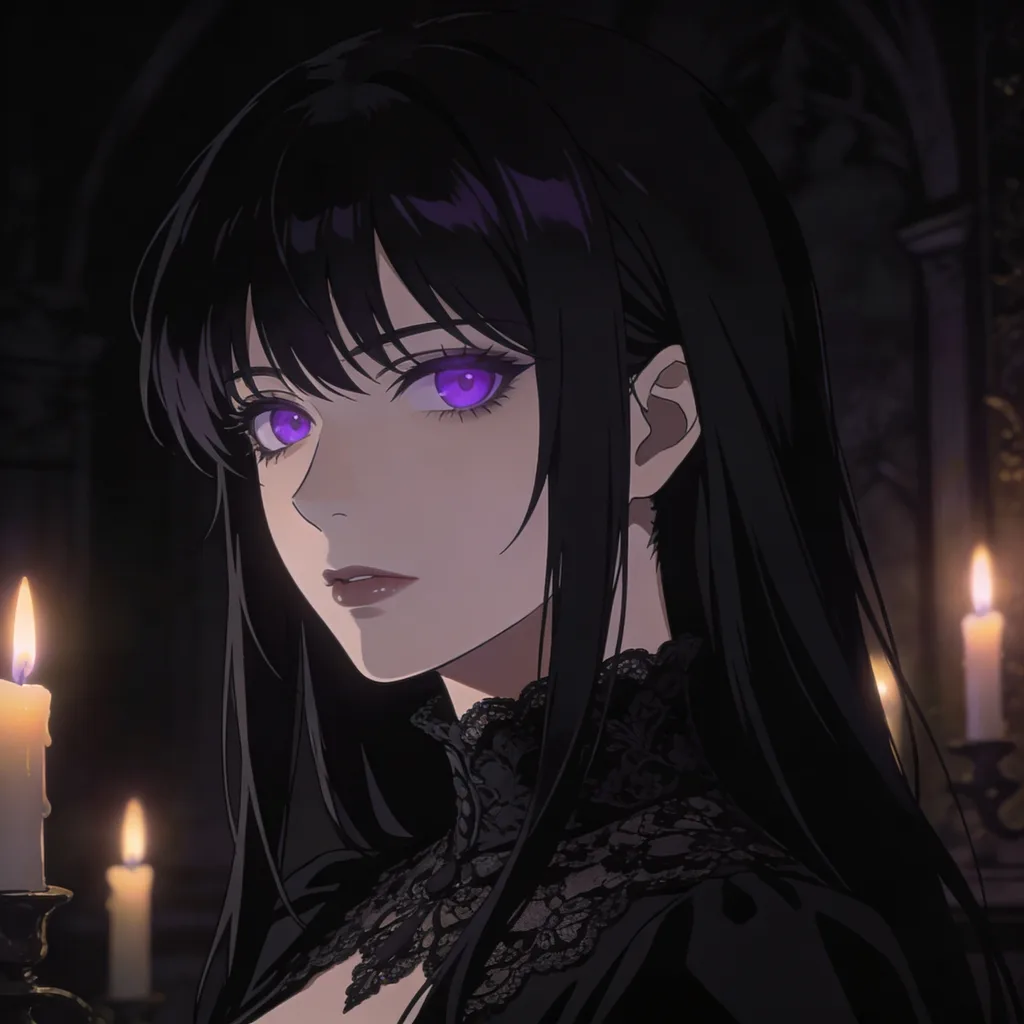
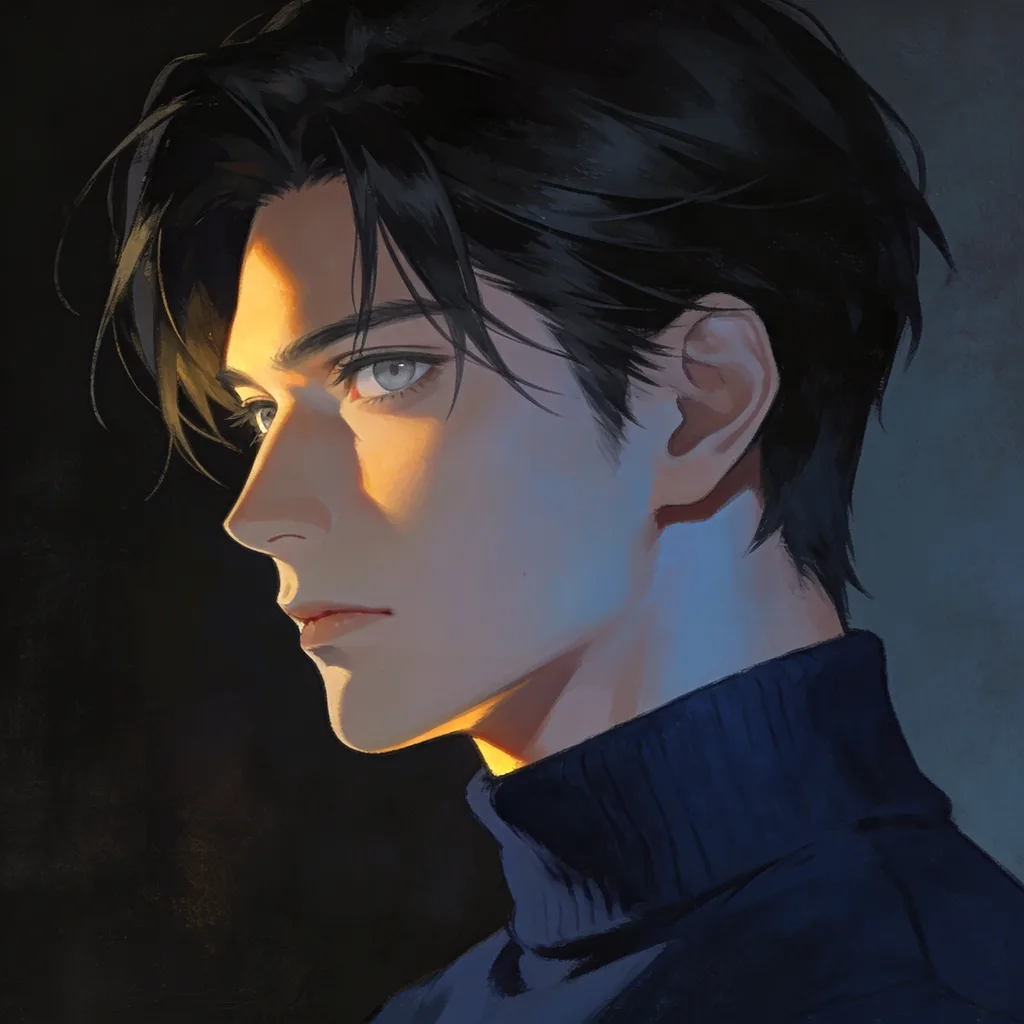
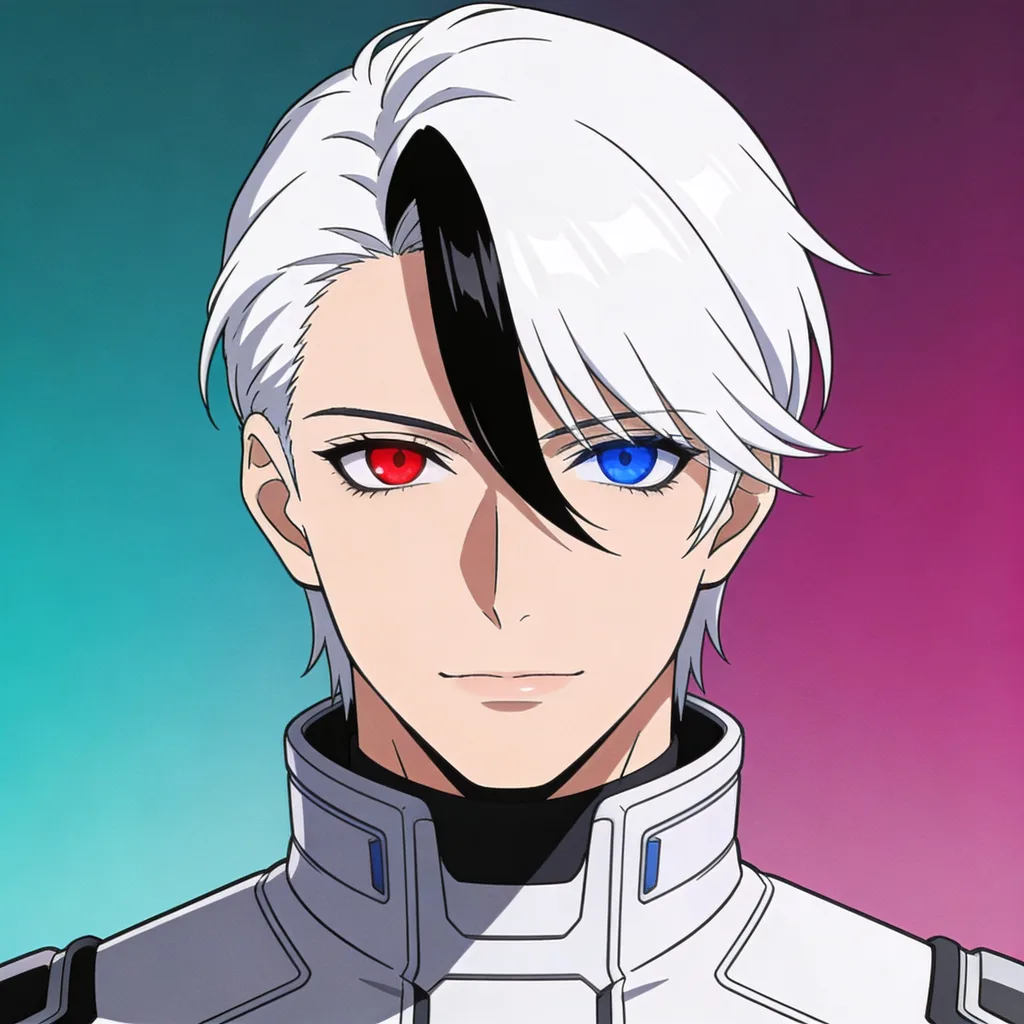
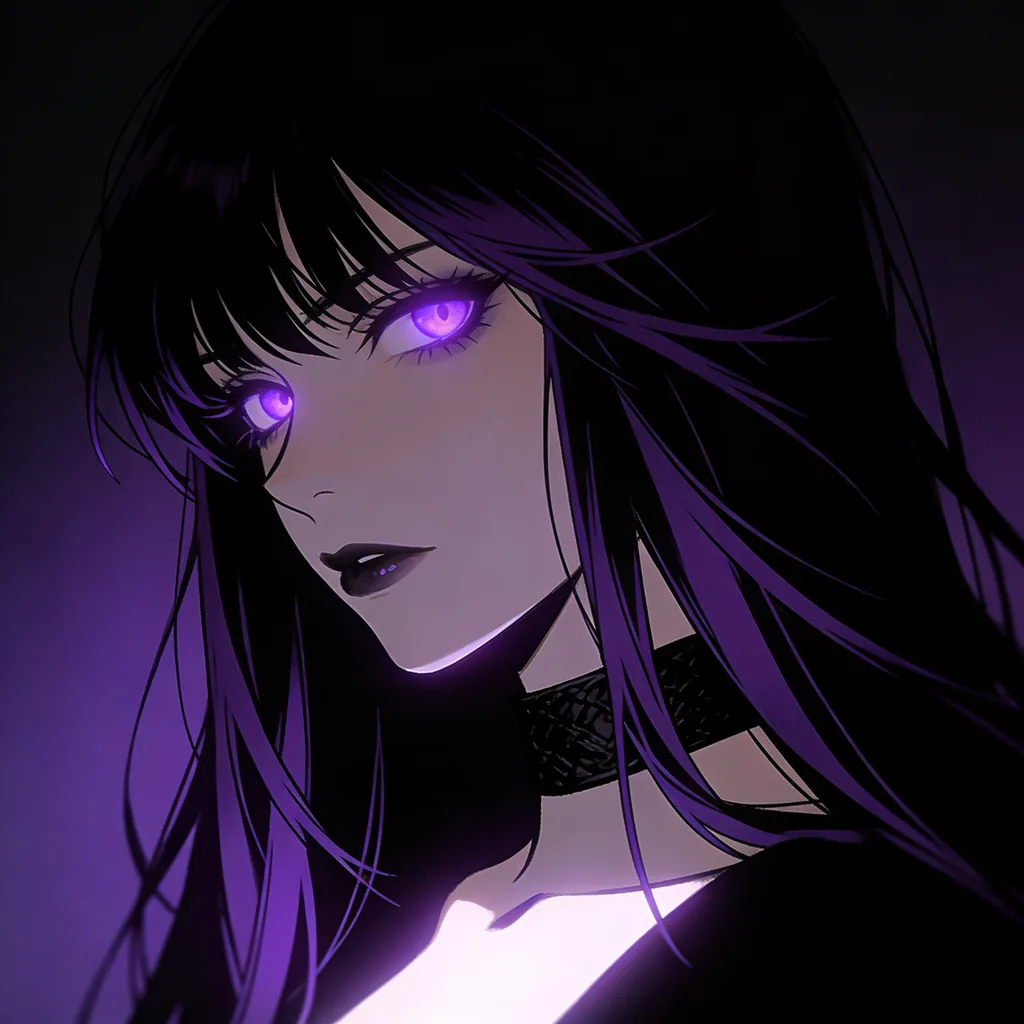
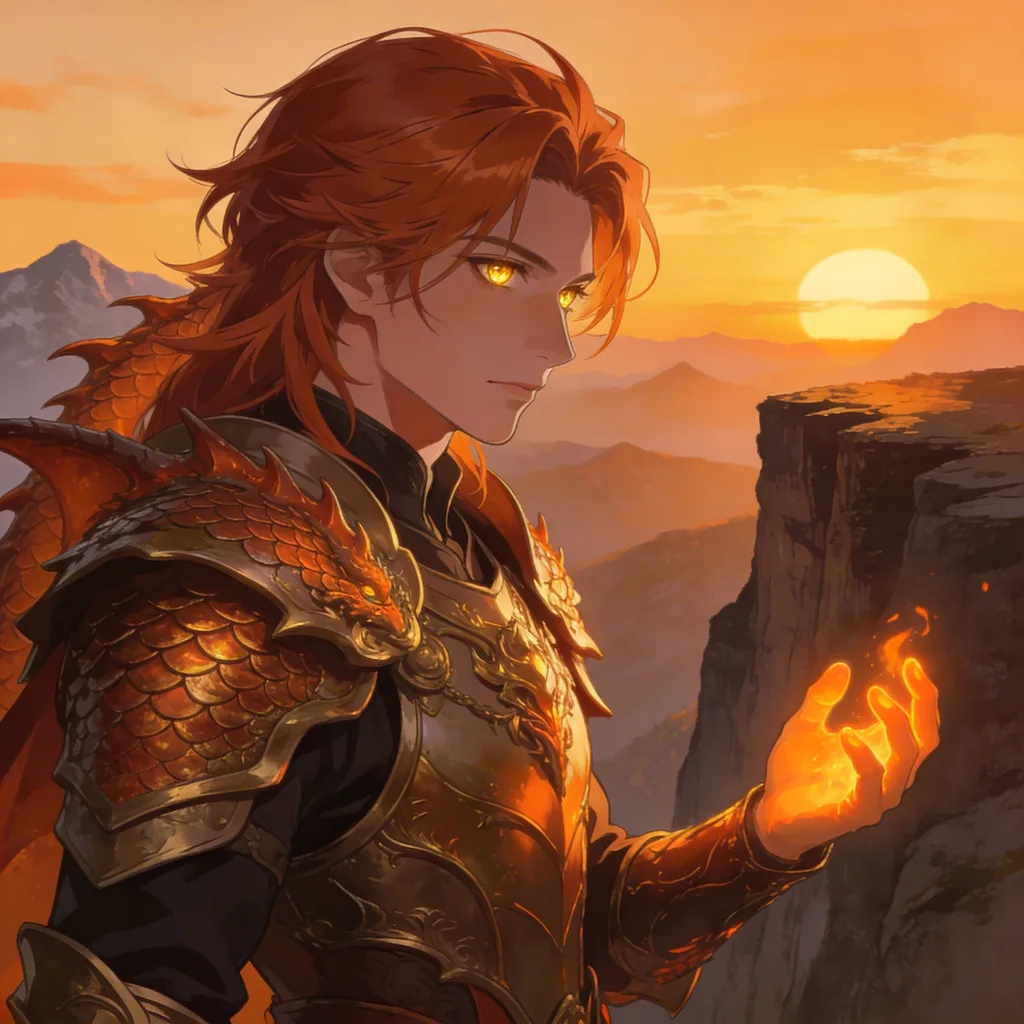
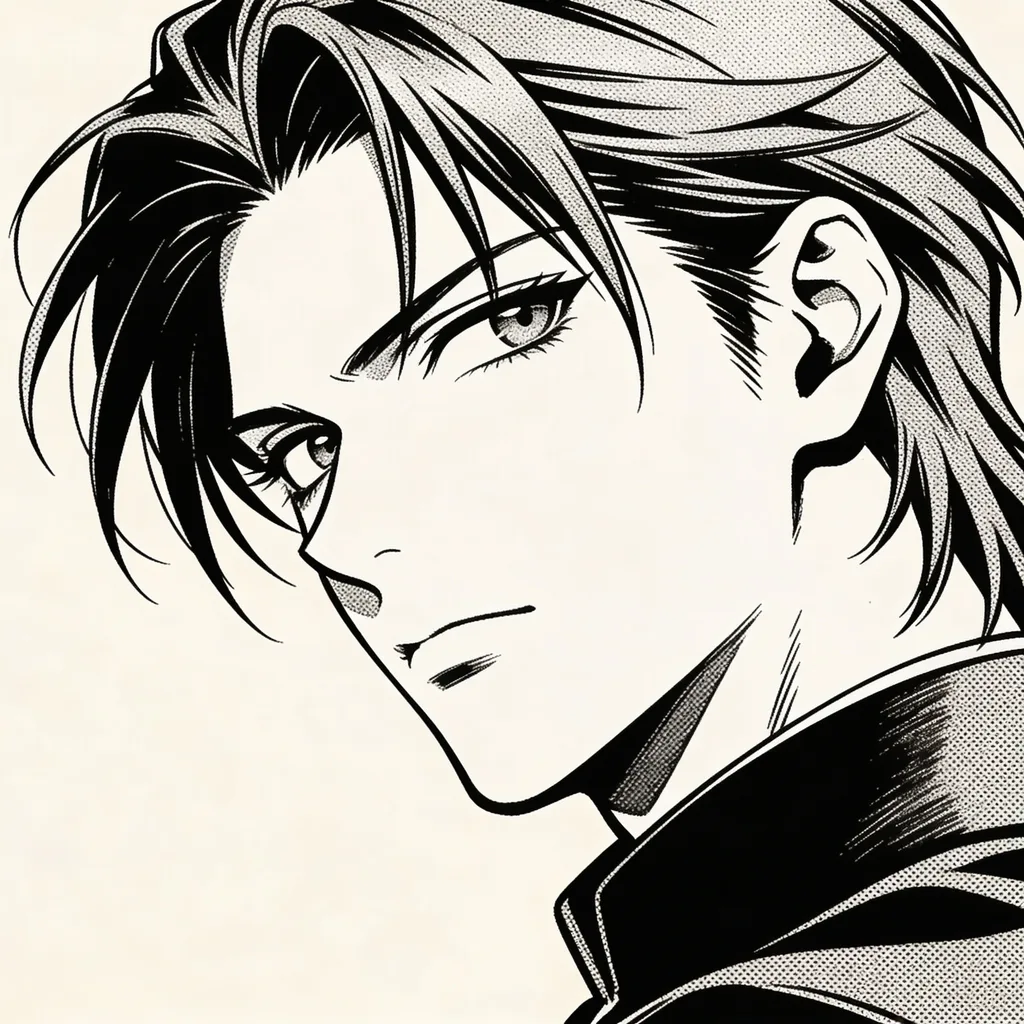
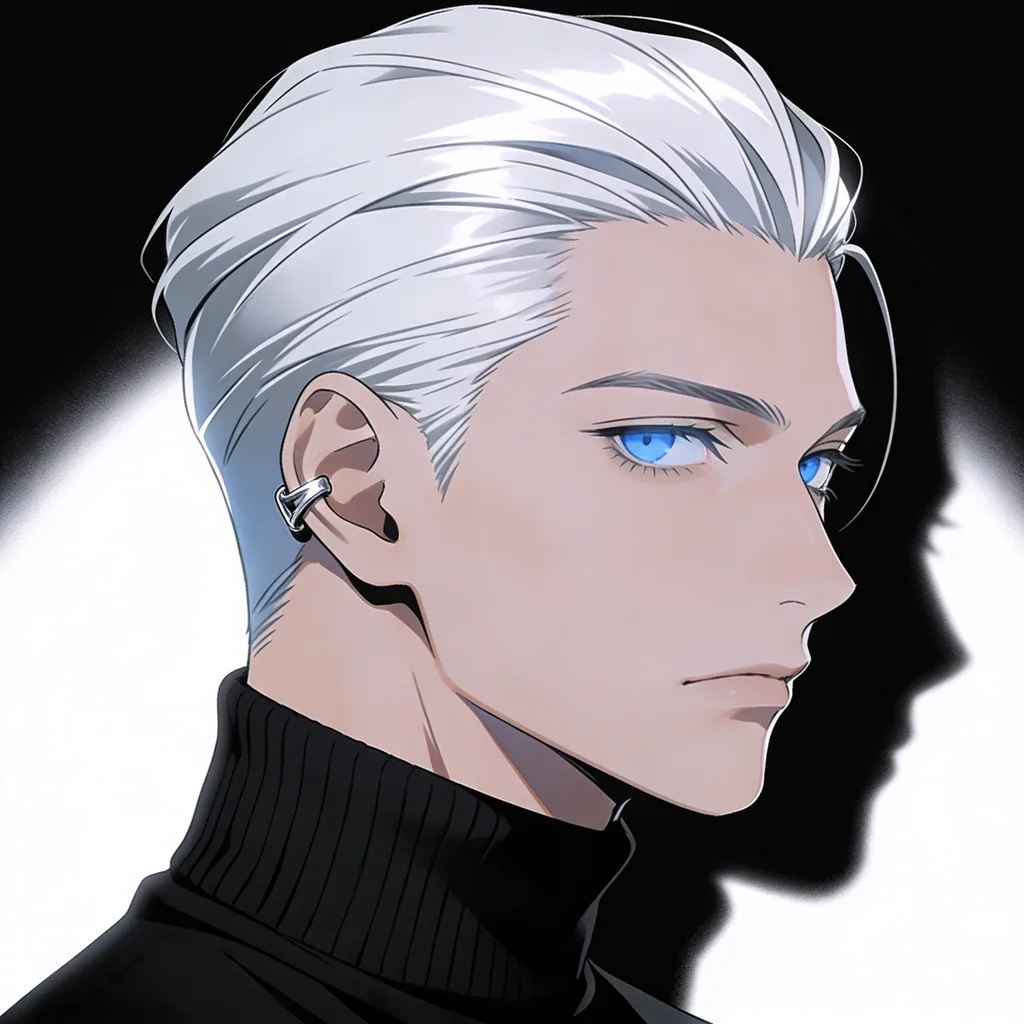
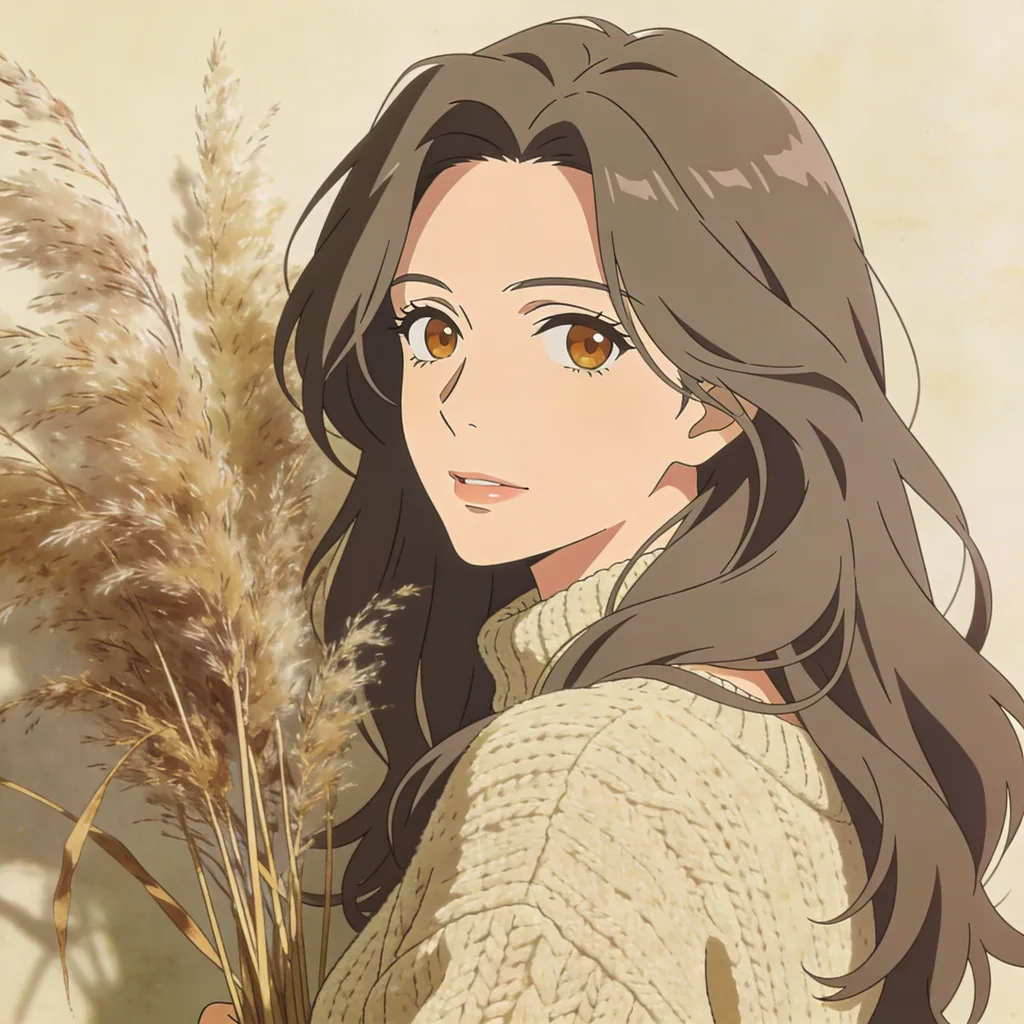
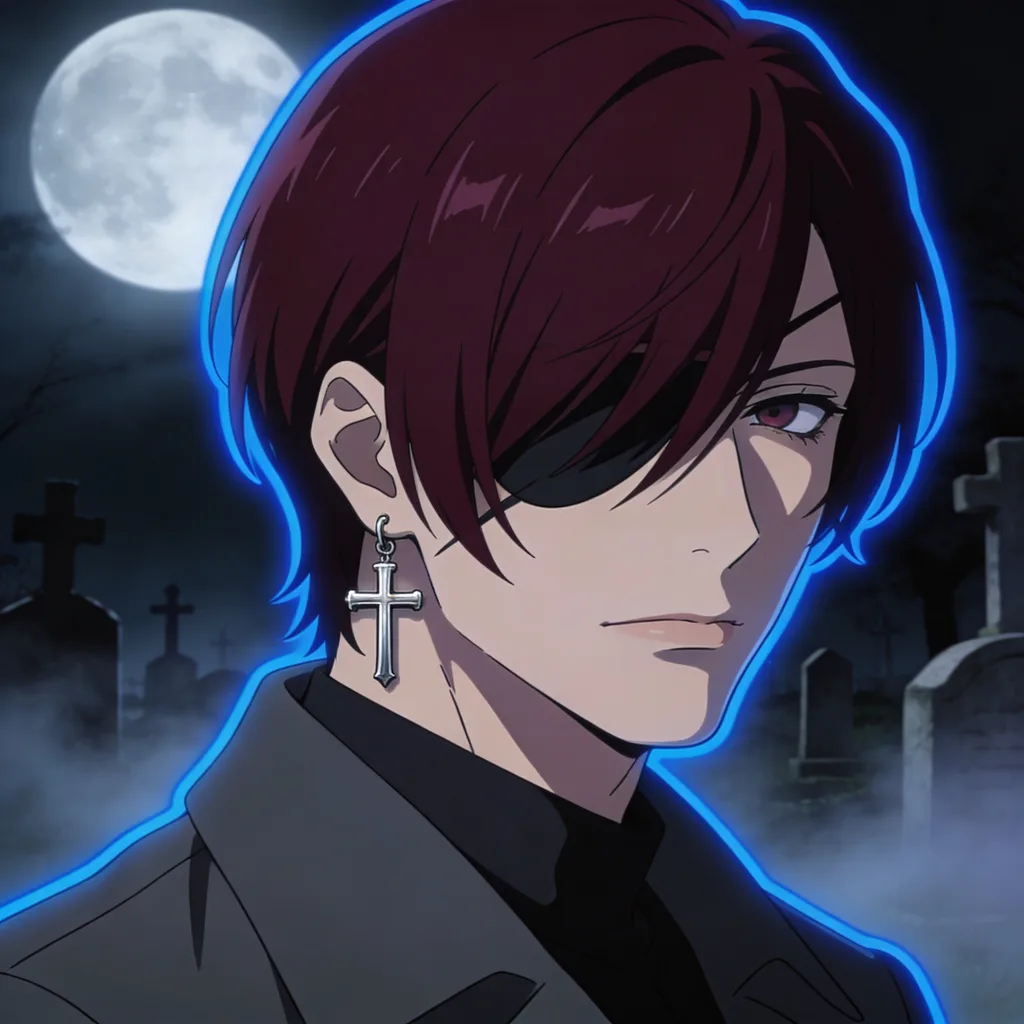
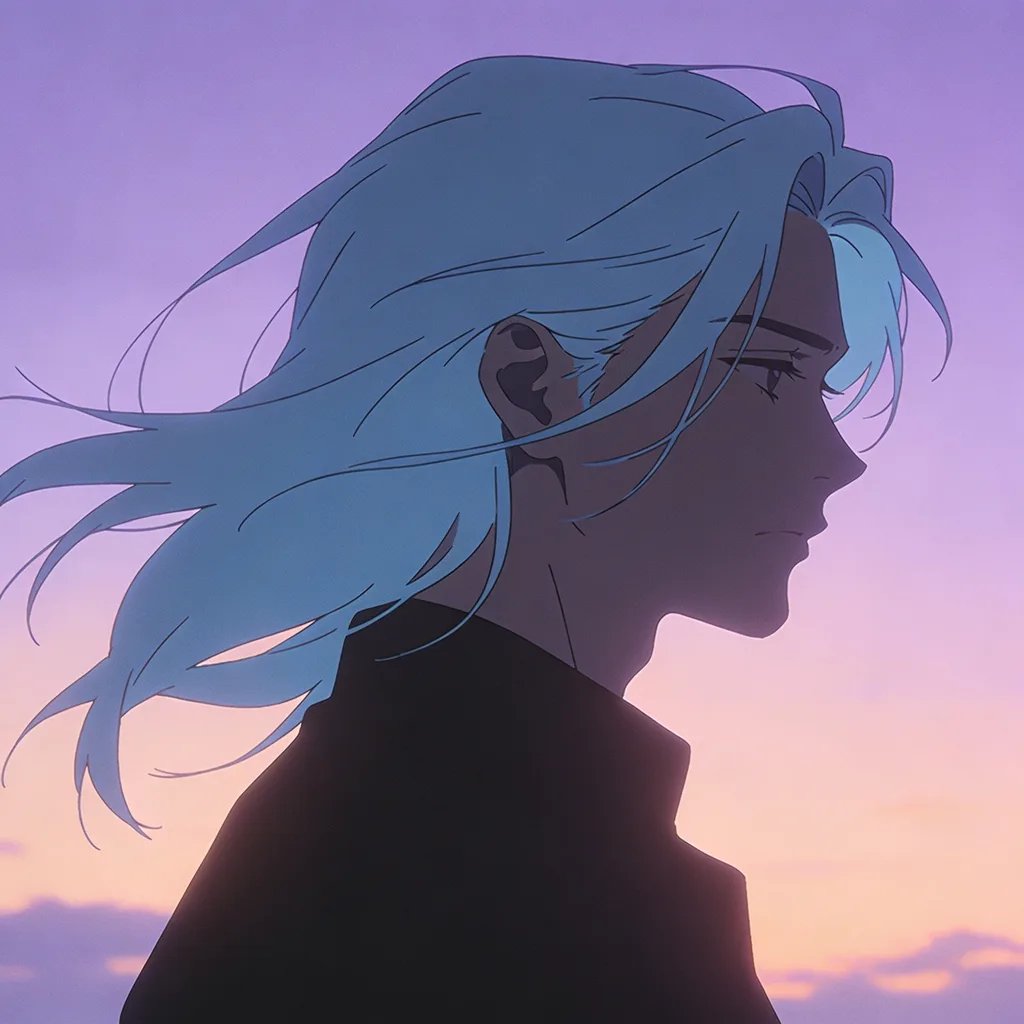
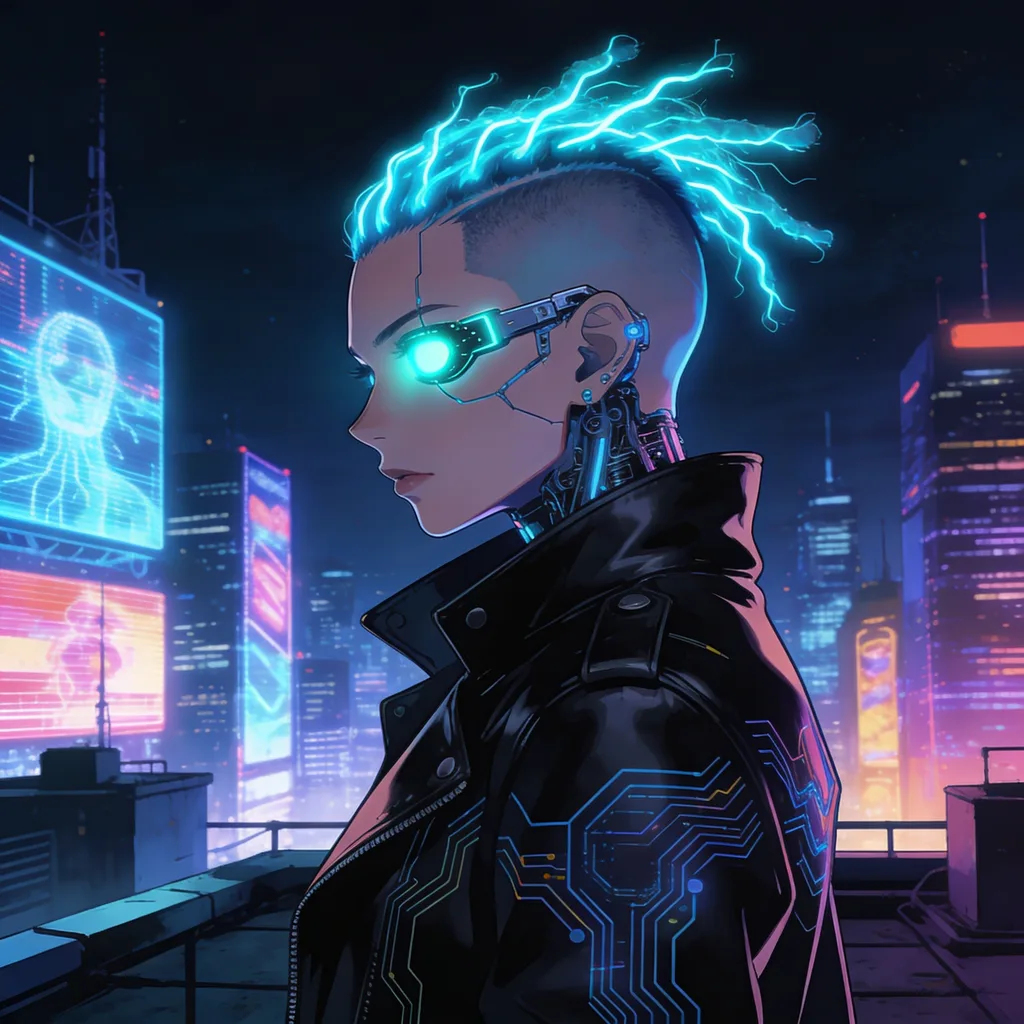
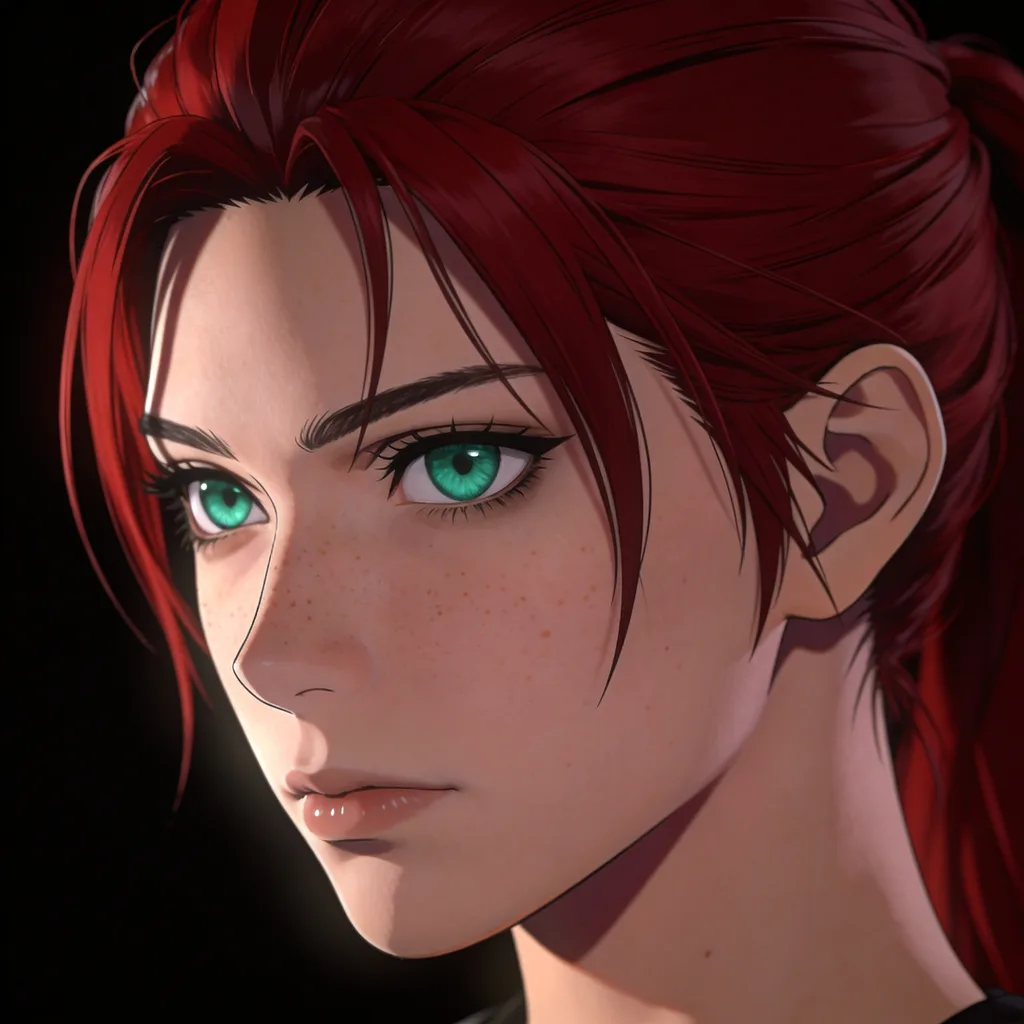
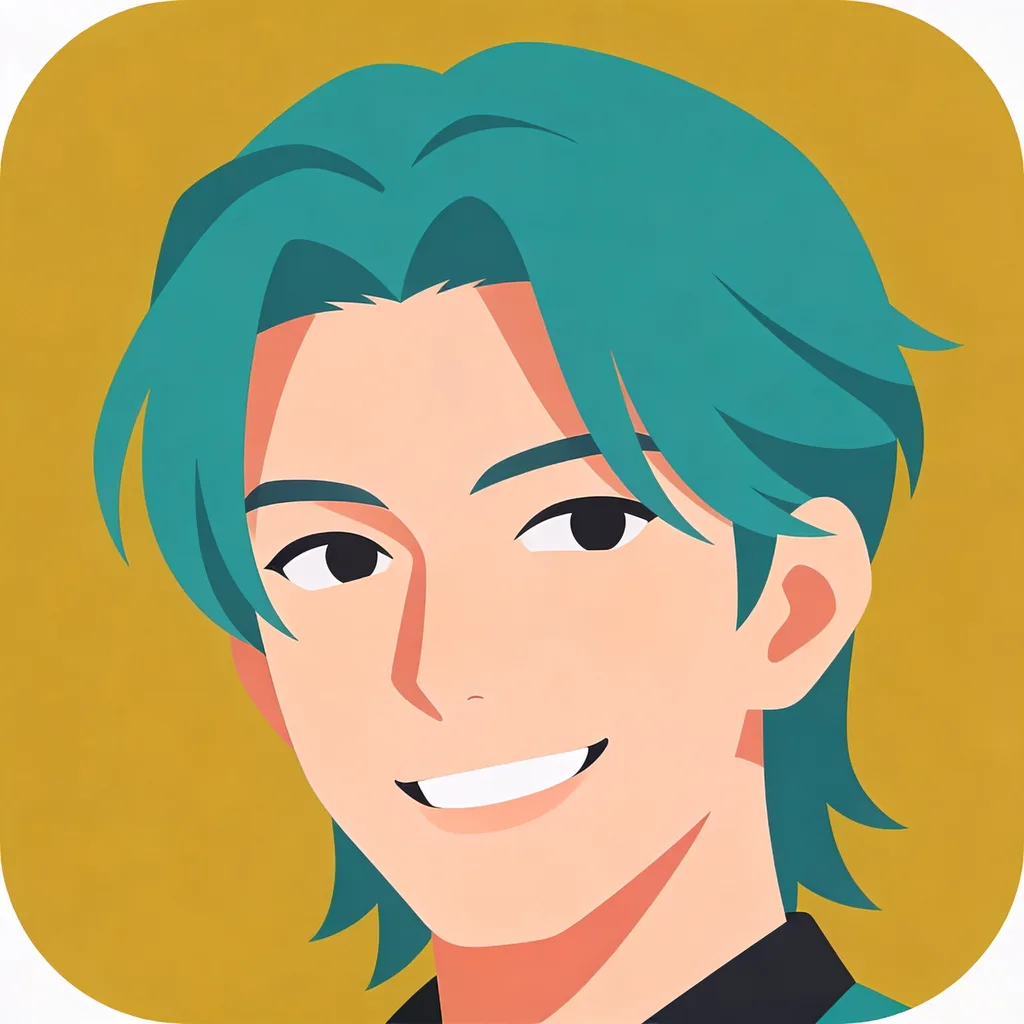
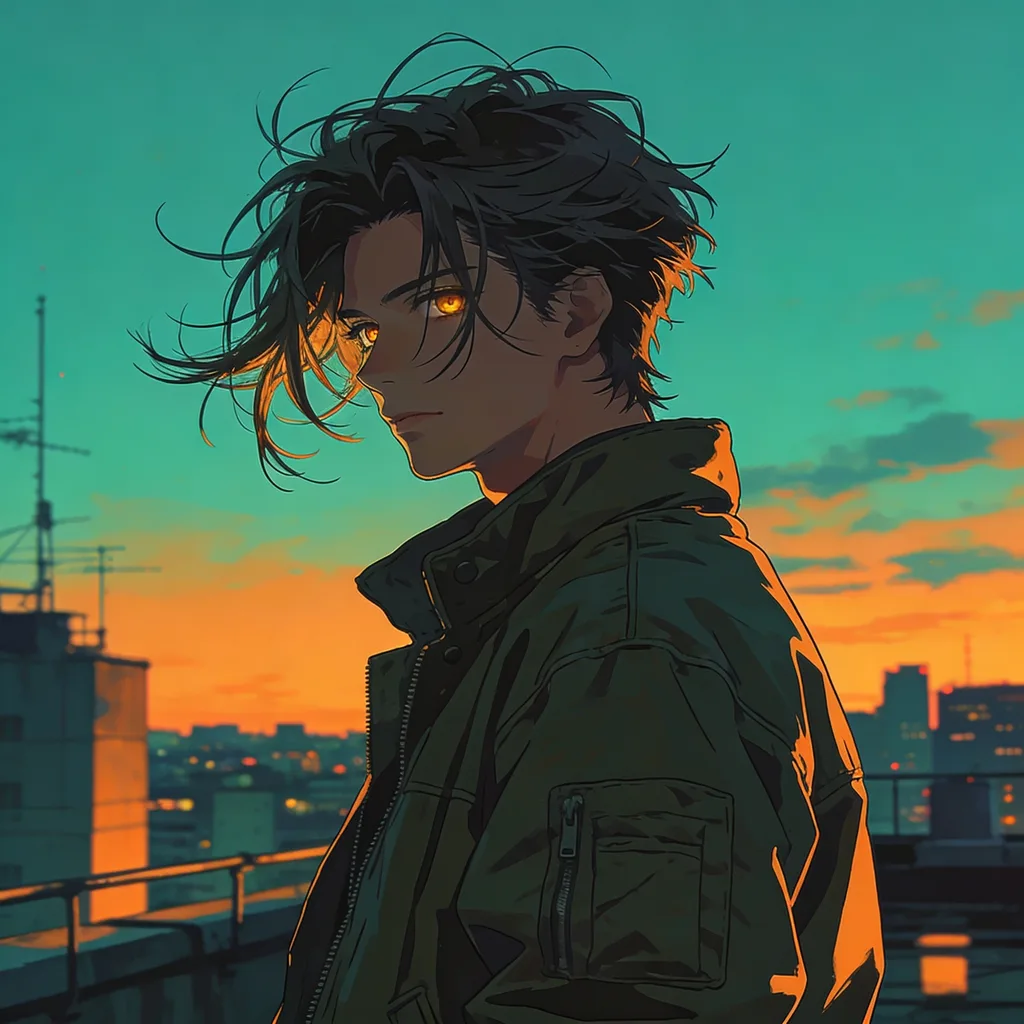
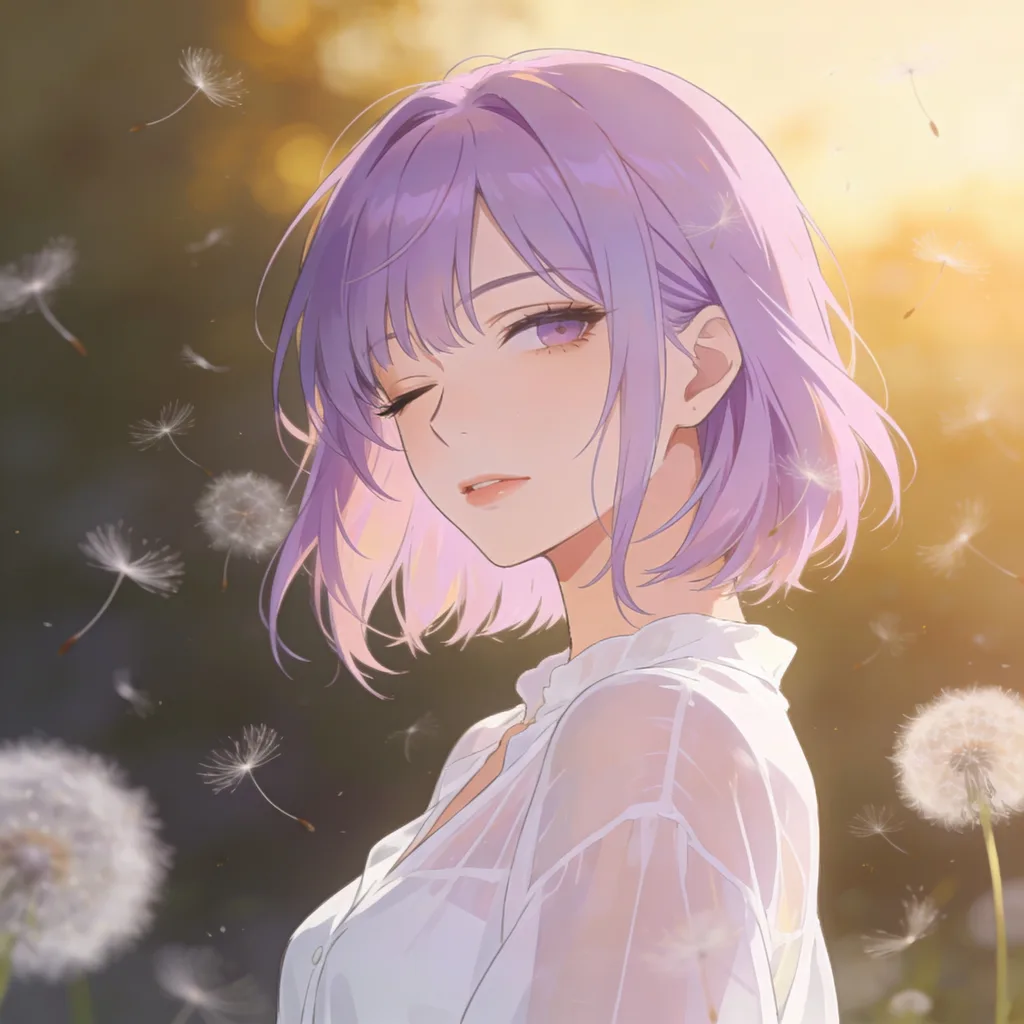
What is an AI anime generator?
An AI anime generator turns a text description into an anime-style illustration. GoCrazyAI uses an anime-native model trained on drawn art, so line work, eyes, hair and shading come out looking like anime rather than a filtered photo. Write what you imagine, pick a style, and you get finished art in seconds — then keep it private, download it, or share it with the community gallery above.
How to make anime art with AI
- 1
Describe your character
Write a sentence or a list of tags — hair, eyes, outfit, setting, mood. Every character is an adult, and the model is anime-native, so short prompts already look right.
- 2
Pick a style and size
Choose one of 10 looks (studio cel, 90s retro, watercolor, manga, webtoon, painterly, dark fantasy, cyberpunk, pastel, pixel art), an aspect ratio from 1:1 to 16:9, 1K or 1.5K, and up to 4 images.
- 3
Generate, save and share
Images arrive in seconds and land in your library. Download them, or share your favourites to the community gallery where others can like and remix them.
Anime art styles
Every style preset has its own gallery page with community examples and prompts you can remix.
- Studio Cel anime artClean line art and flat cel shading, like a frame from a TV series.
- 90s Retro anime artFilm grain and muted palettes from 1990s anime.
- Watercolor anime artSoft edges and paper texture, like a hand-painted illustration.
- Manga anime artBlack-and-white ink with screentones, straight off a manga page.
- Webtoon anime artGlossy, soft-shaded digital colour from vertical comics.
- Painterly anime artThick brushstrokes, dramatic light and detailed backgrounds.
- Dark Fantasy anime artGothic mood, deep shadows and candlelit drama.
- Cyberpunk anime artNeon lights, rainy night cities and chromatic glow.
- Pastel Dream anime artDreamy pastel colours with soft bloom.
- Pixel Art anime art16-bit pixel art with a limited palette.
What people make with it
Anime profile pictures
Square 1:1 portraits for Discord, X, TikTok and Twitch. For a dedicated PFP workflow — including turning your own photo into anime — use the Anime PFP Generator.
Phone and desktop wallpapers
Use 9:16 for lock screens and 16:9 for desktops at 1.5K. Browse the wallpaper tag for landscapes and skies that work behind icons.
Original characters (OCs)
Design a cast for a story, a game or a VTuber persona. Keep a prompt that works, reuse it with a fixed style, then bring the character to life with the AI Dance Generator.
Genre and fan-style art
Shonen action, isekai adventure, mecha, dark fantasy — capture the feel of the genres you love with your own original characters. Explore every tag for ideas.
AI anime generator FAQ
What is the AI Anime Generator?
It is a text-to-image tool built for anime art. You describe a character or scene, pick a style, and an anime-native model draws it in seconds with clean line art and anime shading. It sits on top of a community gallery where people share, like and remix each other’s work.
How much does it cost?
Each image costs 1 credit, and you can make up to 4 per run. The generator is part of GoCrazyAI’s paid plans — a subscription or a credit balance unlocks it. See pricing for plans. If an image fails generation or the safety check, its credit is refunded automatically.
Which anime styles can I use?
Ten presets: Studio Cel, 90s Retro, Watercolor, Manga, Webtoon, Painterly, Dark Fantasy, Cyberpunk, Pastel Dream and Pixel Art — or No style to steer everything from your prompt. Each style has its own gallery page, for example Cyberpunk and Manga.
Should I write sentences or tags?
Both work. The model understands plain English (“a knight with red hair on a burning battlefield”) and comma-separated tags (“adult, red hair, knight, armor, battlefield, sunset”). Tags give tighter control over details like hair and eye colour.
Are characters required to be adults?
Yes. Every character on GoCrazyAI must be an adult. Prompts that describe or imply minors are blocked before any credit is spent, every generated image is checked automatically, and gallery posts are reviewed again before they go public. Anything that slips through can be reported and is hidden immediately.
Can I share my anime art?
Yes. Press Share on any image you generated to post it to the community gallery under your username (never your email). You choose whether your prompt is shown. Shared art can be liked, remixed and ranked on the daily, weekly and monthly rankings. Please keep the “AI-generated” label when you post it elsewhere.
Who can see my images?
Only you, until you share one. Generated images stay private in your library by default. Shared posts are public and show your username, the title and — if you allow it — your prompt. You can remove your own posts from the gallery at any time from your creator page.
Can I make art of real people or existing anime characters?
No. Prompts naming real people are blocked, and the gallery is for original characters — not copyrighted characters from existing series. Describe the look and genre you like instead, and make the character your own.
What does Remix do?
Remix opens the generator with another post’s prompt and settings (style, aspect ratio and resolution) already filled in, so you can make your own variation. The original post gets credit for the remix.
Can I animate my anime character?
Yes — save your image and upload it to the AI Dance Generator to turn it into a dance video in 13 styles.
Last updated: