From photo to ready-to-post dance video in three steps.
1
Hip Hop
K-Pop
Belly Dance
AI-generated
Pick a dance
Choose one of 13 styles from the wall, from hip hop to ballet, or upload your own 3 to 10 second dance clip.
2
AI-generated
Upload your photo
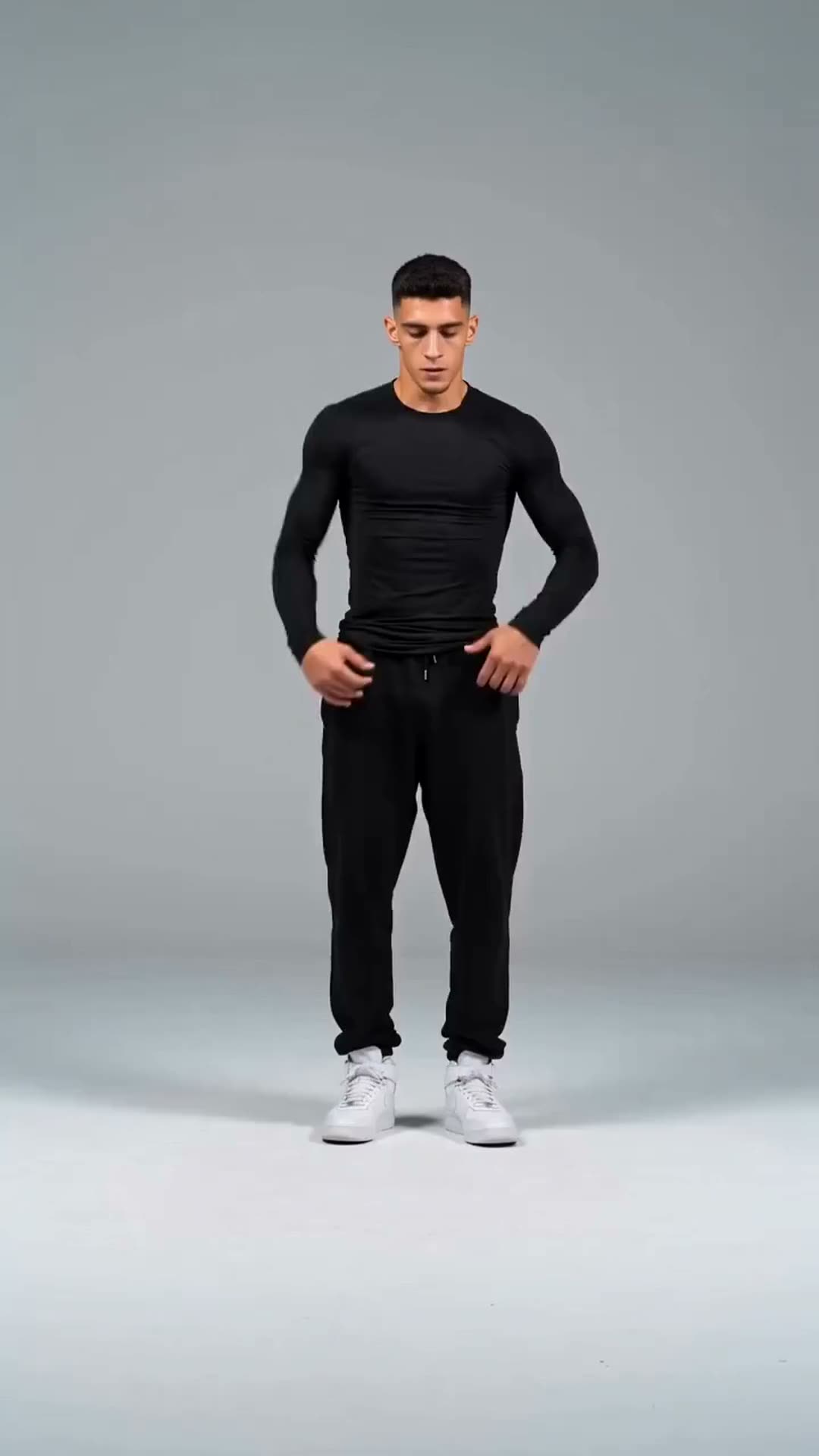
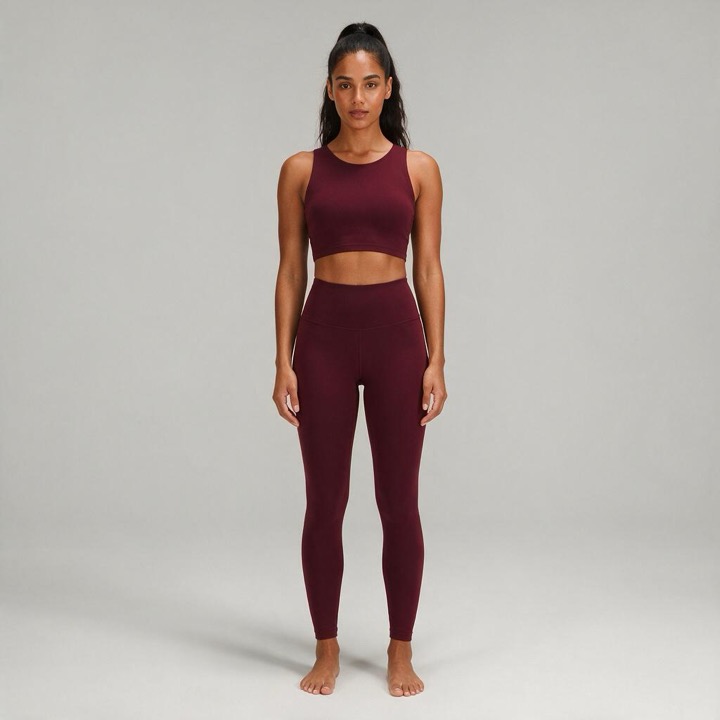
A clear photo of one adult, ideally standing with the arms visible. Only have a selfie? Tick the full-body option.
3AI-generated
Get your dance video
In one to three minutes you get a vertical MP4 with the music included, ready to download and post.
See the AI Dance Video Generator in action
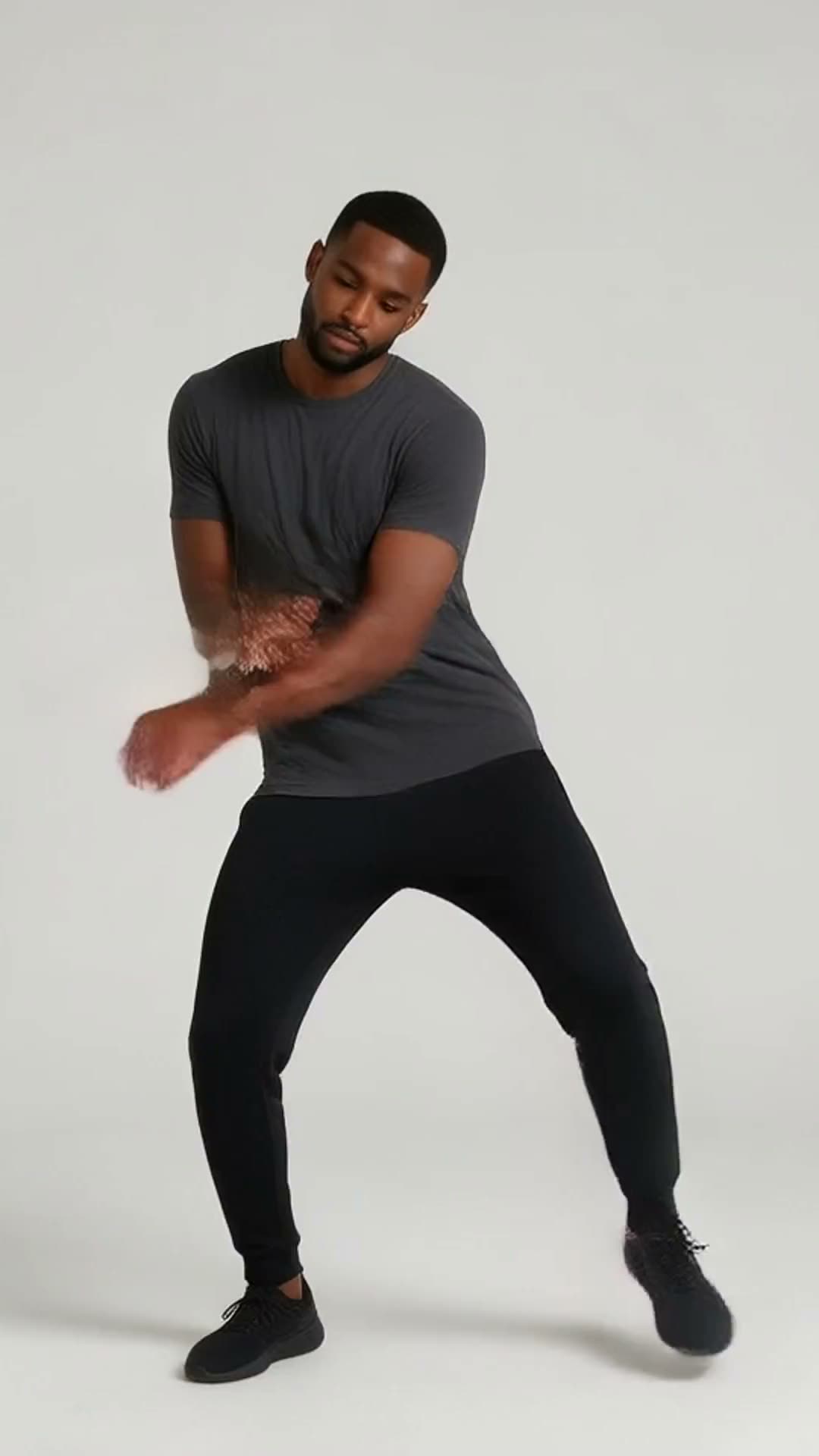
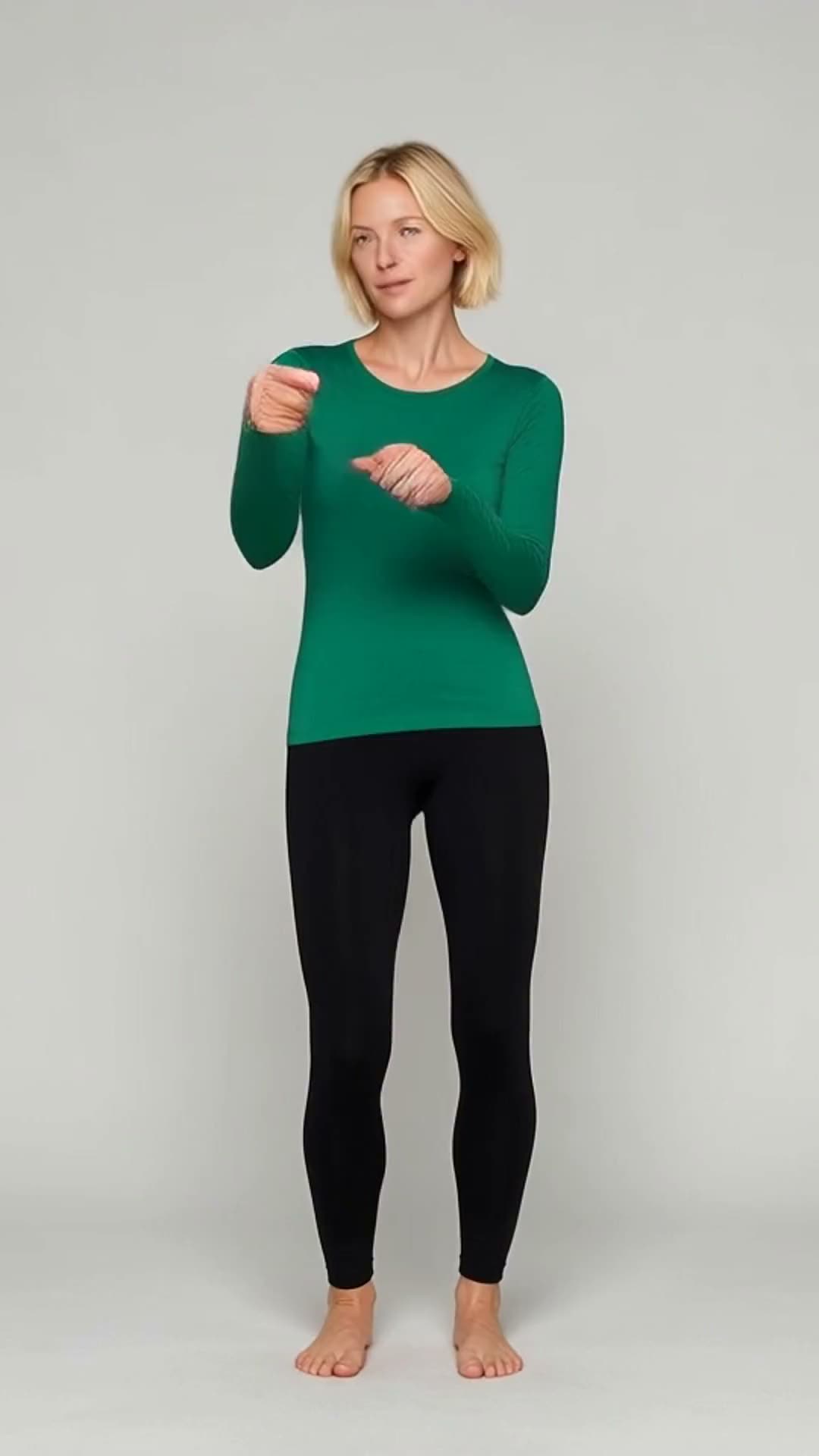
One photo in, a full dance video with music out. Every example here was made with the same styles you can pick above.
Your photo
Your dance
AI-generated
Photo to video
Turn your photo into a full dance video
Making a dance video usually means filming yourself, learning the moves and doing twenty takes. Here you upload one still photo and the generator maps real choreography onto it, with the face, hair and outfit kept from your picture and the music already in the clip.
Photo to video
No filming
Music included
K-Pop
Flamenco
AI-generated
13 styles
Pick a style and the AI handles the rest
Every style is a complete routine with its own original soundtrack, from sharp idol choreography and breaking to flamenco and ballet. Want something that is not in the catalogue? Upload your own 3 to 10 second dance clip and the person in your photo performs those exact moves.
Hip hop to ballet
Original soundtracks
Your own clip
Breakdance
Disco
AI-generated
Ready to post
Download a vertical video, ready to post
Many AI video tools hand you a wide landscape clip that has to be cropped for a phone screen. Every dance video here comes out in 9:16 vertical with the soundtrack in place, so you can download it and post it straight away. It is also saved in My Creations.
9:16 vertical
Soundtrack in place
Saved in My Creations
AI dance videos, explained
How it works
Motion transfer: the model follows a real routine pose by pose and redraws the person from your photo in each frame. Your face and outfit come from the photo, the moves come from the routine. Unlike a text-to-video generator, nothing is invented from a prompt, so the timing stays on the beat.
Photo tips
One adult, facing the camera, arms visible.
Full body with feet in frame for the best footwork.
An AI dance generator turns a still photo into a video of that person dancing. It uses motion transfer: the choreography comes from a reference routine, the look of the dancer comes from your photo. Here you can pick a routine such as hip hop, K-Pop or ballet, or bring your own dance clip.
Can I use my own dance video as the reference?
+
Yes. Switch to "Your own dance" and upload a clip of one person dancing, 3 to 10 seconds long, MP4 or MOV. The person in your photo performs those exact moves and the clip's own sound is kept. Longer clips are trimmed to the first 10 seconds.
I only have a selfie. Can it still dance?
+
Yes. Tick "Face-only photo? Extend to full body" and the generator first builds a full-body version of you, keeping your face, hair and outfit, then makes it dance. The step is included in the price.
What is the difference between Turbo and Quality?
+
Turbo is fast and affordable and works well for most photos and simple routines. Quality uses a newer engine for sharper detail, steadier faces and smoother motion, which matters most in full-body routines, fast footwork and close-ups.
How much does an AI dance video cost?
+
25 credits in Turbo mode or 75 credits in Quality mode, for any style or your own clip. The full-body option is included. New subscribers get +25 bonus credits with their first subscription.
How long does it take, and how long is the video?
+
Most videos are ready in one to three minutes, and you can queue several at once. The length follows the routine: about six seconds for the preset styles, or the length of your own clip, up to ten seconds.
Does the video include music? Can I change it?
+
Every preset style comes with an original AI-generated soundtrack that plays in your video, so it is ready to post. If you want a different track, make one in AI Music and swap it in with the AI Video Editor.
Can I post my AI dance videos on social media?
+
Yes. Videos come out as vertical 9:16 MP4 files sized for phones, with the music in place, so you can post them straight away. Every video carries an AI-generated marker; we recommend saying it is AI-made when you share it.
Whose photo can I use?
+
Your own, or a photo of an adult who has given you permission. Photos and clips showing anyone under 18 are blocked automatically. See the community guidelines for the full rules.




 Your photo