

Sora 4.5 presets text-to-video TikTok hooks: a practical migration and short-form pipeline
A hands-on short-form pipeline that routes Sora-style prompts and presets into Kling 2.5 Turbo Pro, Veo 3.1, and GoCrazyAI’s AI Video Generator to produce TikTok/Reels hooks.
 AI-generated
OpenAI announced the Sora web/app shutdown (Apr 26, 2026) and an API discontinuation scheduled for Sept 24, 2026 — if you rely on Sora 4.5 presets or Sora-style prompt assets for short-form video, you need a migration plan now. This article shows how to move Sora-style prompts and preset seeds into Kling 2.5 Turbo Pro and Veo 3.1, then stitch outputs in a practical short-form pipeline that produces 9:16 TikTok/Reels hooks and looping product demos. You’ll get a clear route map, hands-on walk-throughs for a 30→15s hook and B-roll loops, A/B tips, export settings, and a short compliance checklist. GoCrazyAI’s AI Video Generator is included as a drop-in place to run Kling and Veo jobs and re-host migrated assets.
Quick Answer
How can creators replace retiring Sora workflows for text-to-video TikTok hooks? Export your Sora prompts and seeds, map them to Kling 2.5 Turbo Pro for physics-aware motion or to Veo 3.1 for audio-driven image-to-video clips, then combine clips in a single editor. Use GoCrazyAI’s AI Video Generator to run Kling/Veo jobs, output 9:16 files, and assemble captioned native-audio hooks.
Why the Sora API shutdown (Sept 24, 2026) changes short-form AI video workflows — and what to do next?
As of April 26, 2026 OpenAI discontinued the Sora web/app experience, and the Sora API is scheduled to stop operating on Sept 24, 2026[1]. That timeline means creators who embed Sora 4.5 presets or pipeline calls in automated jobs must export prompt files, seeds, reference images, and any generated clips before the API cutoff. Export now; don’t wait until the last week.
What to do next: pull your Sora prompt sets and seed records (JSON, CSV, or your project folder) and record any model-temperature, camera, or motion tags you used. Community trackers, migration guides, and practitioners recommend mapping each Sora preset to equivalent controls in other models rather than trying to translate everything by hand[2]. For short-form workflows targeting TikTok hooks, identify which assets are critical: reference image, hook text, audio cue or seed, and any timing notes (1s intro / 6–15s body / loop points). These are the pieces you’ll route into Kling 2.5 Turbo Pro or Veo 3.1.
Choosing the right engine for each job: when to use Kling 2.5 Turbo Pro vs. Veo 3.1 vs. Sora presets?
Use Kling 2.5 Turbo Pro when you need speed and predictable, physics-aware motion in short vertical clips. Kling 2.5 Turbo Pro is a speed-optimized 2.5 family model rolled out in late 2025 and commonly used for vertical short-form workflows; it typically preserves object continuity and produces stable motion for product demos and camera pans[3].
Use Veo 3.1 when audio is driving the action: Veo remains the practical audio-native text-to-video model for 6–15s clips and supports image-to-video transitions plus first/last frame guidance, which is ideal for morphing a single product photo into an animated reveal or for syncing visuals tightly to a beat[4].
Keep Sora-style presets as a reference mapping rather than a drop-in. Because Sora is shutting down, treat Sora 4.5 presets as source-of-truth design documents—record seeds, camera cues, and adjectives—and then translate them into Kling or Veo parameter sets. In most cases, Kling handles rigid-body motion and predictable camera moves better; Veo handles beat-aligned transforms, micro-sound-reactive motion, and first/last frame continuity.
Route Sora-style prompts and Sora 4.5 presets into Kling and Veo—mapping prompts, reference images, and audio cues
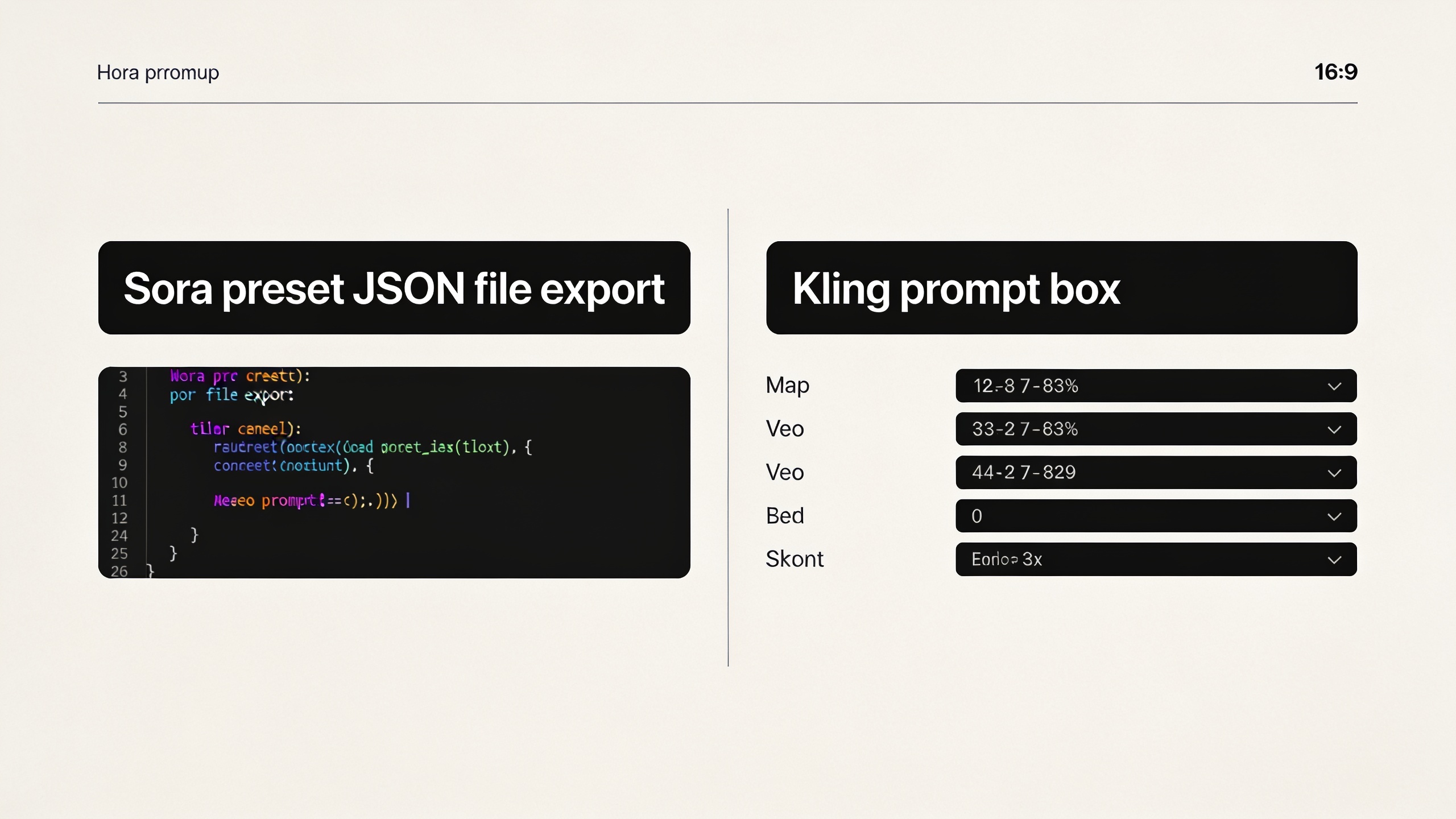
Map Sora presets to Kling or Veo by extracting four things: the prompt text, the seed, the reference image(s), and any audio/timecode cues. Start by exporting each Sora preset into a simple CSV or JSON with fields: prompt, seed, camera, motion, first_frame, last_frame, audio_reference.
Practical mapping rules:
- Prompt text: keep the core descriptive phrase and append model-specific qualifiers. Example: "product photo — glossy studio, close macro, smooth orbit" → Kling: "macro orbit, realistic reflections, stable physics"; Veo: "image-to-video, audio-synced pop, first_frame anchor".
- Seed: carry numeric seeds directly where the destination model supports them to preserve stochasticity.
- Reference image(s): use the highest-resolution file you exported. If the original is low-res, upscale first (see image-upscaler).
- Audio cues: export native sound clips or timestamped beats; Veo 3.1 can accept audio to guide motion and timing.
Example prompt translations you can copy:
- Sora 4.5 preset (original): "SoraSeed:12345 — 'white ceramic mug, glossy, studio rim light; slow orbit 2s; emphasis on logo'"
- Kling 2.5 Turbo Pro prompt: "seed=12345; white ceramic mug, realistic reflections, 2s orbit clockwise, stable physics, studio rim light; vertical 9:16"
- Veo 3.1 prompt (image-to-video): "use-ref:image1.jpg; audio:hook_v1.mp3; first_frame=photo, last_frame=slow zoom out; pop-beat sync; seed=12345"
Follow these rules and test small variants; Kling and Veo react differently to the same adjectives, so iterate one or two control tokens at a time.
 AI-generated
Hands-on: Build a 30–15s TikTok hook from a single product photo using GoCrazyAI AI Video Generator (Kling + Veo path)
You can convert a single product photo into a 30s proof-of-concept and then trim to a tight 15s TikTok hook by running Kling for a stable multi-shot demo and Veo for an audio-synced opener. GoCrazyAI’s AI Video Generator lets you run both models from one interface and export vertical 9:16 clips directly (/create-ai-video).
Quick standalone answer: upload your product photo, run a Kling 2.5 Turbo Pro job for a 20–25s stable demo loop, then run a Veo 3.1 job for a 4–6s audio-synced hook. Assemble both in GoCrazyAI media mixer or any editor; add captions and native audio, then export 9:16. This produces a 30s clip you can split into a 15s hook.
Step-by-step example prompts (copyable):
- Kling job (product demo):
"seed=12345; input=image.jpg; white ceramic mug on white seamless, gentle 3-point studio light, 20s loop, slow 30° orbit, stable physical shading, vertical 9:16, clean background, render high detail"
- Veo job (hook):
"use-ref:image.jpg; audio=hook_track.mp3; first_frame=photo, last_frame=pop-reveal with confetti particle micro-shake on beat 0.8s; 6s, vertical 9:16, tight close-up on logo, seed=12345"
Practical assembly: import Kling clip as the body. Place Veo output at start, add 1s text hook (large white caption on black translucent bar), then native audio. Export a 15s variant with the most attention-grabbing frames. For detailed settings and running the jobs, open the GoCrazyAI AI Video Generator (/create-ai-video) which supports both Kling and Veo routing and outputs 9:16-ready files.
Hands-on: Create animated B-roll and story-mode openers for YouTube Shorts — quick steps and export settings
You can generate looping B-roll and story-mode openers by using Kling for consistent motion loops and Veo for short, audio-responsive openers. For B-roll, ask Kling for loopable camera paths and set neutral lighting; for story-mode openers, use Veo with first/last frame guidance and a 1–3s headline animation.
Short standalone answer: produce 6–20s Kling loops for B-roll with loopable camera paths and neutral backgrounds; produce 3–8s Veo openers keyed to native audio; export both as 9:16 H.264 or H.265, 30–60 fps depending on platform; then combine and color-match in GoCrazyAI Media Mixer or your NLE.
Export settings I use for Shorts and Reels:
- Resolution: 1080x1920 (9:16). Use 1440x2560 only if the platform benefits from extra vertical pixels.
- Codec: H.264 constant quality 18–23, or H.265 at similar bitrate for smaller files.
- Frame rate: 30 fps for smooth motion; 60 fps for high-motion product demos.
- Loop points: render the final and initial frames with identical content for seamless looping; Kling’s motion continuity helps here.
Quick workflow:
- Kling (B-roll): request "loopable 8s orbit, neutral seamless background, no transient particles".
- Veo (opener): request "3s audio-synced punch intro, first_frame=image, last_frame=zoom_out reveal" with audio track attached.
- Combine, add captions and native sound, color-match levels, export 9:16 using the settings above.
 AI-generated
Optimizing short-form performance: caption-first hooks, native audio, and A/B of Kling vs Veo outputs
High-performing hooks in 2026 usually start with a 1s visual or caption-first grab, use native audio, and render vertical 9:16 with clear captions. Recent best-practice guides recommend pulling a trend, writing an immediate 1-second hook, and using native sound for better distribution and completion rates[7].
Quick standalone answer: test caption-first vs visual-first hooks by creating two variants: one with a large 1s caption overlay then visuals, and one that opens visually then adds captions after 0.8s. Run A/B across Kling and Veo outputs: Kling variants for physics-consistent demos, Veo variants for beat-synced openers. Compare completion and rewatch metrics to pick the winner.
A/B checklist:
- Variant A (Kling): stable physics, slower camera, readable captions across 0–2s.
- Variant B (Veo): punchy audio sync, micro motion on beat 0.4–1.0s, captions timed to audio.
Measure retention at 1s, 3s, and completion. Use native audio where possible; if you must use library music, ensure it’s platform-compatible and properly licensed. For rapid iteration, keep renders short (6–15s) and reuse the same hook caption text so metrics compare cleanly.
Deployment and compliance: labeling AI-generated content, preserving C2PA metadata, and migrating saved Sora assets to GoCrazyAI
Label AI-generated content and preserve provenance metadata where applicable. Migrate your saved Sora assets (prompts, seeds, reference images) into a structured folder with README files describing camera and timing cues. When you import into GoCrazyAI, attach your metadata and note the original Sora seed for reproducibility.
Quick standalone answer: export Sora prompts/seeds and reference images, store them with README metadata, and import into GoCrazyAI; label final videos as "AI-generated" where policy or platform requires it and preserve C2PA or provenance data if provided. This protects you from future takedowns and keeps audit trails intact.
Practical steps and compliance notes:
- Export: save prompt JSON/CSV, seed numbers, and audio clips before Sept 24, 2026[1]. Community trackers urged migration earlier to avoid last-minute outages[2].
- Metadata: include fields like source_model=Sora4.5, original_seed, prompt_text, reference_image_filename, exported_date.
- In-platform: when importing into GoCrazyAI, attach the README and enable any available provenance flags. Many platforms and ad networks require disclosure for synthetic media; label content according to platform policy.
- Backup: keep an offline copy of everything and a simple mapping table that shows which Sora preset corresponds to which Kling/Veo job parameters. This saves time when you iterate later.
Frequently Asked Questions
Do I have to stop using Sora prompts immediately?
No — the Sora app already shut down (Apr 26, 2026) but the API continues until Sept 24, 2026[1]. However, export your prompts, seeds, and assets now and start routing to Kling or Veo; waiting until the last week risks data loss or rate limits.
Which model preserves the look of a Sora 4.5 preset best?
There’s no one-to-one replacement. Kling 2.5 Turbo Pro usually preserves stable, physics-aware motion and is a good match for product demo continuity; Veo 3.1 is better for audio-synced transforms and first/last frame control. Treat Sora presets as design documents and translate them into model-specific tokens.
Can I run Kling and Veo jobs from the same place?
Yes — GoCrazyAI’s AI Video Generator routes jobs to Kling and Veo from one interface, supports image-to-video, and exports 9:16 clips, so you can run and assemble both model outputs in one platform (/create-ai-video).
Conclusion
Final thoughts: treat the Sora shutdown as an opportunity to rationalize your short-form pipeline. Export Sora assets now, map each preset to Kling or Veo based on whether you need physics consistency or audio-native motion, and run combined jobs in a single place to speed iteration. For hands-on migration and immediate 9:16 outputs, try the GoCrazyAI AI Video Generator and import your Sora prompt files to continue shipping hooks and demos quickly (/create-ai-video).
Sources
- What to know about the Sora discontinuation | OpenAI Help Centerhelp.openai.com ↗
- State of AI video, September 2026 | Verselyversely.studio ↗
- Kling AI Launches 2.5 Turbo Video Model: Industry-Leading Performance | Kuaishou press releaseir.kuaishou.com ↗
- Veo 3.1 — Google DeepMind model page / Gemini docs (Veo 3.1 features)deepmind.google ↗
- GoCrazyAI blog — Kling 2.5 update and vertical short-form workflows (Sep 10, 2026)gocrazy.ai ↗
- GoCrazyAI guide — Veo 4.2 text-to-video reality & workflows (Sep 2026)gocrazy.ai ↗
- How to Make a TikTok Ad With AI (2026): Native UGC Guide (updated Sep 18, 2026)flowjam.com ↗