



AI song hook: how to write short, copyright-safe vocal hooks for Reels and TikTok
Practical workflow to create 5–20s AI song hooks you can use on Reels, TikTok, and Shorts. Prompts, exports, legal notes, and GoCrazyAI step-by-step.
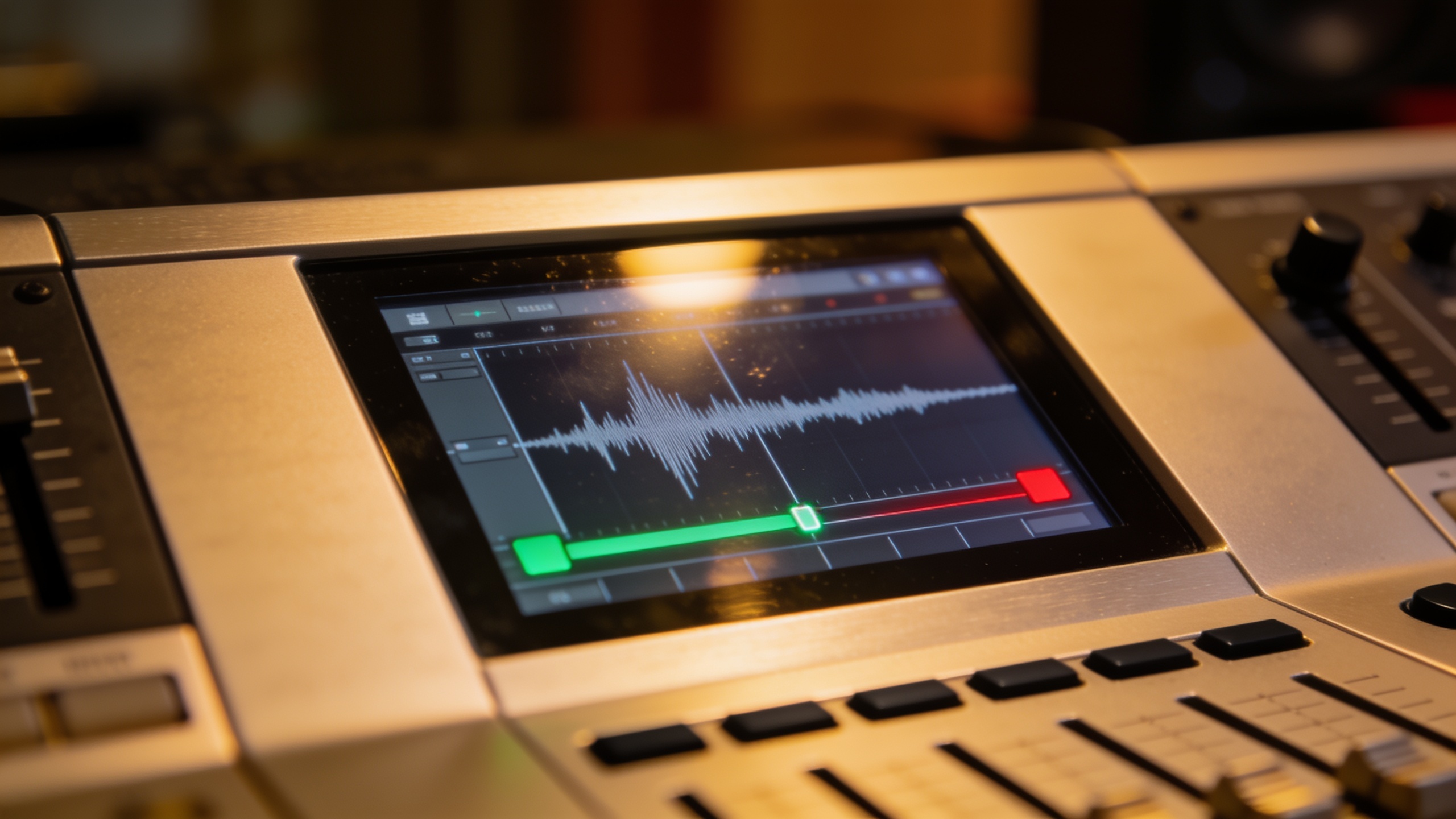 AI-generated
You need a punchy 5–20 second vocal hook that grabs attention and won’t trigger licensing headaches. This guide shows how to write, prompt, generate, and deploy short AI song hooks for Reels, TikTok, and Shorts. You’ll get concrete prompt examples, export and layering steps, legal checkpoints to reduce risk, and a hands-on workflow using the GoCrazyAI AI Song Generator so you can move from idea to publish in minutes.
Quick Answer
How do you create an AI song hook? Write a short, clear prompt describing mood, lyric phrase, tempo, and vocal style; generate multiple 5–20s clips; pick the strongest take; export stems or a loop; then place the hook under your edit and add fades. Use a generator that documents commercial rights (like the GoCrazyAI AI Song Generator) and test on the platform before scaling.
Why short vocal hooks (5–20s) drive views: the psychology and platform evidence?
Short answer (40–80 words): Short vocal hooks work because they trigger immediate emotion, make your clip memorable, and give viewers a reason to rewatch. Platforms reward rewatch and sound reuse; a 6–12 second memorable hook often becomes the audio cue viewers search for or repurpose.
Expanded: Music sets tone in seconds. Adobe’s analysis found that 42% of music fans say the song in a TikTok video directly affects how they feel about the product shown, which suggests that an effective 5–20s hook can alter perception and conversion. On short-form platforms, users scroll quickly: a hook placed in the first 1–3 seconds can increase attention and lift completion rates. Practical patterns creators follow are "call-and-response" hooks, short melodic motifs, and a clear vocal phrase (a name, a promise, or a hashtag) that’s easy to sing or hum.
How to think about length and placement: aim for 6–12 seconds when the hook is the primary asset (for trends and remixes). Use 12–20 seconds if the hook needs a quick punchline or melody resolution. Put the loudest or clearest vowel on beat one of the edit to make it easy to align with visual cues.
Legal realities: what creators must know about AI-generated music and commercial rights?
Short answer (40–80 words): Copyright law and commercial-rights practice are in flux: some AI outputs may lack registrable copyright without meaningful human authorship, and lawsuits against some AI music systems have prompted labels to push for new licenses. Always check the generator’s commercial-rights policy and prefer services that state license terms for creators.
Expanded: Recent events matter. Major labels filed suits in mid-2024 alleging some AI music generators produced outputs too similar to copyrighted recordings; these cases have driven industry re-evaluation of training data and model behavior. Legal commentary and Copyright Office guidance indicate that music solely produced by an AI with no meaningful human creative input may not qualify for standard copyright registration, which can affect downstream licensing and enforcement.
What this means for you: 1) Use AI tools that explicitly grant commercial use or provide rights statements. 2) Keep records of your prompts, edits, and human contributions (lyrics you wrote, arrangement choices). 3) Avoid asking generators to mimic a living artist’s voice or a specific copyrighted track. 4) If you plan to monetize at scale or sync the hook into ads, consult a lawyer or use platforms with clear commercial terms.
Practical safety check: choose a generator that documents both the technology partner and the export/license options — for instance, generators built on studio-grade engines often publish enterprise or commercial offerings and clearer export policies.
Prompting and composing a TikTok-ready vocal hook with GoCrazyAI AI Song Generator (hands-on)?
Short answer (40–80 words): Use a concise prompt that specifies length (5–20s), vocal mood, a lyric line, tempo, and arrangement instruction. Generate multiple takes, keep the best vocal and instrumental stems, and tweak the prompt for emphasis or different vocal timbres. GoCrazyAI’s AI Song Generator supports studio-ready exports and gives creators rights to use the output in short-form content.
Expanded hands-on workflow: Start with a micro-prompt template you can reuse: "5–10s vocal hook, female breathy pop voice, upbeat 95 BPM, lyric: 'feel the glow', catchy melody, clean backing, punchy transient, export vocal stem + instrumental loop." Paste that into the AI Song Generator and generate 3–6 variations.
Prompt examples you can copy and modify:
"5s vocal hook, male raspy pop voice, lyric: 'right now', tempo 100 BPM, energetic, bright synth stab, dry vocal stem and instrumental loop"
"8s vocal hook, female soulful voice, lyric: 'stay with me', slow bounce 80 BPM, warm electric piano, keep vocal wet + dry stems"
Use only short lyric fragments and avoid referencing real artists. Iterate by changing tempo or adjective prompts ("breathy", "raspy", "speak-sing"). Generate instrumentals separately if you want more control.
Where to place internal GoCrazyAI links: once you have a generated hook, you can finish the edit with the GoCrazyAI Media Mixer to add voiceover or with the AI Video Generator when building a visual to match the hook. For mixing and final exports, check GoCrazyAI’s AI Video Editor and pricing/plan details on Pricing and Credits.
Note: GoCrazyAI’s AI Song Generator is powered by ElevenLabs music models and supports studio-ready exports, which helps creators get stems and loops ready for short-form edits. For more on the underlying model, see ElevenLabs documentation on Eleven Music.
You can try every step above directly in GoCrazyAI AI Song Generator — no setup needed.
 AI-generated
Building reusable loops and stems for Reels, Shorts and ads — export, edit, and mix workflow (example)?
Short answer (40–80 words): Export both a dry vocal stem and an instrumental loop from your generator, trim the hook to 5–20s, normalize peaks, and save as WAV or high-bitrate AAC. Keep alternate versions (different tempos, with/without backing) so you can repurpose the same hook across platforms and ad formats.
Expanded workflow and example steps: 1) Generate multiple variations and export: a dry vocal stem, a wet vocal stem (with reverb), and an instrumental loop (4–8 bars). 2) In your DAW or editor, set the loop to 1–2 bars for a 5–8s hook or 4 bars for 12–20s. 3) Normalize to -6 dBFS for headroom, and add a 20–40 ms fade on start and end to avoid pops. 4) Create a "channel strip" template with a low-cut filter at 80 Hz, gentle compression (2:1), and a limiter for platform loudness.
Example export filenames (use consistent naming): hookname_voc_dry.wav, hookname_voc_wet.wav, hookname_inst_loop.wav. Keep a master .mp3 or .m4a for quick upload and a WAV for further production.
Editing tips for reuse: - Make a 6s edit with the vocal centered and the instrumental ducked slightly; this works well for Reels and TikTok drafts. - Make a 15s variant with instrumental fills and a second vocal ad-lib for YouTube Shorts or an ad. - For paid ads, provide the client both the dry vocal and the mixed master so the ad platform can localize or layer voiceovers.
This example workflow helps you create a small library of hooks you can swap into edits quickly, speeding production and keeping creative options open.
Optimizing hooks for trends: testing, metadata, and pitfalls to avoid?
Short answer (40–80 words): Test quickly: publish one version as a draft, watch completion and rewatch rates; add searchable metadata (lyric snippet, mood, and keywords) and create multiple packable versions (loopable, extended, instrumental-only). Avoid copying trending recordings too closely and keep prompt records.
Expanded guidance: A/B test by uploading two variants with small changes—different opening vowel, tempo, or vocal tone—and run each as a short-run post. Track views, saves, and audio reuse. Good metadata includes the lyric hook in the caption (use the exact short phrase), mood tags (e.g., #feelgood, #vibe), and descriptive alt text.
Common pitfalls to avoid (3–6 actionable items):
- Mistake: Trying to mimic a famous artist’s vocal or a current hit. Why avoid: models may produce outputs that resemble copyrighted works and that raises legal risk. How to avoid: change timbre and melody and use original lyrics.
- Mistake: Uploading only a single take. Why avoid: you miss faster-iterating opportunities. How to avoid: generate 3–6 variations and test them in quick splits.
- Mistake: Not exporting stems. Why avoid: you lose flexibility for ads and localization. How to avoid: always export dry vocal and instrumental loops.
- Mistake: Skipping documentation of prompts and edits. Why avoid: if a rights question arises, you’ll lack proof of human contribution. How to avoid: save prompt text, timestamps, and notes on manual edits.
Repurposing strategy: when a hook performs, package it into 3 assets — short loop, extended hook, and instrumental bed — and update captions and tags to encourage reuse. This approach maximizes discoverability and gives editors ready-to-drop assets for scaling content.
Frequently Asked Questions
Can I use AI-generated hooks in sponsored ads?
Possibly — it depends on the generator’s commercial-rights policy. Use tools that explicitly grant commercial use or provide a license for creators; keep prompt and edit records and, for big-budget campaigns, consult legal counsel.
How long should a vocal hook be for TikTok or Reels?
Aim for 6–12 seconds for trend hooks and 12–20 seconds if you need a short melodic resolution. Shorter hooks are easier to loop and reuse.
What should I include in my prompt to get a usable hook?
Specify exact length, vocal gender/quality (breathy, raspy), tempo, a 2–4 word lyric fragment, and export format (dry vocal stem + instrumental loop). Generate multiple variations and adjust tone words if needed.
Are AI-generated vocal hooks copyright-free?
Legal status is unsettled: some jurisdictions and guidance suggest fully AI-generated works without human authorship may lack registrable copyright. Always check the generator’s terms and keep records of your creative input.
Conclusion
Final thoughts: Short AI song hooks are a fast, practical way to improve views and retention — when paired with careful prompting, stem exports, and an eye on rights. Start small: generate multiple 5–12s variants, export dry stems, test on a draft post, and keep prompt records. Pop a vibe into the GoCrazyAI AI Song Generator and you’ll have a track to score the cut in minutes.
Sources
- What is Eleven Music? – ElevenLabs Help Centerhelp.elevenlabs.io ↗
- ElevenLabs Launches Eleven Music in Collaboration with Music Industry Partnersbusinesswire.com ↗
- Music's Impact on Social Engagement (Adobe Express)adobe.com ↗
- Major Labels File Suit Against AI Music Start-Ups for Unlicensed Training (Manatt analysis) / Axios coveragemanatt.com ↗
- How Copyright Office Guidance Applies to Music That Includes AI-generated Material (Rimon Law)rimonlaw.com ↗
- ElevenLabs Releases New AI Products and Raises $80M Series B (ElevenLabs blog)elevenlabs.io ↗
- ElevenLabs' voice-generating tools launch out of beta (TechCrunch)techcrunch.com ↗
- Record labels sue two AI startups for copyright infringement (Axios)axios.com ↗