



- Photo to cartoon
- Cartoon yourself
- 1 credit
- Animate it after
Turn Your Photo into a Cartoon
Upload a photo, pick a style, and see yourself as a cartoon in seconds. 1 credit per picture.
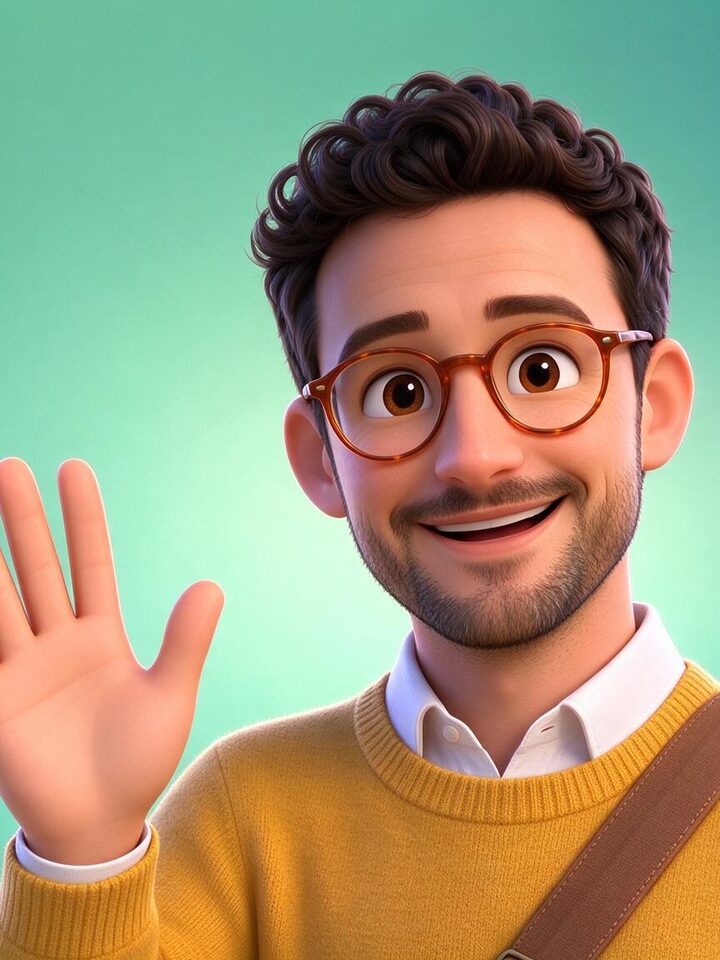
One photo, 8 cartoons
Drag the slider, then tap a style. Every result below came out of Photo mode in one try.

How to cartoonize a photo
- 1
Upload a photo
Choose a clear photo of one adult, face visible, in good light. Selfies and portraits work best.
- 2
Pick a cartoon style
Choose from 48 styles, from 3D animated and caricature to comic book, claymation and pixel art.
- 3
Cartoonize it
Your cartoon is ready in seconds for 1 credit and saved to My Creations. Tap Animate it to turn it into a cartoon video.
What people cartoonize
Tips for the best cartoon
One face, clearly visible
Front or three-quarter view, no sunglasses, nothing covering the face.
Good, even light
Daylight or a bright room keeps skin, hair and eyes accurate after the restyle.
Bold styles hold your likeness
Caricature, comic book, 3D and pop art change the most while keeping you recognizable.
Adults only
Upload photos of adults that you took or have the right to use.
Photo to cartoon FAQ
How do I turn a photo into a cartoon?+
Upload your photo, pick a cartoon style and press Cartoonize. The AI redraws the whole picture, face, clothes and background, in that style in a few seconds.
How much does it cost?+
Each cartoon picture costs 1 credit. Animating it into a cartoon video costs more credits, and the Generate button shows the price before you start.
Will the cartoon still look like me?+
Yes, the AI keeps your face shape, hair, glasses and outfit. Bold styles such as caricature, comic book, 3D animated and pop art give the strongest cartoon look; soft painted styles stay closer to the photo.
Can I animate my cartoon photo?+
Yes. Tap Animate it under the result and it goes to the cartoon video generator as your character, without paying for the restyle again.
What photos can I use?+
Photos of adults that you took or have the right to use. Every upload is checked automatically, and a photo that does not meet our rules is rejected before any credit is spent.
Where are my cartoons saved?+
Every result is saved to My Creations, where you can download it or animate it later.
Want motion instead of a still? Use the AI animation generator, browse all 48 looks in the AI cartoon generator, or make an anime profile picture with the anime PFP generator.