



How to use AI voices for faceless channel to build a branded narration workflow?
Step-by-step guide to build a consistent, branded narration pipeline for faceless YouTube/TikTok channels using premium and custom AI voices. Practical prompts, batch.
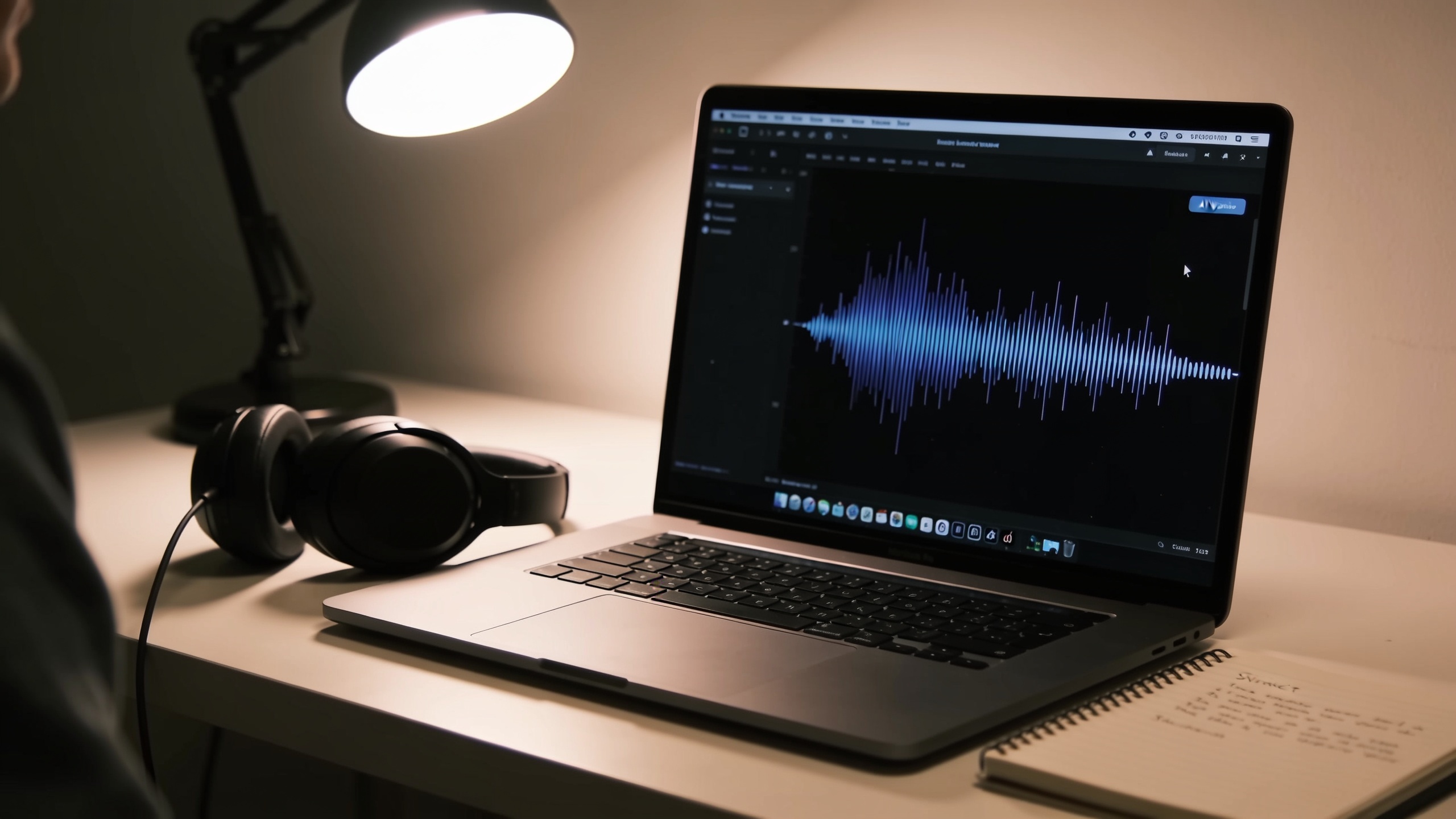 AI-generated
You need a reliable narrator voice that sounds the same across every video, but recording every episode drains time and consistency. This guide shows a practical, creator-first pipeline: pick a primary voice (premium or custom), generate batch WAVs with SSML for consistent pacing, denoise and master, then reuse assets across uploads. I’ll give exact prompts, export settings, and a short GoCrazyAI how-to so you can implement the workflow today.
Quick Answer
How to use AI voices for faceless channel to build a branded narration workflow? Use a single primary voice (premium preset or a custom-designed voice), render narration as high-quality WAV with SSML-controlled pacing, run a simple mastering chain, and store mastered WAVs plus captions for reuse. Batch-generate and template your scripts so each video uses the same voice and timing.
Why a Branded, Repeatable AI Narrator Matters for Faceless Channels (voice as your channel’s face)?
A branded, repeatable narrator gives faceless channels a consistent identity and helps viewers recognize content without seeing a host. Consistency in voice builds trust, improves retention, and signals professionalism; creator guides recommend using the same primary voice across episodes for that reason. For most creators, the goal is to treat the voice like a visual logo: the same tone, pace, and phrasing choices every time.[https://voxcraft.site/blog/how-to-create-a-faceless-youtube-voiceover-workflow-no-mic-no-studio]
Why this matters in practice: regular viewers subconsciously link a voice to the channel’s values and format. If the channel switches voices or uses inconsistent pacing, watch-time and perceived quality can drop. To preserve recognition, lock down a short list of approved presets or a single custom voice, and document SSML rules (pause lengths, emphasis markers, pitch ranges) so editors and batch scripts produce the same result every time. Treat voice assets as part of your brand folder and include one mastered WAV, an SSML template, and matching caption files for each video type.
Choosing Between Stock Premium Voices vs. Custom AI Voices — tradeoffs and legal considerations?
Stock premium voices are fast to adopt and often sound near-human, making them a good default for creators who want quality now. Premium providers are generally judged to produce very natural results in 2026, and many creators choose subscription-level voices as the default option.[https://www.flowjam.com/blog/how-to-make-a-faceless-youtube-channel-with-ai-2026]
Tradeoffs:
- Speed vs uniqueness: a popular preset gets you a professional sound instantly but can make your channel blend with others. Creator communities warn that widely used presets can sound generic or trigger scrutiny during monetization reviews.[https://www.reddit.com/r/ReelFarmer/comments/1s7vz06/how_to_avoid_getting_demonetized_on_a_faceless_ai/]
- Cost: premium subscriptions (market examples estimate serious-creator pricing near US$20–30/month) provide polished output; budget voices may be cheaper but require more post-processing.[https://www.flowjam.com/blog/how-to-make-a-faceless-youtube-channel-with-ai-2026]
- Control: custom voices let you create a unique timbre and phrasing rules from a short text description, reducing the chance your channel sounds like many others.
Legal considerations: voice cloning and synthetic-voice usage face increasing regulatory scrutiny and rights disputes; always confirm licensing and permitted use before large-scale deployment, especially for monetized channels or cloning a living person’s voice.[https://www.infosys.com/services/data-ai-topaz/insights/market-scan-report-june2025.pdf]
Practical rule: start with a premium preset to test format, then move to a custom voice if you need clear differentiation or if you scale into dozens of videos per week.
Hands-on: Building a Batch Narration Workflow (example script → voice → edit → publish) using AI voices
Batch narration workflows save creators hours by turning scripts into ready-to-edit WAV files, captions, and master tracks you can reuse. The core flow is always the same: finalize script → render with SSML in a chosen voice → export high-sample-rate WAV → denoise/limiter → batch-sync captions → master for upload.[https://audiopod.ai/blog/ai-voiceover-best-practices-faceless-youtube]
Step-by-step practical details:
1) Finalize script and time stamps. Use a simple spreadsheet: line, role (narrator), target duration.
2) Add SSML markers for consistent pacing. Example SSML snippet to force a 450–500ms pause between paragraphs:
``` <speak> <p>Welcome to the channel.</p> <break time="500ms"/> <p>Today we’ll show three quick travel hacks.</p> </speak> ```
3) Batch-render: export WAV at 48 kHz, 24-bit (WAV preferred over MP3 for editing and mastering)[https://pub-da3424292dce4cf68a2a723d4b46e866.r2.dev/Faceless_YouTube_Blueprint_61e56522.pdf].
4) Quick post: run a denoise pass, apply a gentle limiter (-1 dB), and normalize to -3 dB LUFS for platform consistency.
5) Captioning: generate SRT alongside audio (many TTS providers output timestamps). Batch-sync captions to your video editor timeline.
6) Template library: keep a folder of mastered WAVs for recurring segments (intro, outro, sponsor read). Reusing these save time and keeps the voice identical across videos.
Where to mix and export: use an editor that supports multitrack sessions and batch export. If you combine AI-generated visuals, you can add or swap voice tracks in an editor like the AI Video Editor to finalize timing and overlays — see the note about integrating with GoCrazyAI's post tools later. Internal audio tools that accept WAV and SRT will speed exports and publishing.
 AI-generated
Hands-on: Designing a Custom Branded Narrator from a Text Description (prompt, tuning, testing) — How to do it with GoCrazyAI?
You can design a custom branded narrator from a short text description by describing tone, age, cadence, and use-cases, then iteratively tuning the result. Start with a one-line brief, review sample lines, adjust attributes (energy, breathiness, pitch), and lock a final model for batch rendering. GoCrazyAI supports custom voice design from a text description and 160+ premium presets, making it a practical hub for this workflow.
How to do it with GoCrazyAI:
- Open the AI Voices page and choose either a nearby preset to iterate from or the "custom voice from description" option.
- Provide a one-line brief: e.g. "Calm, authoritative mid-30s narrator with warm low-mid range, natural pacing, slight British neutral vowel shapes, friendly but precise." GoCrazyAI will produce a sample you can audition.
- Tune by giving short corrective notes: "reduce sibilance, increase breathing between sentences, add slight upward inflection at question ends." Generate test lines and compare.
- When satisfied, save the voice as your primary narrator and export a short 10–30 second reference WAV to include in your brand assets.
Example prompt you can copy:
``` Create a custom narrator: "Warm, mid-30s neutral English voice with calm pace, slightly rounded vowels, low-mid energy. Use natural micro-pauses and no exaggerated expressiveness. Good for explainer and listicle content." ```
Once saved, use that custom voice in batch renders for series episodes so every video shares the same tonal fingerprint. The GoCrazyAI voice saves pair cleanly with the AI Video Generator and AI Podcast tools for end-to-end production. See the AI Voices page to get started: AI Voices.
Measuring Results and Scaling: A/B testing voices, common mistakes and cost forecasts?
Measure and scale by running simple A/B tests, tracking audience retention, and maintaining an asset library to control costs. A/B tests usually compare the primary voice against a close variant on identical video content to measure watch-time and CTR differences. Track metrics for at least a week per variant before drawing conclusions.
Common mistakes and how to avoid them:
- Mistake: Switching voices frequently. Avoid by locking a primary voice for at least a series of videos; frequent changes hinder recognition. Fix: define a voice policy and publish it in your brand doc.
- Mistake: Exporting MP3 for editing. Avoid because MP3 is lossy; export WAV (48 kHz, 24-bit) for mastering and archives.[https://pub-da3424292dce4cf68a2a723d4b46e866.r2.dev/Faceless_YouTube_Blueprint_61e56522.pdf]
- Mistake: Relying only on a single widely-used preset. Avoid by testing a custom voice or a less-common preset to reduce generic sound and monetization risk.[https://www.reddit.com/r/ReelFarmer/comments/1s7vz06/how_to_avoid_getting_demonetized_on_a_faceless_ai/]
Cost forecasting:
- Entry-level: testing on a single premium preset often has subscription costs near the low tens of dollars per month for serious creators; budget for higher usage during scaling.[https://www.flowjam.com/blog/how-to-make-a-faceless-youtube-channel-with-ai-2026]
- Scale costs: factor per-minute generation pricing, storage for WAV archives, and occasional tuning sessions for new custom voices. Use batch renders to minimize per-minute overhead and reuse mastered assets to lower ongoing costs.
Scaling operationally:
- Asset management: keep a structured library of mastered WAVs, raw TTS outputs, SRTs, and SSML templates. Tag files by series, language, and segment type.
- Automation: run nightly batch renders for queued scripts and auto-upload captions to your editor. This keeps a steady backlog of ready-to-edit content and reduces last-minute rushes.
If you add background music or score tests, pairing voice A/B tests with different stems can reveal combinations that boost retention; consider using an AI Song Generator for test beds when trying new moods — small music changes sometimes move watch-time more than voice swaps. [link to AI music tool integration below]
Frequently Asked Questions
Can I use a custom AI voice for monetized YouTube videos?
Yes—if you own the license for that custom voice and the provider permits commercial use. Because regulations and rights disputes are evolving, confirm the provider’s voice licensing and any restrictions before you scale or monetize content.[https://www.infosys.com/services/data-ai-topaz/insights/market-scan-report-june2025.pdf]
Should I export WAV or MP3 from my TTS tool?
Export WAV (48 kHz, 24-bit) for editing and mastering. WAV preserves audio quality for noise reduction and loudness processing; MP3 may save space but reduces flexibility and final quality.[https://pub-da3424292dce4cf68a2a723d4b46e866.r2.dev/Faceless_YouTube_Blueprint_61e56522.pdf]
How many distinct voices should a faceless channel keep?
Most creators keep 1 primary voice and 1–2 secondary voices for special segments or characters. That balance preserves brand recognition while allowing variety when needed.
Conclusion
Final thoughts: pick a single primary voice, use SSML and WAV exports, and store mastered assets so every episode sounds consistent. Run short A/B tests before committing to a custom voice and keep an eye on licensing if you plan to monetize. If you want to try designing a custom narrator or pick from many presets, try GoCrazyAI's AI Voices tool to audition 160+ premade voices or create a voice from a one-line description: AI Voices.
Sources
- AI Voiceover Best Practices for Faceless YouTube Channels — AudioPodaudiopod.ai ↗
- How to Create a Faceless YouTube Voiceover Workflow (No Mic, No Studio) — VoxCraftvoxcraft.site ↗
- How to Make a Faceless YouTube Channel With AI (2026) — Flowjamflowjam.com ↗
- Best AI Voice for Faceless YouTube Videos: How to Choose in 2026 — Treza Labstrezalabs.com ↗
- Faceless YouTube Audio: Best Practices for AI Voiceover Channels — AudioPod (alternate)audiopod.ai ↗
- Faceless YouTube Channel Blueprint (recommend WAV export & workflow tips)pub-da3424292dce4cf68a2a723d4b46e866.r2.dev ↗
- RAI Market Scan Report — June 2025 (voice rights & market note) — Infosysinfosys.com ↗
- Measuring Automated and Synthetic Voices in Unwanted Inbound Calls (arXiv) — regulatory/rights researcharxiv.org ↗