



AI jingle generator: Rapid, copyright-safe jingle variations for ad A/B tests
Create copyright-safe jingle variations fast. A step-by-step workflow for briefs, generation, stems, and A/B testing using GoCrazyAI's AI Song Generator.
 AI-generated
You need a dozen short jingles for a campaign and only a few days to test them across platforms. That pressure makes teams cut corners: reuse library tracks, scramble for last-minute vocals, or run a single creative that never gets optimized. This guide shows how small teams and solo creators can brief, generate, export, and A/B test multiple, copyright-safe jingle variations quickly — using prompt-focused workflows, simple legal checkpoints, and production shortcuts that preserve creative control. You’ll see a reproducible example workflow that riffs six distinct hooks, export-ready stems and loopable intros, and a practical A/B matrix for audio-first ad tests. Along the way I’ll point to why ElevenLabs’ Music v2 matters for prompt fidelity, where to confirm commercial rights, and how GoCrazyAI’s AI Song Generator ties the steps together so you can iterate faster and keep your campaign compliant.
Quick Answer
How do you use an AI jingle generator to produce testable ad music? Generate multiple short variants from a clear brief, export stems and loopable intros, and run an A/B matrix that isolates hooks, tempo, and vocal mix. Use a platform that documents commercial rights and provides stems — for example, GoCrazyAI’s AI Song Generator integrates ElevenLabs models and exports commercial-ready tracks.
Why modern ads need fast, testable jingle variations (and what marketers lose without them)?
Short answer (40–80 words): Fast, testable jingle variations let you find the melodic hook and vocal delivery that actually move metrics—CTR, watch time, and conversions—rather than guessing. Without rapid variation you risk ad fatigue, lower creative ROI, and missed optimization signals across platforms.
Marketing teams who delay variation often run the same audio across channels and lose early performance signals. Industry playbooks recommend layering variations across five creative axes (hook, visual, text, CTA timing, audio mix) so you can test many small changes efficiently; this approach speeds iteration and isolates what actually improves conversion[1]. For ads, the audio hook is especially sticky: a 3–6 second hook often determines whether a viewer keeps watching. Producing dozens of short permutations and shipping them to test is now a core workflow for performance-driven teams.
Understanding copyright and commercial rights for AI-generated music — what creators must check?
Short answer (40–80 words): Before using AI-generated music in paid ads, confirm the platform’s commercial-rights terms, avoid outputs that imitate living artists, and keep provenance records for every generated file. Legal risk remains real; platforms and creators must document rights and take steps to reduce imitation risks.
In 2024, major labels filed suits against AI music generators, showing litigation risk when outputs reproduce identifiable artist styles or use problematic training data[1]. Platforms began adding explicit commercial-rights statements in 2026 releases to meet creator demand; you should read the generator’s commercial license and export terms before publishing[2]. Keep a simple provenance log (brief, prompt, timestamp, file name, license text) for every variant you use in paid media.
Planning your jingle brief: prompts, lengths, hooks, and target formats?
Short answer (40–80 words): Plan each jingle brief around a single testable variable (hook melody, vocal style, tempo, or mix), define target lengths (6s, 15s, 30s), and include platform notes (vertical, stereo, loudness). Keep prompts modular so you can swap one element at a time.
Start with a one-line creative objective: what should the listener do? Add audience tone (friendly, urgent, playful), tempo range (BPM), musical style, instrumentation, and a sample hook phrase. Example brief elements:
- Objective: Increase click-through on a shoe promo.
- Hook: 3–4 syllable vocal tag: “Go run!”
- Style: Funky electric bass, bright ukulele, tight snare.
- Lengths: 6s intro loop, 15s full, 30s full with vocal line.
Keep a small, structured CSV of briefs so you can generate many permutations programmatically.
Example workflow: Hands-on: Generate 6 ad-ready jingle variations in GoCrazyAI (step‑by‑step prompt + settings)?
Short answer (40–80 words): Use a single master brief, then change one variable per run to create six focused variants: (1) vocal hook A, (2) hook B, (3) faster tempo, (4) instrumental only, (5) male vocal, (6) female vocal. Keep prompts short and explicit and use the generator’s tempo, mood, and vocal settings.
Why this works: ElevenLabs’ Music v2 improved prompt adherence and vocal delivery, making prompt-to-song workflows more reliable; the docs note: “Music v2 is the next generation of ElevenLabs’ AI music model, with improved prompt adherence, composition, prompt understanding, multilingual output, and vocal delivery.”[1]
Practical prompt examples (copy and paste and swap the variable lines):
```text Brief: Upbeat 15s jingle for shoe promo. Tempo: 100 BPM. Style: bright pop-funk, tight bass, acoustic pluck. Hook vocal (female): "Go run!" Short chant, energetic delivery. Output stems: lead vocal, backing, drums, bass. Loudness: -13 LUFS. ```
```text Variant: same as brief but instrumental only. Remove "Hook vocal" line. ```
Settings to use in the generator UI: explicit tempo field, mood = energetic, export stems = on, vocal sync = standard. Iterate 6 times, changing only one prompt element per run (hook text, vocal gender, or tempo).
You can try every step above directly in GoCrazyAI AI Song Generator — no setup needed.
 AI-generated
Hands-on: Export stems, loopable intros, and vocal vs instrumental mixes for A/B tests?
Short answer (40–80 words): Export separate stems (lead vocal, backing, drums, bass), create a 3–6s loopable intro for quick swaps, and produce matched vocal and instrumental mixes so you can test presence vs absence of the hook. Use consistent loudness targets and file names for insert automation.
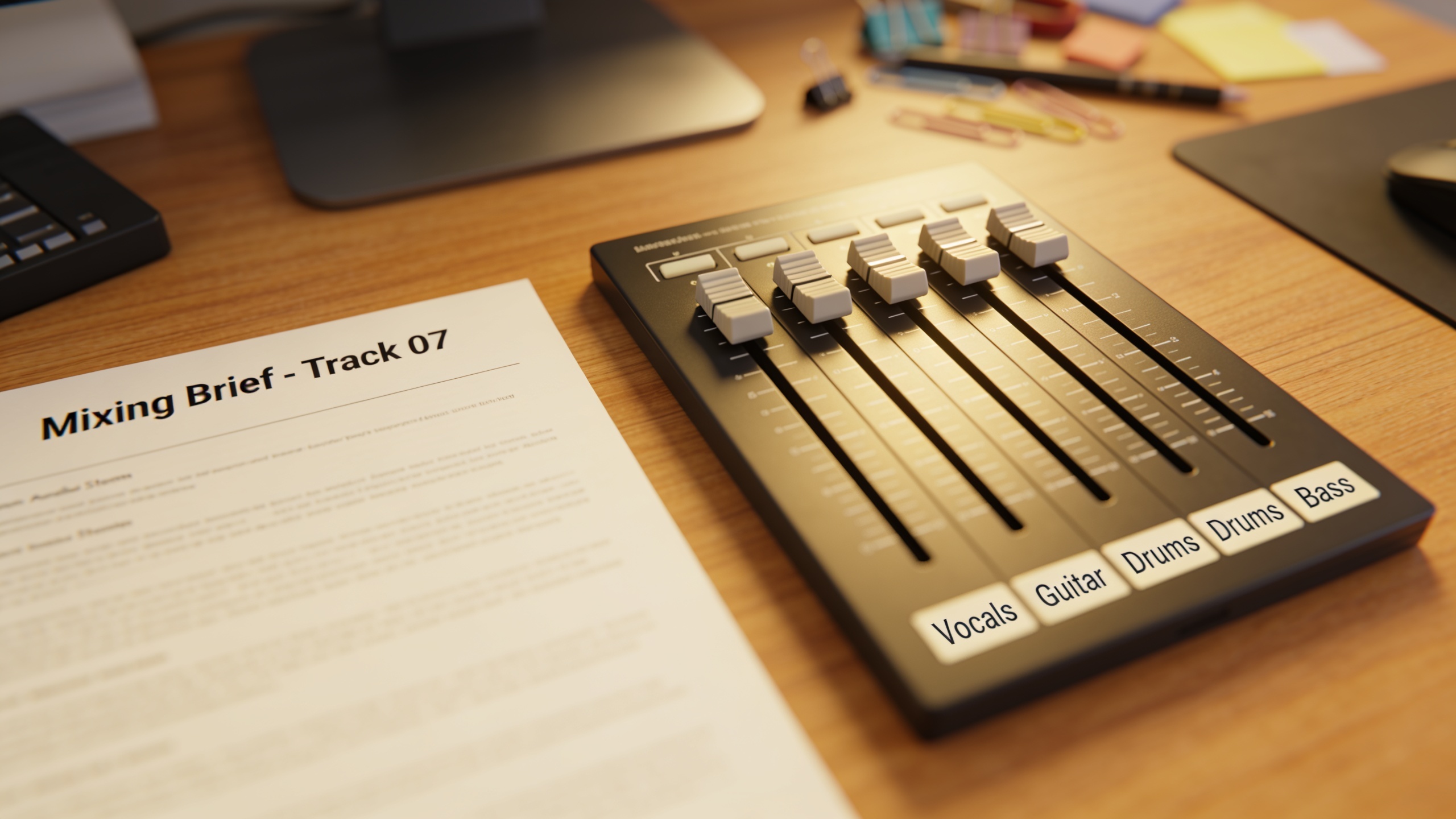
How to structure exports: name files like campaign_variant_hook_tempo_vocal_stem.wav. Produce a 3–6s loopable intro (zero-crossing or matched fade) and a 15s full mix. Create two mixdowns per variant: vocal-forward and instrumental-forward. Keep stems at the same dither/loudness settings to avoid mix jumps during automated creative swaps. If you later need a professional voiceover for narration, pair these stems with an AI voice library; GoCrazyAI also provides an AI voices library you can use for consistent delivery across variants.
Designing an A/B test matrix for audio-first ads (how many variations, what to change, metrics to track)?
Short answer (40–80 words): Build a matrix that tests one audio axis per experiment: hook lines, tempo, vocal mix, instrumentation, and CTA timing. Start with 6–12 variants per campaign and prioritize metrics like view-through rate, click-through rate, and conversion lift.
Matrix example (simple):
| Axis | Variant A | Variant B | Notes |
|---|---|---|---|
| Hook | "Go run" vocal | "Step in" vocal | Tests melody/phrase |
| Tempo | 100 BPM | 120 BPM | Tests energy |
| Mix | Vocal-forward | Instrumental | Tests presence of hook |
| Instrumentation | Guitar-led | Synth-led | Tests mood |
Run multi-armed tests with a traffic split that gives each variant enough impressions (statistical threshold depends on baseline CTR; aim for 1–2k conversions or a power calculation). Track creative-level metrics (CTR, watch time at 2s/6s/15s) and downstream conversion. Iterate winners into visual A/B tests.
 AI-generated
Creative tips to tailor jingles for platforms: TikTok/Reels, YouTube, and paid social?
Short answer (40–80 words): Match jingle length and arrangement to platform behavior: vertical short hooks for TikTok/Reels, longer builds for YouTube pre-roll, and clear 1–2s brand tags for feed ads. Loudness, stereo imaging, and hook timing matter differently by placement.
Platform guidance:
- TikTok/Reels: 3–6s recognizable hook, punchy transient, mono-compatible for vertical; place the hook in the first 1–2s. Use loops that repeat cleanly.
- YouTube (skippable): 6–15s build recommended; include a quick brand tag after 3s to capture skippers.
- Paid social (feed): Favor the 6–15s slice with a loud, midrange-forward hook and a clear CTA.
When pairing with visuals, generate short edit-safe audio files and use an AI video generator workflow to prototype visual+audio combinations quickly.
Common mistakes: avoiding artist soundalikes, documenting provenance, and record-keeping?
Short answer (40–80 words): Common mistakes include shipping outputs that imitate living artists, skipping license checks, and not logging generation provenance. Each increases legal and campaign risk; avoid them with clear prompts, pre-publish reviews, and a simple record-keeping process.
Specific mistakes and how to avoid them:
- Mistake: Prompting for a named artist or very close imitation. Avoid: Use style descriptors (tempo, era, instrumentation) rather than artist names, and listen critically for unmistakable mimicry. Lawsuits in 2024 show imitation can trigger litigation[1].
- Mistake: Publishing without checking the generator’s commercial license. Avoid: Export the license text and save it with the variant.
- Mistake: Losing prompt provenance. Avoid: Store prompt text, generation ID, export filename, date, and a short approval note in a shared spreadsheet or asset manager.
Small teams can treat provenance as a 3-field log (prompt, file, license) and attach that record to the ad creative in the ad account.
How GoCrazyAI’s AI Song Generator (ElevenLabs) speeds production and reduces cost — practical ROI examples?
Short answer (40–80 words): GoCrazyAI’s AI Song Generator integrates ElevenLabs music models to generate original songs, instrumentals, and stems from prompts, which shortens iteration from days to minutes and reduces licensing costs. For small teams this can convert hours of composer time into minutes of generation, speeding A/B testing cycles.
How it helps in practice: the generator produces original tracks (no library licensing required), gives control over style, tempo, and mood, and exports commercial-ready stems you can drop into your edit. A fast example ROI: a five-variant test that previously cost $1,500 in composer fees and three days can be generated and exported for the cost of a few credits and one hour of review, letting you find a winning hook faster. Try the GoCrazyAI AI Song Generator to generate instrumentals, guided vocals, and stems you can use in ad tests; the product integrates ElevenLabs’ models and documents export rights in the UI[2].
Frequently Asked Questions
Is music generated by an AI jingle generator copyright-safe for paid ads?
It depends on the platform’s license. Use generators that provide explicit commercial-rights terms and exportable license text. Keep a provenance log for every file you use.
How long should a jingle variant be for TikTok ads?
Create a 3–6 second loopable hook plus a 15s full mix. The 3–6s version captures attention in short feeds and can be the basis of a longer variant.
How many audio variants should I test at once?
Start with 6–12 focused variants that each change one axis (hook, tempo, mix). Ensure you have enough impressions per variant to reach meaningful metrics before cutting losers.
Can I export stems and use them in other editors?
Yes. Export separate stems (vocal, drums, bass, backing) and loopable intros as WAV files so editors can swap or layer them in NLEs and ad platforms.
Conclusion
Final thoughts: Fast iteration on short, testable jingles reduces creative waste and surfaces the hook that actually moves metrics. Keep briefs modular, export stems, and log licenses before publishing. If you want to try a hands-on workflow, pop a brief into the AI Song Generator and produce testable variants in minutes.
Sources
- Eleven Music | ElevenLabs Documentationelevenlabs.io ↗
- GoCrazyAI — ElevenLabs voice music update (blog)gocrazy.ai ↗
- GoCrazyAI — AI song generator for jingles & loops (blog)gocrazy.ai ↗
- GoCrazyAI — Create song from prompt with GoCrazyAI AI Song Generatorgocrazy.ai ↗
- How to Create Ad Variations: A 5-Layer System for Iterating One Winning Ad — Novoads AInovoads.ai ↗
- Record companies sue AI music generators Suno, Udio — The Washington Postwashingtonpost.com ↗
- Copyright and Artificial Intelligence — U.S. Copyright Officecopyright.gov ↗