



Natural-sounding AI narration: how to create high-converting voiceovers
Practical guide to produce natural-sounding AI narration for ads, YouTube and TikTok. Test voices, prepare scripts, export pro audio, and use GoCrazyAI AI Voices.
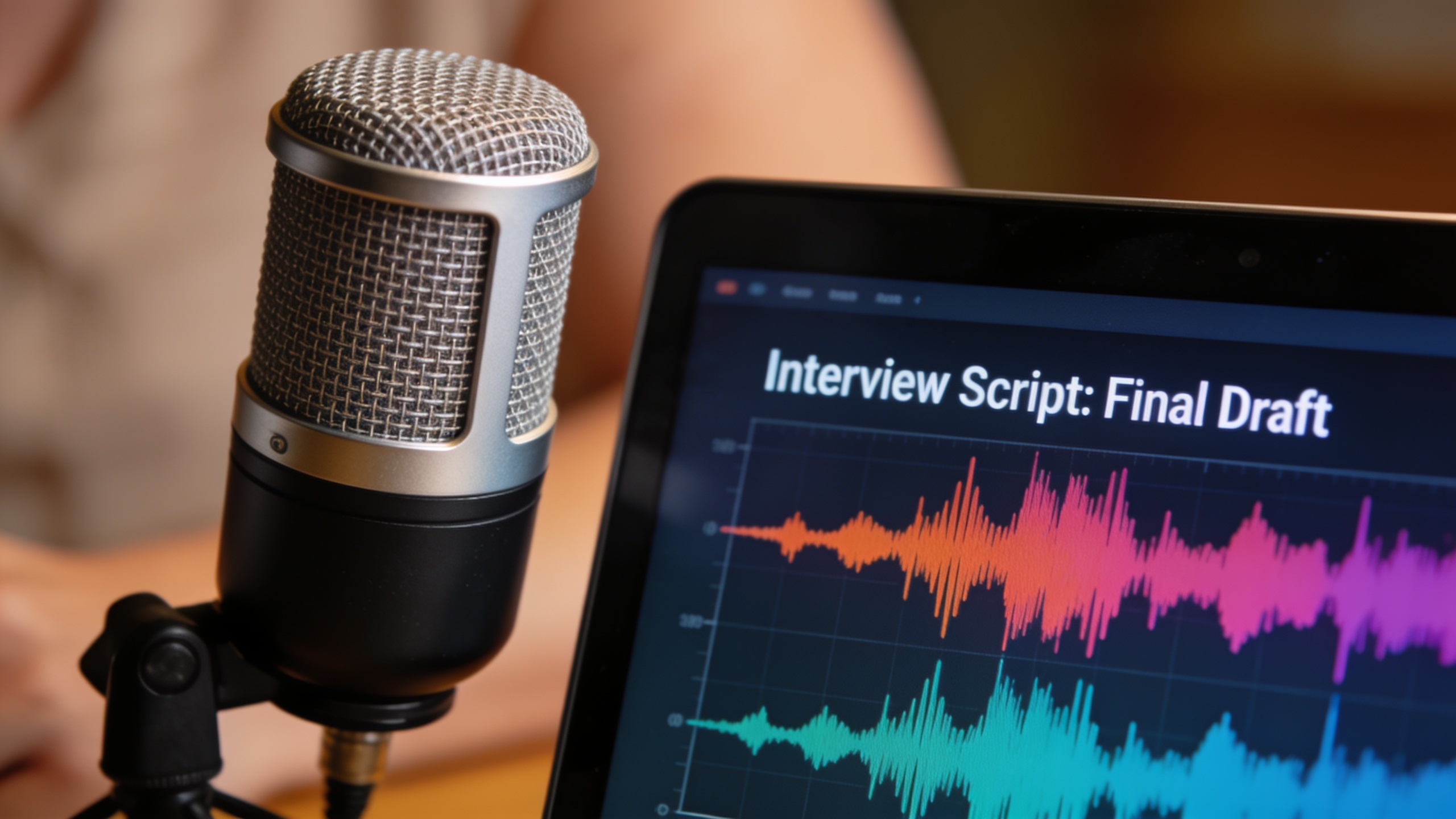 AI-generated
You need voiceovers that sound like a pro and convert—without re-recording every time. This guide teaches creators how to get natural-sounding AI narration that keeps viewers watching and clicking. You’ll learn the technical checklist (prosody, breath, timing), how to pick the best voice for ads, YouTube essays, faceless TikTok, or character work, and a simple A/B test to measure real conversion lift. I’ll show specific script edits, SSML tricks, and a step-by-step workflow to design a custom brand or character voice from a short text description. Along the way we’ll use MOS-style checks and reproducible metrics so you can compare voices objectively. Practical production notes cover music, pacing, subtitles, and a demo-ready export checklist so your audio drops cleanly into video. Where helpful, I’ll point to tools that speed iteration for teams and solo creators — including GoCrazyAI AI Voices, which offers 160+ ready voices and a direct custom-voice-from-text workflow for narration, dubbing, and character work.
Quick Answer
How do you get natural-sounding AI narration? Pick a voice whose prosody fits the script, apply SSML or micro-edits to tune timing and breaths, and run a short A/B test on the final edit to measure engagement or conversion. For fastest iteration, use a tool with many premade voices plus custom voice-from-text so you can try variations quickly.
Why voice quality matters: conversion, attention and cognitive load in short-form ads?
Voice quality matters because it changes how viewers process, remember, and act on short ads. Peer-reviewed work shows that the type of voice-over (human vs. synthetic) can materially affect short-ad effectiveness; differences are often mediated by subtitles and cognitive load, so voice choice directly influences conversion potential (see the ScienceDirect study)[https://www.sciencedirect.com/science/article/abs/pii/S0969698924003011].
Good voice quality reduces cognitive load by matching phrasing and tempo to the message, leaving attention for the call to action. Poorly matched prosody or robotic timing increases effort and drops click-through or conversion rates. For creators, that means voice selection is not just aesthetic — it’s a conversion lever you can measure and optimize.
Practical next steps: prioritize samples that match your ad’s energy (urgent, calm, friendly), test with and without subtitles, and run short A/B experiments to see whether a different voice changes clicks or purchases.
What makes an AI voice sound natural — the technical checklist (prosody, timing, breath, emphasis)?
A natural-sounding AI voice typically nails prosody, timing, breaths, and emphasis. Prosody covers pitch, stress and rhythm; timing is about where you pause; breath and micro-pauses make speech believable; emphasis ensures key words stand out. Together these features shape perceived naturalness.
Checklist you can use right away:
- Prosody match: Ensure rising/falling pitch patterns fit sentence type (questions vs. statements).
- Timing: Insert deliberate short pauses at clause boundaries and before CTAs.
- Breath and micro-pauses: Add small inhalations where a human speaker would breathe.
- Emphasis and dynamics: Increase volume or pitch slightly on keywords.
- Phoneme smoothing: Avoid clipped consonants and unnatural staccato.
Research shows prosodic appropriateness is decisive for perceived naturalness and can be measured with prosodic and linguistic features[1]. In practice, using SSML prosody tags and a few micro-edits to the script will often yield bigger improvements than switching providers.
Choosing the best AI voice for your use case: ads, YouTube essays, faceless TikTok, and character work?
Choose a voice based on content length, emotional tone, and audience expectation. Ads: short, crisp, and attention-grabbing; favor voices with clear attack, tight timing, and strong emphasis on the CTA. YouTube essays: longer-form clarity and a steady tempo that supports listening for minutes. Faceless TikTok: distinctive personality that fits quick visual edits. Character work: exaggerated prosody, timbre variation, and playful timing.
How to pick systematically:
- Match energy: energetic for performance-driven ads, calm and authoritative for explainer essays.
- Check intelligibility at platform playback levels — many viewers watch on phones with noise.
- Prefer voices with built-in breath and micro-pauses for long reads.
- For branded or character voices, use custom voice design from a short text description to avoid cloning logistics and legal complexity.
Industry comparisons from 2024–2026 show trade-offs between realism (voice-cloning fidelity), production features for teams, and language breadth. Pick a platform that balances the trade-offs you care about: realism if you need clone-level fidelity, workflow if you iterate fast, and language breadth for localization[2].
How to evaluate AI voice quality quickly: a reproducible A/B test and MOS-style checklist?
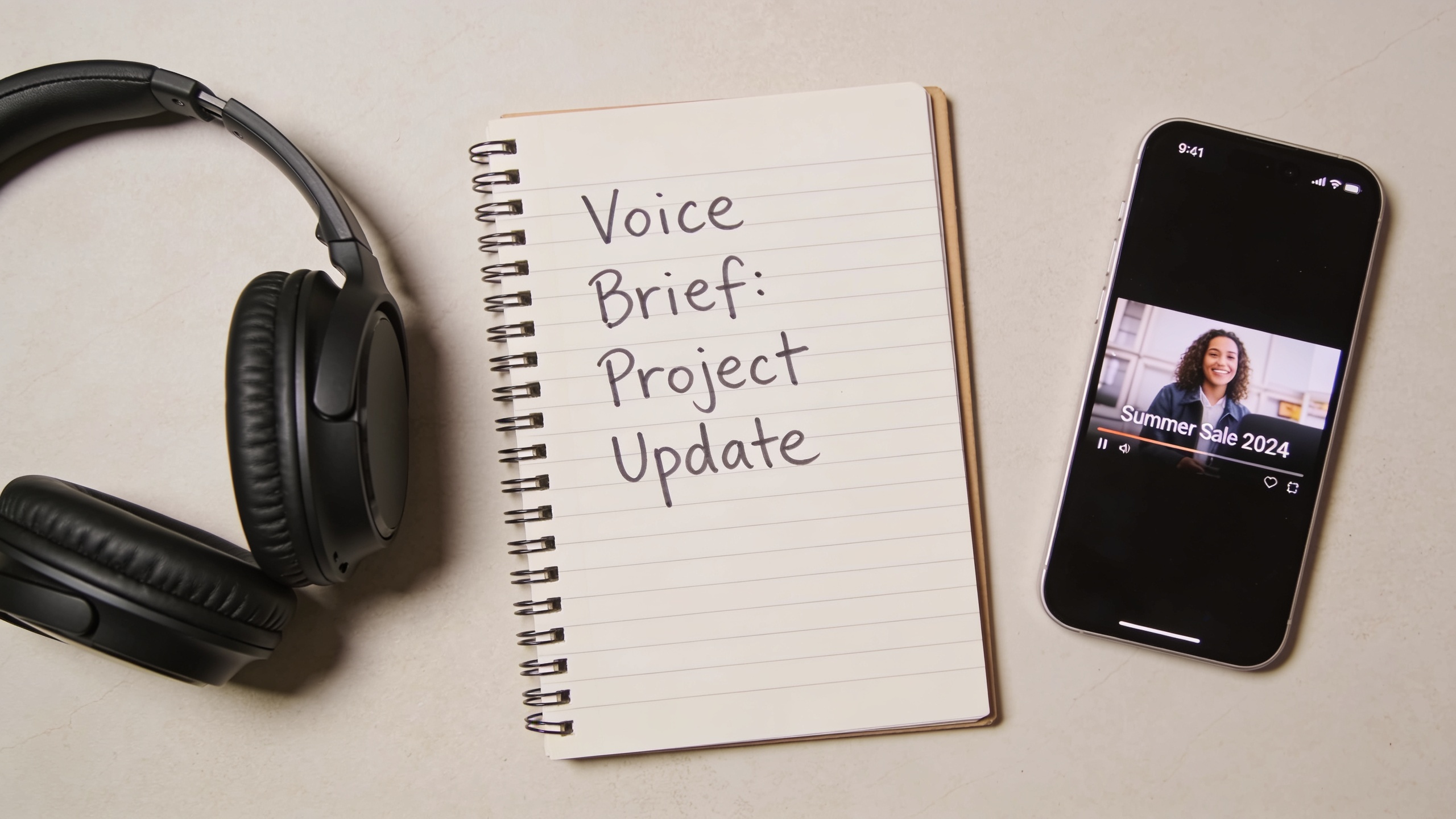
A quick evaluation combines a short A/B test with a MOS-style checklist. The A/B test measures real viewer behavior; the MOS checklist rates perceived naturalness. Together they give both objective and subjective signals.
A/B test (fast, reproducible):
- Create two identical visuals (same thumbnail and copy).
- Produce two voice tracks: Voice A and Voice B, keep timing and loudness matched.
- Run each variant against equal-sized audiences for a fixed window (e.g., 48–72 hours).
- Compare CTR, view-through rate, and conversion metrics.
MOS-style checklist (subjective, repeatable):
- Clarity (1–5): How clear is each word?
- Naturalness (1–5): Overall human-likeness.
- Prosodic fit (1–5): Does pitch/stress match content?
- Breath realism (1–5): Are breaths and pauses believable?
- Emotional match (1–5): Does voice convey the intended emotion?
MOS remains the standard for perceived naturalness; public datasets such as Samsung’s SOMOS supply benchmarks you can reference when comparing models[3]. For faster iteration, pair the subjective MOS checklist with the A/B conversion test to know which voice improves outcomes in your context.
 AI-generated
Hands-on: Preparing a script for a natural AI narration (voice direction, SSML, and micro-edits)?
Prepare the script by giving explicit voice direction, adding SSML where available, and making small rewrites so the AI can deliver natural phrasing. Voice direction should be 1–2 lines: mood, pace, and one key emphasis. Use SSML prosody tags to control pitch, rate, and pauses, and sprinkle intentional commas and short sentences.
Concrete tips:
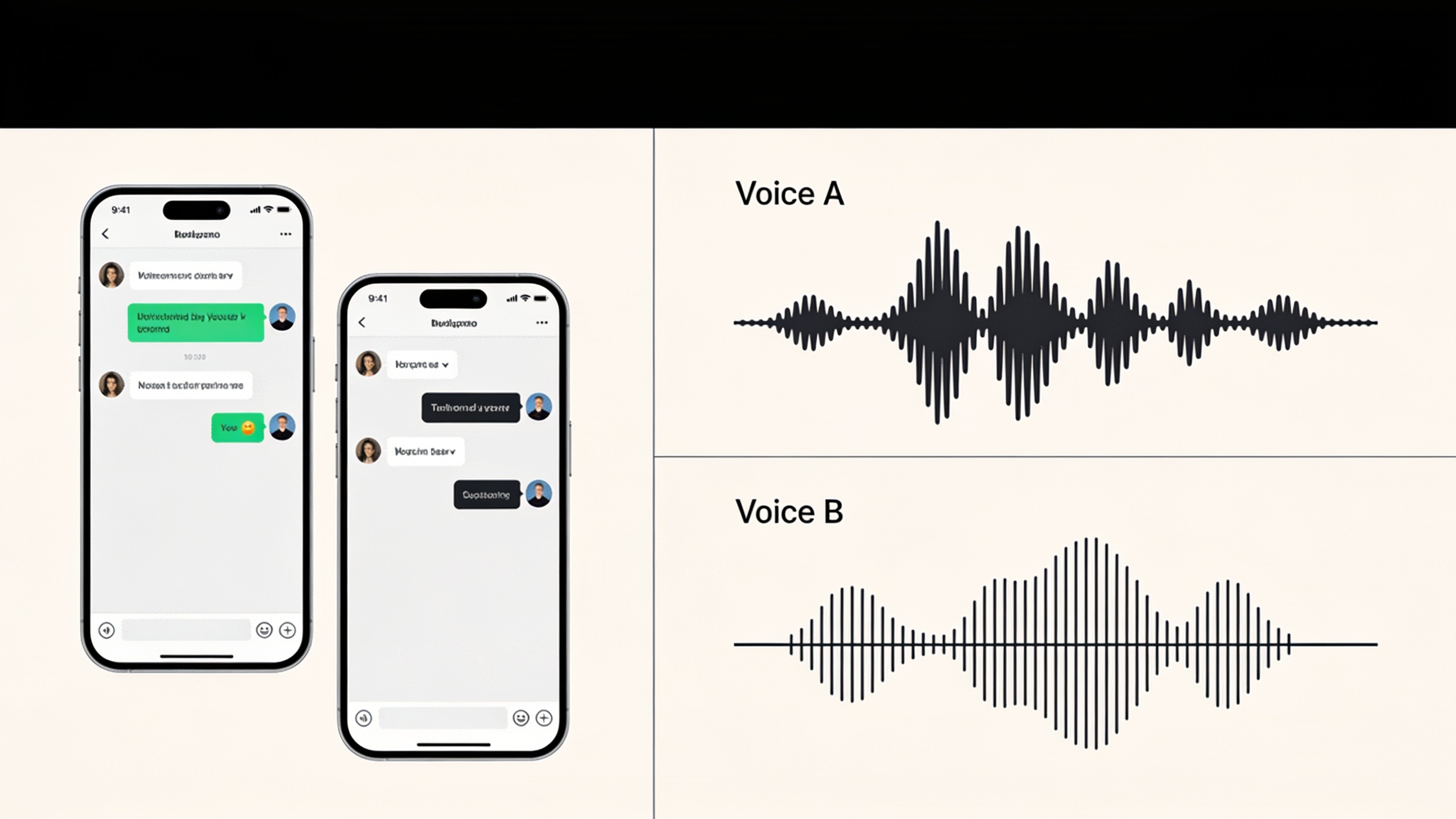
- Start with a one-line voice brief: “Friendly, brisk, 140 wpm, slight emphasis on product name.”
- Break long sentences into shorter clauses; the model handles pacing better.
- Use SSML for pauses: add <break time="200ms"/> before CTAs and between clauses.
- Mark emphasis with <emphasis level="moderate"> for key phrases.
- Insert breath tokens or short silences where natural (SSML or the platform’s breath feature).
Example SSML snippet you can copy:
<voice name="preferred-voice"> Hello. <break time="120ms"/> Meet the new ClearCup. <emphasis level="moderate">Faster pour. Less mess.</emphasis> <break time="200ms"/> Try it today. </voice>
Small script rewrites often improve perceived quality more than swapping providers—focus on natural clause boundaries and conversational wording. For more SSML and prosody tactics, see practical guides on making TTS sound natural[4].
Hands-on: Creating a custom brand or character voice using a text description — step-by-step workflow?
You can design a custom voice from a short text description by specifying tone, age, timbre, pacing and a few reference phrases. The workflow below is the pragmatic path most creators follow: define brief, draft the voice description, generate samples, iterate, and export.
Step-by-step workflow:
- Write a 1-line voice brief: age range, genderedness (if any), mood, and signature trait.
- Add 3–5 short sample lines the voice should read, covering CTA, neutral line, and an emotional line.
- Use the platform’s custom-voice-from-text tool to generate 3–5 candidate variants.
- Rate each variant with your MOS checklist and pick the best two.
- Tweak the description (adjust pitch, warmth, tempo) and regenerate until satisfied.
- Export in the target format and run a short A/B test in your ad or video.
This approach avoids recording logistics and legal complexity while giving a unique sonic identity. Many creators find that a one-line descriptive brief plus two sample lines produces a distinct, usable voice in minutes, which is faster than scheduling studio sessions. For workflow tools that embed custom voice design and multi-voice timelines, production features often accelerate iteration significantly.
 AI-generated
Production tips: matching music, pacing and subtitles to an AI narration for higher retention?
Match music, pacing, and subtitles to narration so audio and visuals reinforce attention. Use music that leaves space for speech: lower instrumentation during key lines and duck the track or use sidechain compression around the voice. Pacing should mirror sentence rhythm; speed up or slow down the V/O slightly rather than forcing fast edits.
Subtitles improve comprehension and reduce cognitive load for noisy environments; tests show voice choice effects are mediated by subtitles, so always include them for ads when possible[5].
Practical checklist:
- Music: choose stems that can be muted during CTAs.
- Pacing: use micro-edits (50–200ms) to sync cuts to prosodic breaks.
- Subtitles: place key words on screen with time-aligned highlighting.
- Loudness: normalize voice to -16 LUFS for streaming social video; export stems to let the editor rebalance.
These small production moves typically lift retention more than replacing the voice entirely.
Demo-ready checklist: exporting, file formats, legal/rights checklist, and integrating AI voice into your edit?
Export with consistent sample rate, bit depth, clear naming, and a brief rights note so editors know reuse permissions. For video use, professionals generally export WAV 48 kHz / 24-bit for editing, and deliver MP3/AAC for final uploads. Normalize or leave stems un-normalized if your editor needs more headroom.
Demo-ready export checklist:
- File type for edit: WAV, 48 kHz, 24-bit.
- Final delivery: MP3 or AAC, 128–256 kbps depending on platform.
- Naming: project_scene_voice_variant_date.wav.
- Loudness: provide a stem at -16 LUFS or unnormalized with peak metering.
- Metadata: include voice name and any licensing notes in file tags or a short README.
- Rights checklist: confirm the platform license allows commercial use, localization and derivative works; keep a timestamped export log.
Integrate into your NLE by importing WAV stems, lining up beats to prosodic breaks, and using the voice stem as the primary sync reference. This prevents rework and keeps your edit scaleable across platforms.
Why GoCrazyAI AI Voices is the practical choice — feature walkthrough and real creator use cases?
GoCrazyAI AI Voices provides a practical mix of ready-made voices and a custom voice-from-text workflow that speeds iteration for creators who need consistent, high-quality narration. The feature offers 160+ premium voices, plus the ability to design a custom voice from a one-line description — useful for narrators, faceless channels, and character work.
How to use GoCrazyAI AI Voices for a project:
- Pick a voice from the 160+ library that matches your energy and language.
- Use the custom voice-from-text option to create brand or character voices without recording sessions.
- Export WAV 48 kHz / 24-bit stems for editing and MP3/AAC for final delivery.
GoCrazyAI ties into the rest of the production stack: pair voice outputs with the AI video generator for rapid video drafts or drop narration into the AI Video Editor for final polishing. If you want to try it, view the AI Voices feature here: AI Voices. For scoring or background tracks, consider pairing with an AI music generator like the AI music generator. If you need to build visuals from script or images, the AI video generator workflow syncs voice and imagery quickly. Real creators use this flow to test voice variants across short-form ads, create faceless channel episodes, and build distinct character voices for animated shorts.
Frequently Asked Questions
What is the fastest way to make an AI narration sound natural?
The fastest wins are: pick a voice with appropriate prosody, add SSML pauses and emphasis, and do a small script rewrite to add natural clause breaks. These changes usually help more than switching providers.
How do I measure whether one AI voice converts better than another?
Run an A/B test with identical visuals and copy, changing only the voice track. Measure CTR, view-through, and conversions over a fixed window. Pair those metrics with MOS-style subjective ratings.
Which file format should I export for video editing?
Export WAV 48 kHz / 24-bit for editing. Use MP3 or AAC for final uploads to social platforms.
Can I create a branded or character voice without voice actors?
Yes. Many platforms — including custom voice-from-text tools — let you design a unique voice from a short description, avoiding recording logistics and licensing headaches.
Do subtitles affect how voice choice performs?
Yes. Research indicates subtitles mediate the effectiveness of human vs. synthetic voice-overs, so include subtitles in ad tests and final deliverables when possible.
Conclusion
Final thoughts: natural-sounding AI narration is a mix of the right voice, small script edits, and measured testing. Use SSML and prosody tweaks to fix pacing, run quick A/B tests to confirm conversions, and export consistent stems to avoid edit rework. If you want the fastest path from script to multiple usable voices — including a quick custom voice from a short description — try GoCrazyAI AI Voices and pick a voice that fits your project: AI Voices.
Sources
- The effectiveness of human vs. AI voice-over in short video advertisements: A cognitive load theory perspectivesciencedirect.com ↗
- SOMOS: The Samsung Open MOS Dataset for the Evaluation of Neural Text-to-Speech Synthesis (arXiv)arxiv.org ↗
- Make Text-to-Speech Sound Natural (1Bit AI Blog) — SSML and prosody tips1bit.ai ↗
- ElevenLabs vs Murf vs Play.ht: Best AI Voice for Faceless Videos (comparison)faceless.directory ↗
- Comprehensive AI voice and TTS tool matrix 2026 — TigerScribetigerscribe.com ↗
- Investigating Content-Aware Neural Text-To-Speech MOS Prediction Using Prosodic and Linguistic Features (arXiv)arxiv.org ↗
- Murf vs ElevenLabs vs Play.ht (2026 AI Voice Comparison) — LaunchStackHublaunchstackhub.com ↗
- Best AI Voice Generators for YouTube: Complete 2025 Comparison — Faceless Directoryfaceless.directory ↗
- ElevenLabs vs Murf vs Play.ht vs Resemble (2026): Which AI Voice Tool Sounds Best? — AI Tools Recapaitoolsrecap.com ↗