



AI music loops for TikTok: make copyright-free jingles, stems, and backing tracks
A practical guide to creating copyright-free AI music loops, multi-stem backing tracks, and short jingles for TikTok using the GoCrazyAI AI Song Generator.
 AI-generated
You need short, copyright-safe music that fits a 10–30 second TikTok or Reels cut and you need it fast. This guide shows how to reliably generate AI music loops, jingles, and multi-stem backing tracks that are ready for short-form platforms. You'll learn what features to demand from a tool, quick prompt examples to copy, and a hands-on walkthrough using GoCrazyAI’s AI Song Generator (powered by ElevenLabs) so you can export platform-compliant files without wrestling with licensing. Expect practical tips for stems, loudness, voice options, and TikTok’s Music Usage Confirmation so you can publish with confidence.
Quick Answer
How do you create AI music loops for TikTok? Use an AI song generator that produces short loops and separate stems, set length to 10–30 seconds, and export as high-quality MP3 or WAV with -14 LUFS for loudness. If you need vocals, pick an ElevenLabs voice or instrumental only, then confirm commercial use per TikTok's Music Usage Confirmation.
Why copyright-free AI music matters for TikTok creators (rights, risk, and ROI)?
Short answer: copyright-free AI music reduces legal risk and speeds publishing while protecting revenue and brand safety. Most creators who reuse library clips run into takedowns, muted audio, or claims that block monetization, especially if the music isn’t cleared for commercial use. Platforms expect creators to confirm rights when using outside music; TikTok’s Music Usage Confirmation specifically asks creators to assert necessary licenses when posting non-platform tracks [TikTok Support].
Why this matters practically: a 2023 analysis found about 85% of TikTok videos contain music, so your soundtrack choice shapes reach and discoverability[1]. Using copyright-free AI tracks means you can craft a unique sonic hook without negotiating licenses or relying on trending library snippets that others overuse. From an ROI perspective, a bespoke jingle or loop can increase brand recall and avoid revenue loss from claims or removals.
How to assess risk: check the generator’s commercial rights language, prefer models cleared for broad commercial use, and keep records (export timestamps, generation prompt, and confirmation screens) to prove you created or licensed the audio if a platform asks.
How short-form backing tracks and jingles boost engagement — data and creative examples?
Short answer: short-form music increases watch time, trend adoption, and recognition; the right musical hook raises completion rates and boosts shareability. Data shows music and audio are central to short video discovery: 76% of music listeners have watched short-form videos in the U.S., demonstrating strong overlap between music discovery and platform consumption (Luminate / industry reporting, mid‑2024)[[2]](#source-2].
Creative examples that work for creators: a 10‑second percussive loop under product demos; a 15‑second vocal motif for a recurring challenge; a 20–25s instrumental swell for reveal cuts. Small changes—raising a bass stem during a punchline or muting the vocal stem for text-on-screen segments—can change perceived energy without redoing the whole track.
Practical metric to watch: completion and rewatch rate. Swap two loop variations into an A/B test and measure which loop yields higher completion; even subtle tempo or instrumentation shifts often move the needle for short-form content.
 AI-generated
What to look for in an AI song generator: stems, length control, vocal options, and commercial rights?
Short answer: pick a tool that exports separate stems, offers tight length and tempo control, provides vocal options, and documents commercial-use rights. Stems let you duck, remix, and match edit points without destructive edits. Length control (settable bars or explicit seconds) prevents oversized tracks that need heavy trimming later.
Important features to check:
- Multi-stem export (drums, bass, keys/vocals) so you can remix or lower the instrumental under a voiceover. MusicGen‑Stem research shows multi-stem workflows are becoming standard and improve edit flexibility[3].
- Precise length/sectional generation (intro/verse/chorus) so you can produce a 10–30s loop without manual cuts; ElevenLabs’ Eleven Music model supports sectional generation for controlled outputs[4].
- Vocal options and clear licensing language. If you plan to include sung hooks, use models or voices cleared for commercial use to avoid later claims.
- Export formats (WAV/MP3/individual stems) and loudness control. For TikTok, export ready files and keep a stemless master plus isolated stems for post-export mixing.
Also confirm the vendor’s terms that the generated tracks are original and that you have rights to use them commercially—this avoids surprises when you assert rights on TikTok’s Music Usage Confirmation.
 AI-generated
Hands-on: Generate multiple stems and platform-ready loops with GoCrazyAI AI Song Generator (step-by-step)?
Short answer: use GoCrazyAI’s AI Song Generator to create a short instrumental, request multi-stem exports, set the exact length (10–30s), and download separate stems (drums, bass, instruments, vocal) for flexible mixing. GoCrazyAI’s Song Generator produces original tracks and is powered by ElevenLabs music models which support sectional and high-quality downloads.
Step-by-step (practical):
- Open the AI Song Generator at the AI Song Generator page and choose "New Song". Use the "instrumental" template for backing tracks. Link: AI Song Generator.
- Enter a concise prompt: mood, genre, tempo, and target length (example prompts below). Specify "export stems" and choose stems you need (drums, bass, keys, vocal).
- Select a target length: set bars or seconds to 10–30s. Preview the generated sections (intro/loop/ending) and pick your loop segment.
- Download: choose separate WAV stems plus a mixed master. Keep a 24-bit WAV master and compressed MP3 for upload.
- Document generation: save the prompt, timestamps, and confirmation screen if you need to show rights later.
Why this workflow helps: you get a platform-ready loop and separate stems for quick ducking or remixing inside an editor. If you need narration or character lines, pair the stems with GoCrazyAI’s AI Voices to produce voiceovers that match the track mood. For guidance on the generator and integrations, see GoCrazyAI’s AI Song Generator docs and tutorials on the blog[5].
Hands-on: Craft a 10–30 second copyright-free jingle for TikTok — prompts, vocals (ElevenLabs), and edit tips?
Short answer: target a concise musical idea, write a prompt that states hook, mood, tempo, and instrumentation, pick an ElevenLabs vocal or instrumental-only option, then export a 10–30s loop plus stems for post-edit. Keep vocals short and rhythmic for better earworm effect, and avoid long lyrical passages that clash with captions or voiceovers.
Prompt templates you can copy:
- "Bright, upbeat 12-bar pop jingle, 100 BPM, catchy two-note horn hook, light drums, warm bass, 15 seconds, export stems: drums,bass,keys".
- "Minimal electronic hook, 90 BPM, plucky synth melody, soft pad backing, 20 seconds, no vocals, stems: synth,pad,percussion".
- "Warm acoustic ukulele jingle, 110 BPM, female vocal humming a 6-note motif, 10 seconds, include vocal and instrumental stems".
ElevenLabs vocal tips: use short, phonetic hooks or hummed motifs rather than long sung lines to keep clarity in small earbuds. Eleven Music supports sectional generation, so request an "intro/hook/loop" structure and pick the hook for your TikTok edit[4].
Edit tips:
- Trim or crossfade the end to loop seamlessly. A 5–10ms crossfade can remove clicks.
- Duck the instrumental -6 to -10 dB under spoken parts.
- Check loudness: aim for around -14 LUFS integrated for short-form platforms; adjust per platform preview and export both WAV and 320kbps MP3 for upload.
 AI-generated
Mixing, exporting, and publishing checklist — common pitfalls, file types, loudness, and TikTok rules?
Short answer: export a high-quality WAV master plus separate stems, set loudness near -14 LUFS, name files clearly, and keep records proving commercial rights. Common pitfalls include uploading low-bitrate files, not exporting stems, or failing to retain generation proof—these cause poor audio or disputes later.
Checklist and how to avoid pitfalls:
- File types: export a 24-bit WAV master and 320 kbps MP3 for upload. Save stems as WAV.
- Loudness: target -14 LUFS integrated for TikTok/Reels; if unsure, preview on a phone and adjust. Avoid brickwall limiting that squashes dynamics.
- Seamless loops: export a loop with a short crossfade and test loop playback on repeat.
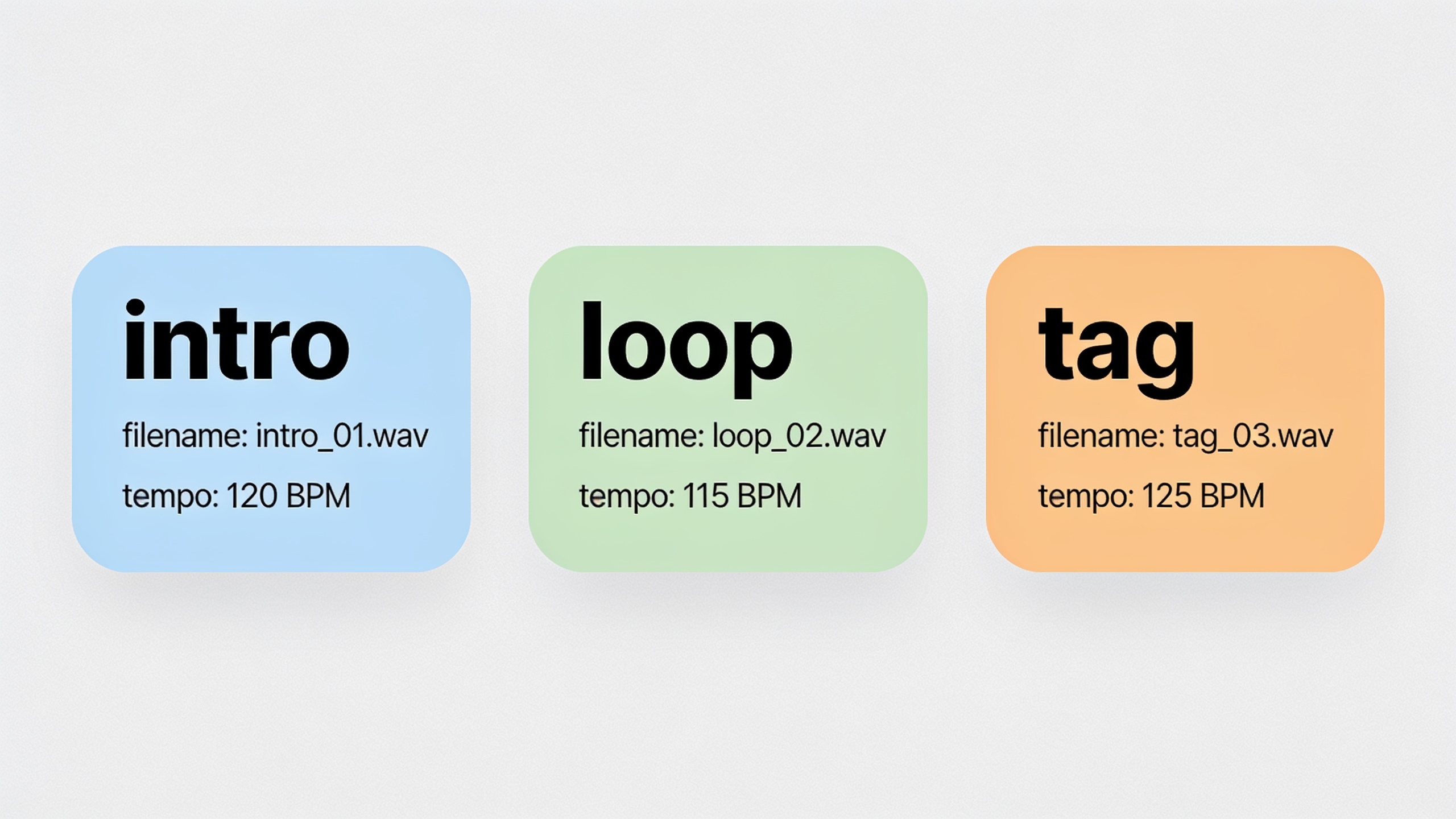
- Metadata & naming: include tempo, key, and stems in filenames (e.g., "brand-hook_15s_100bpm_master.wav").
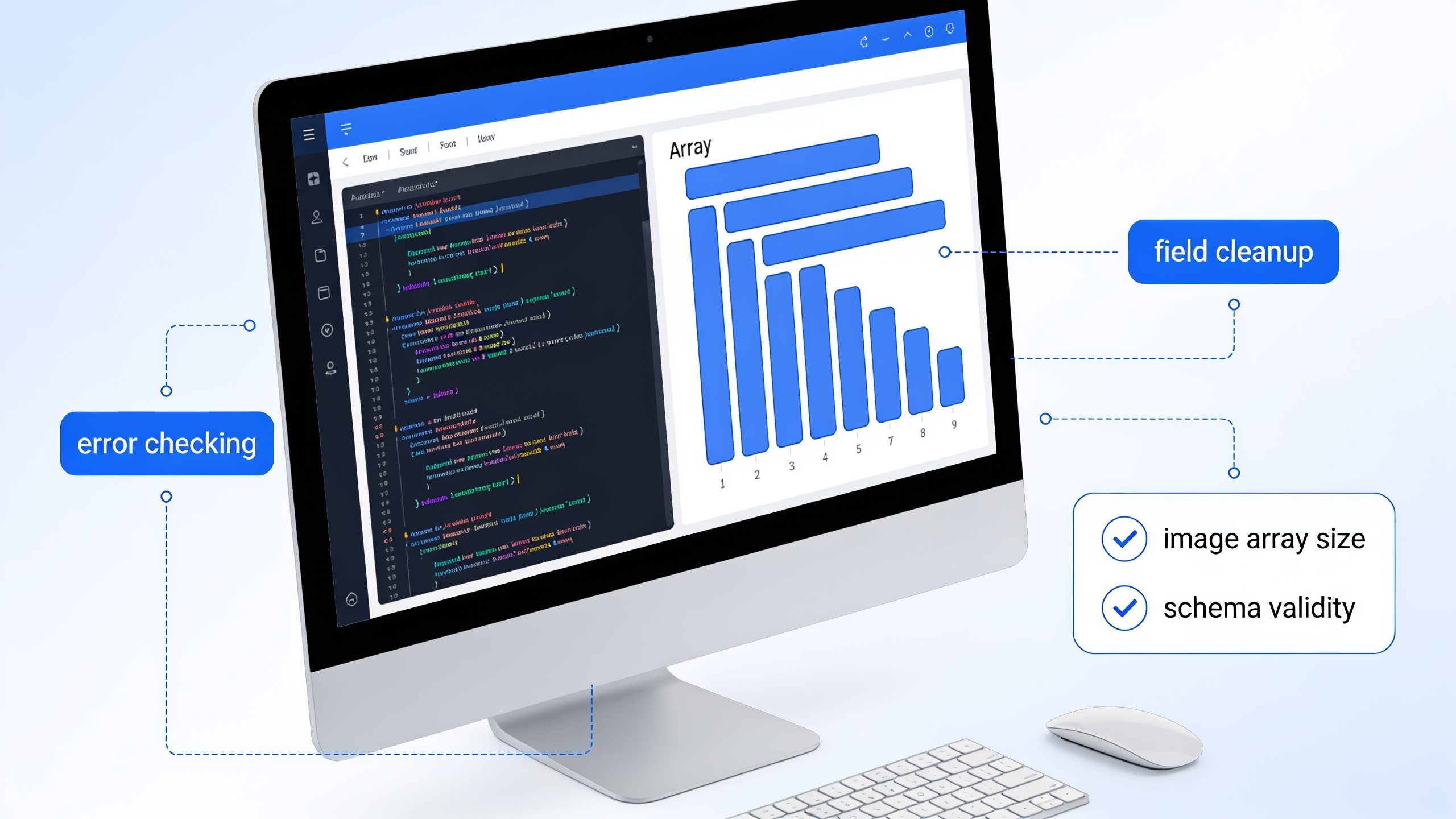
- Rights and documentation: keep the original generation prompt, export timestamps, and any platform confirmation screens. TikTok requires creators to assert necessary licenses via Music Usage Confirmation when using non-platform tracks; have your records ready[6].
- Upload best practices: upload the MP3/MP4 to TikTok and add credits or a short description if you want discoverability; if you plan monetized ads, check commercial terms in your generator.
Avoid these mistakes: don’t upload only a compressed social-size clip as your master; don’t rely solely on the mixed master if you might need to lower the music under dialog later; don’t ignore the generator’s licensing disclosures.
 AI-generated
Scale your channel sound: build reusable theme loops, variations, and a sonic identity using GoCrazyAI?
Short answer: create a small library of 6–12 theme loops and 2–3 variations per theme (tempo, instrumentation, mood) so you can quickly score any short video while keeping a consistent sonic identity. Use stems to remix on the fly and keep a naming scheme so you can search by mood, tempo, or use case.
A practical scaling plan:
- Start with 3 core themes: intro stinger (3–6s), primary loop (10–15s), and outro/tag (4–8s).
- For each theme, generate 2–3 variations: instrumental-only, vocal-hook, and slowed tempo. Export stems so you can swap the bass or drums to better match footage.
- Keep a master spreadsheet of prompts, tempo, key, and intended use. This lets you regenerate matched variations if a theme becomes a recurring asset.
How GoCrazyAI helps: use the AI Song Generator to batch-create variations by changing style/tempo lines in prompts, and store masters and stems for rapid reuse. When paired with GoCrazyAI’s AI Video Editor you can drop a theme loop into an edit and make quick level adjustments without re-exporting the track; this shortens turnaround when producing daily shorts or trend responses. For inspiration or ready-made examples, preview curated AI tracks in the AI Music Library to see how finalized albums structure recurring themes[/ai-music/library].
Frequently Asked Questions
Are AI-generated songs safe to use commercially on TikTok?
Usually yes if the generator explicitly grants commercial rights. Keep generation records and follow TikTok’s Music Usage Confirmation to assert you have the rights when uploading[6].
What file type should I upload to TikTok for best audio quality?
Upload a 24-bit WAV master for archiving and a 320 kbps MP3 for quick uploads. TikTok accepts common audio inside video files; test playback on a phone to confirm levels.
How long should an AI music loop for TikTok be?
Aim for 10–30 seconds for most hooks. Short stingers (3–8s) work for brand tags; 10–30s loops cover most trend formats and make editing easier.
Can I get separate stems from GoCrazyAI for remixing?
Yes. GoCrazyAI’s AI Song Generator supports multi-stem exports so you can remix, duck, and master tracks for short-form edits.
Conclusion
Final thoughts: build a small library of short, platform-ready loops and stems, test variations in live content, and keep proof of rights when you publish. Prioritize generators that export stems and document commercial-use terms so you can post without surprises. Pop a vibe into the AI Song Generator and you'll have a track to score the cut in minutes.
Sources
- AI Song Generator articles, guides & tutorials | GoCrazyAI Bloggocrazy.ai ↗
- AI Song in My Voice — GoCrazyAI product page (AI Song Generator integrations)gocrazy.ai ↗
- Music overview | ElevenLabs Documentation (Eleven Music features & commercial use)elevenlabs.io ↗
- Commercial use of music on TikTok — TikTok Support (Music Usage Confirmation)support.tiktok.com ↗
- 2023 TikTok data report: 85% of videos on TikTok contain music — Pex blogpex.com ↗
- Luminate / industry reporting on short-form video and music consumption (mid‑2024 summaries)s206.q4cdn.com ↗
- MusicGen‑Stem: Multi-stem music generation and edition through autoregressive modeling (research paper)arxiv.org ↗
- Best AI Music Tools in 2025 — feature comparisons and stem/export notes (example industry roundup)jeffbullas.com ↗