



How to Build a Branded AI Voice: Clone, Test, and Protect
Step-by-step guide to create, fine-tune, and legally protect a branded AI voice for YouTube, TikTok, and podcasts. Includes GoCrazyAI tutorial and best-practice audio specs.
 AI-generated
You need a consistent, reusable narration voice for your channel or podcast but recording every episode wastes time and energy. This guide shows how to build a branded AI voice you can clone, deploy, and legally protect — with concrete recording specs, a step-by-step cloning workflow, and distribution tips for YouTube, TikTok, and podcasts.
The workflow is creator-first: record consistent training samples, train or pick a base voice, fine-tune pronunciation and SSML, then add contract and disclosure safeguards. Where useful, I show how to do this using GoCrazyAI AI Voices and how that feature pairs with video and podcast tools so you can ship episodes faster.
Quick Answer
How do you build a branded AI voice? Record 2–10 minutes of clean, consistent speech samples, choose a premade voice or clone your own, then fine-tune prosody, pronunciation, and SSML for your scripts. Add contracts and clear disclosures before commercial use, and use tools like GoCrazyAI AI Voices to clone, iterate, and deploy across platforms.
Why are creators turning to branded AI voices now — quality, speed, and commercial use cases?
Creators are using branded AI voices because they speed production, ensure consistent tone across assets, and cut the need to re-record lines for every edit. High-quality premade voices let creators match a target style quickly; cloning lets a creator replicate a specific narrator or character voice from a short sample.
For practical use cases: a YouTube essay channel can use a branded narration voice for dozens of uploads to keep tone consistent. A faceless TikTok channel can deploy a recognisable voice for series episodes. Indie podcasters and small studios can localize voices or produce character lines without scheduling dozens of voice actors.
Technical context: many vendors now ship large premade voice libraries and one-shot cloning options that integrate into editing pipelines. However, output fidelity typically tracks the recording consistency and model limits — a short, well-recorded sample usually beats a longer noisy one. That trade-off is why creators pick platforms offering both large voice libraries and cloning tools so they can iterate quickly.
What legal, ethical, and detection risks and pitfalls must you solve before cloning a voice?
You must solve consent, publicity rights, and evolving regulation before cloning a voice. Unauthorized cloning can trigger civil suits, statutory limits, or platform takedowns; courts and lawmakers have been active on voice-related limits and publicity-rights claims in recent years. For a preparedness baseline, always secure signed permission from a voice owner and define commercial scope in writing.
Detection and disclosure: human listeners are often poor at detecting synthetic voices — a 2024 study found listeners perceived AI clones as the same identity roughly 80% of the time and correctly detected AI voices only about 60% of the time, which increases the ethical need for disclosure [arXiv study ].
Regulatory context: state and federal proposals and recent litigation show the legal environment is changing quickly; follow current analyses and update contracts accordingly [Strategic Perspectives analysis ]. Practical steps: get written consent, specify allowed uses, set expiry terms, and register ownership or licensing terms in your project files. If you’re cloning your own voice, store proof of identity and a signed release for commercial distribution.
How do you prepare source audio and a script to yield a professional voice clone (hands-on checklist)?
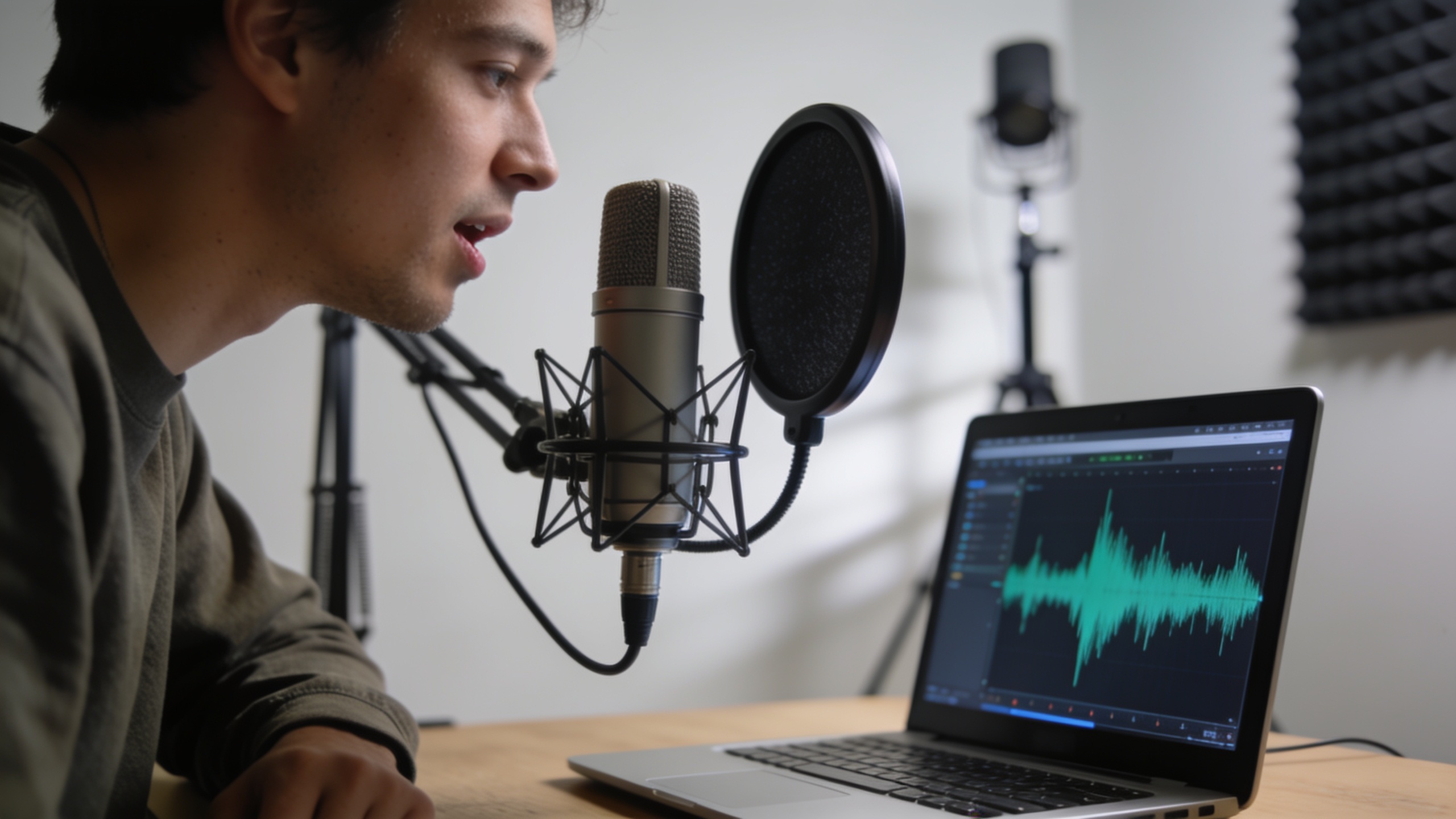
Use consistent tone, pace, and accent across training samples and keep files clean and uniform — that produces the best clones. Record several short takes with identical microphone placement, distance, and speaking style. Save source files as mono WAV at 44.1–48 kHz with low background noise; many vendor docs recommend these specs and provide FFmpeg commands to normalize inputs.
Hands-on checklist:
- Microphone & room: use a cardioid condenser or good USB mic in a quiet room with soft surfaces. Avoid compressors or heavy processing during recording.
- Script & delivery: pick a single style (neutral narration, enthusiastic host, or character) and deliver all lines with that same energy and cadence.
- File format: export mono WAV (44.1–48 kHz) or high-bitrate MP3, labeled clearly.
- Length & variety: supply 1–10 minutes of speech that covers your typical phonemes; shorter samples can work with one-shot tools but consistency matters most.
- Pronunciation & SSML notes: prepare a small pronunciation guide for tricky names and acronyms so the clone matches brand usage.
Example FFmpeg normalization (common across tool docs):
``` ffmpeg -i input.mp3 -ac 1 -ar 44100 -vn -y normalized.wav ```
Keep a log of recording settings (mic, gain, distance) so you can reproduce the same setup for future re-records or re-clones. For tool-specific instant-cloning tips, vendor docs like the Instant Voice Cloning quickstart emphasize consistent tone and accent when recording samples [Instant Voice Cloning quickstart ].
Step-by-step workflow: Clone or design a custom voice in minutes with GoCrazyAI AI Voices (hands-on tutorial)?
Yes — you can clone or design a brand voice quickly with GoCrazyAI AI Voices by uploading clean samples or choosing a premade voice, then testing and exporting. The platform supports cloning from a short, clean sample, offers 160+ ready voices to match tone fast, and includes pronunciation/SSML tools for fine control.
Hands-on tutorial (10–20 minutes):
1) Prepare your files: normalize to mono WAV 44.1 kHz and collect 2–5 minutes of consistent samples. See the checklist above.
2) Open GoCrazyAI AI Voices and choose either “Clone your voice” or “Browse voices.”
3) Upload sample files and enter a short voice description (tone, target audience, any accent notes). Use the sample-verify step to hear a quick preview.
4) Pick a base voice from the 160+ library if you want a faster route; otherwise, confirm the clone. Use the SSML/pronunciation editor to add emphasis, pauses, or custom name pronunciations.
5) Generate a 30–60 second test script. Listen and compare versions, iterating on emphasis or pronunciation settings.
6) Export the narration in your desired format and bitrate. Use the built-in pairing options to drop audio into the GoCrazyAI AI Video Generator or AI Podcast workflows if you’re making video or episodes.
Practical tips: start with a premade voice if you need a quick brand match, then clone your own voice for signature content. If you plan to localize or create character lines, use the custom voice design option and keep descriptor notes for future clones. This workflow pairs cleanly with GoCrazyAI’s video and podcast tools so you can produce finished content without juggling audio formats.
 AI-generated
How do you test, fine-tune, and distribute your branded narration across YouTube, TikTok, and podcasts? (Examples you can copy)
Test on platform-like devices and iterate delivery and loudness to match listening contexts. For YouTube and podcasts, listeners expect fuller bandwidth and a calmer cadence; TikTok favors snappier, higher-energy delivery and shorter takes. Run A/B tests with short clips to see which cadence and pauses improve engagement.
Testing steps and examples:
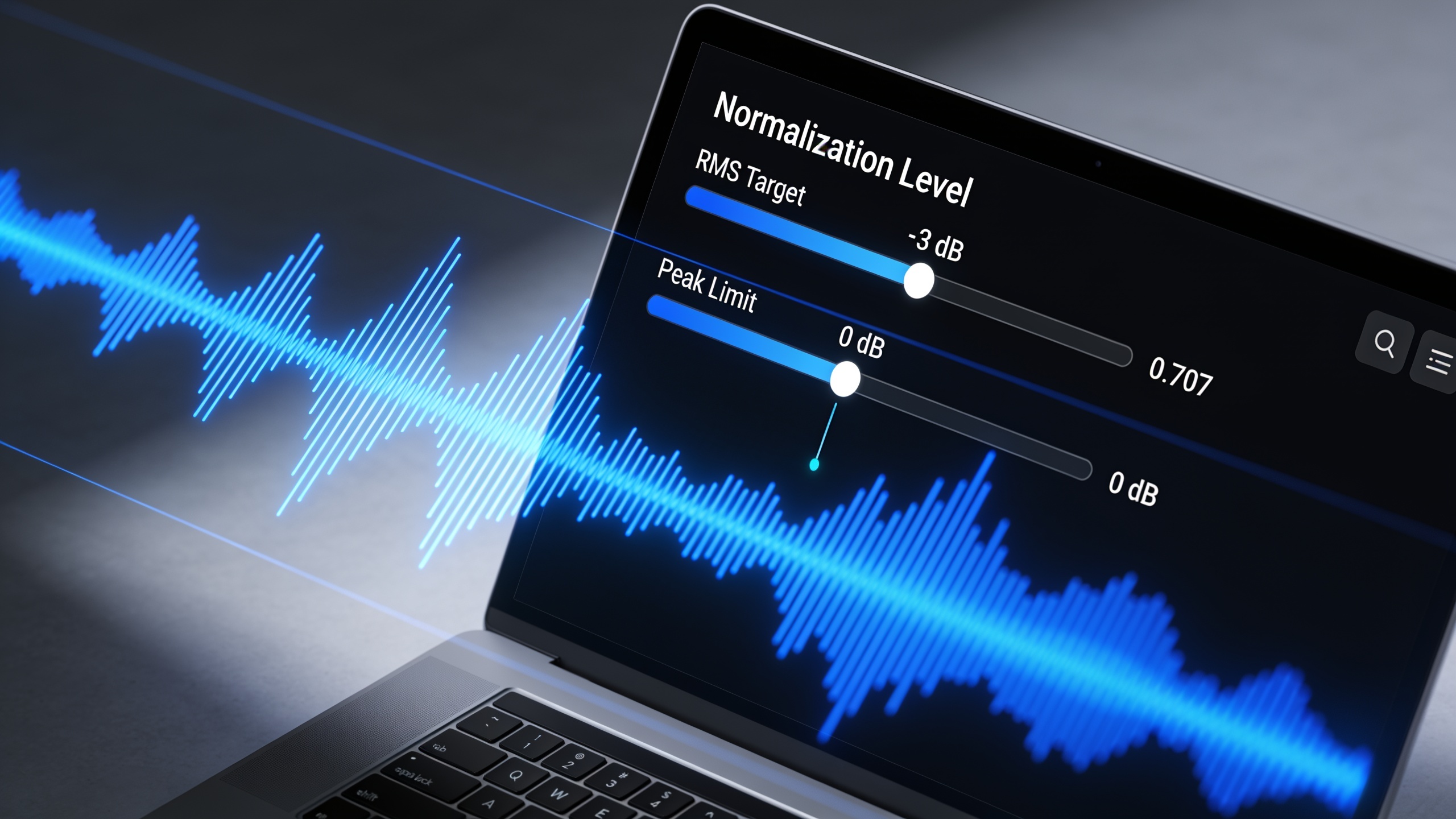
- YouTube explainer test: export a 90–120 second narration and check levels against -14 LUFS integrated for podcasts/YouTube dialogue. Listen on laptop speakers and mobile earbuds.
- TikTok short-form test: export a 20–45 second clip and boost midrange for clarity at low volumes.
- Podcast test: render at 44.1 kHz, -16 to -18 LUFS integrated for spoken-word shows.
Example test scripts you can copy:
``` YouTube explainer (neutral): "Today we'll walk through three choices that will save you hours each week. First: a simple recording routine..."
TikTok hook (energetic): "Stop scrolling — here's one trick that cuts your editing time in half!"
Podcast intro (warm): "Welcome to The Monthly Brief — I'm your host, Sam, and today we're diving into..." ```
Fine-tuning: use small edits and SSML tags for pauses and emphasis; tighten pacing and remove breathy gaps. If you add music, mix voice + music so the voice sits 10–14 dB above the track in spoken sections. For video pairing, you can drop narration directly into an editing workflow like the AI Video Generator or add background tracks from the AI music generator.
What safeguards, attribution, and monetization steps should you use?
Protect your branded voice with written licenses, disclosure statements, and internal rights tracking. For any cloned or premade voice used commercially, keep a signed release or a license file that spells out allowed uses, territories, and duration. This prevents disputes and strengthens your position if a legal question arises.
Attribution and disclosure: include a short disclosure in descriptions or episode notes when using a synthetic voice or a cloned voice you license. Transparency helps platforms and audiences and reduces downstream risk.
Monetization and contracts: when you hire a voice owner or license a clone, use a written contract that covers payment, exclusivity (or lack of it), and permission to use a cloned voice in revenue-generating projects. Keep a changelog for voice model versions and training samples so you can show provenance if needed.
Operational safeguards: store master recordings, consent forms, and license files in a secure project folder. Use watermarked test clips for third-party demos and change or retire voice clones if a dispute arises. These steps lower legal risk and keep monetization channels open.
Frequently Asked Questions
How long of a recording do I need to clone my voice?
You can get usable clones from 30–120 seconds with modern one-shot tools, but 2–5 minutes of consistent, well-recorded speech usually yields much better fidelity and control.
Can I use a cloned voice commercially?
Only if you have the legal right to do so — either by cloning your own voice or by a written license from the voice owner. Update contracts to specify commercial scope and keep records of consent.
Will listeners detect an AI voice?
Detection varies; research shows many listeners confuse high-quality clones with the original voice in most cases, so aim for transparent disclosure and strong ethical practices.
What audio format should I upload to the cloning tool?
Upload mono WAV at 44.1–48 kHz with minimal background noise. Normalize levels and keep consistent voice delivery across files for best results.
Conclusion
Building a branded AI voice is a practical sequence: record consistent, clean samples; clone or choose a premade voice; then test, document rights, and disclose use. Follow the audio specs and the legal checklist above to reduce risk while keeping production fast. If you want a fast way to try premade or cloned narration with pronunciation controls and commercial licensing options, try GoCrazyAI AI Voices.
Sources
- Instant Voice Cloning quickstart — ElevenLabs docselevenlabs.io ↗
- Voice Cloning overview — ElevenLabs docselevenlabs.io ↗
- How to Clone a Voice with AI: A Step-by-Step Guide — Kapwingkapwing.com ↗
- How to Clone a Voice With AI: Tools & Safety — wikis.aiwikis.ai ↗
- People are poorly equipped to detect AI-powered voice clones — arXiv (Oct 2024)arxiv.org ↗
- Strategic Perspectives: AI 'voice cloning' in the crosshairs of legislators, regulators, civil litigants (June 2024) — Wolters Kluwer / CCH analysisbusiness.cch.com ↗
- Lehrman v. Lovo Inc. — Loeb & Loeb LLP analysis (July 10, 2025)loeb.com ↗
- How to Clone a Voice | Voice Creator Pro Docs (clone tutorial)voicecreator.pro ↗
- Guide: ElevenLabs voice cloning deep dive (blog) — ElevenLabselevenlabs.io ↗
- How to create a voice clone (Revoicer help center)helpdesk.revoicer.com ↗