


AI 3D Model Generator guides & tutorials
Everything we've published on ai 3d model generator — how-to articles, model comparisons, and workflow guides for creators using GoCrazyAI.
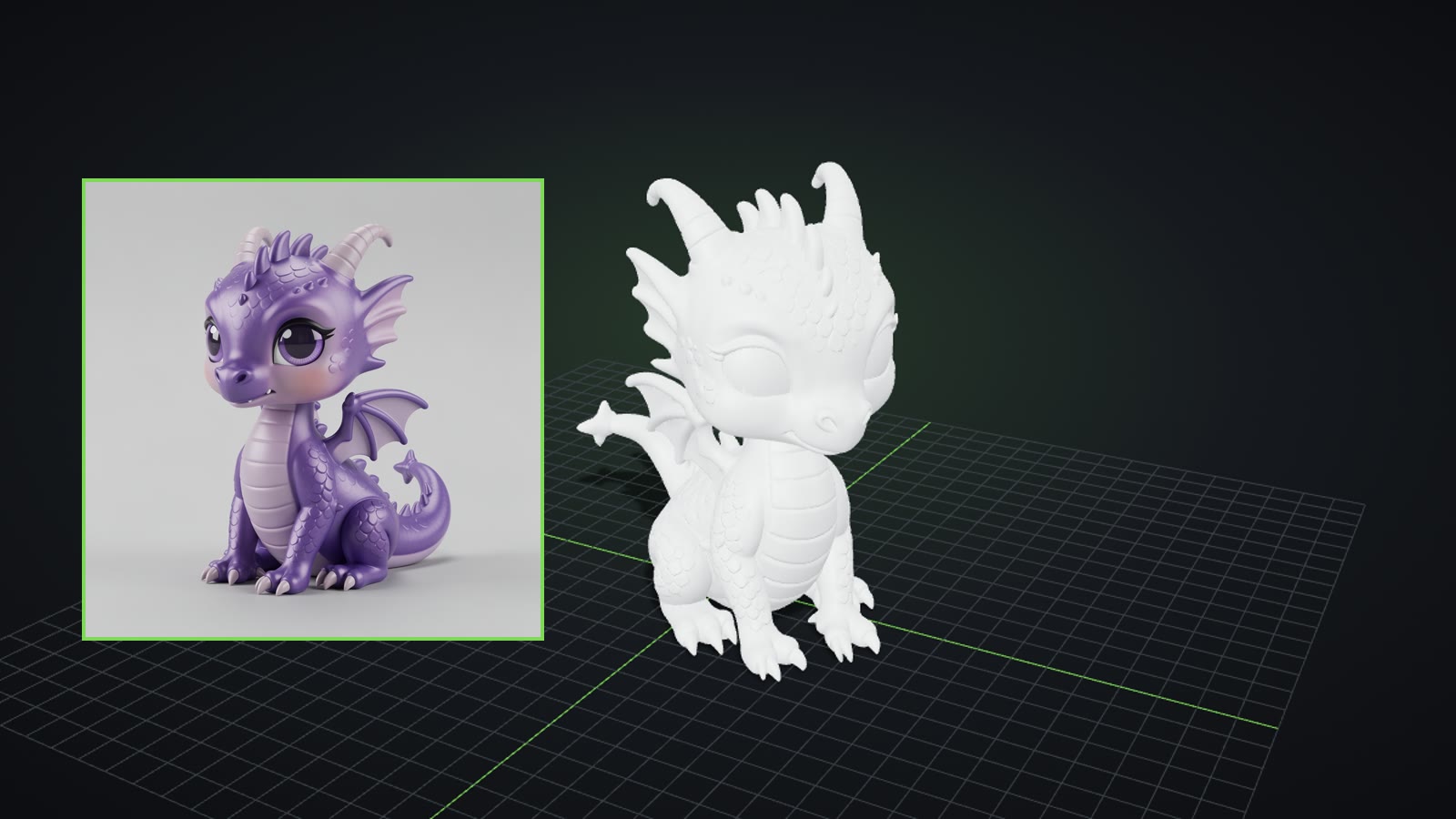
Turn one photo, several angles or a text prompt into a real, textured 3D model, then download GLB, STL, OBJ or USDZ.
What AI 3D Model Generator actually does
- Builds a full textured 3D mesh (PBR materials) from one photo, 2–4 angles, or a text prompt
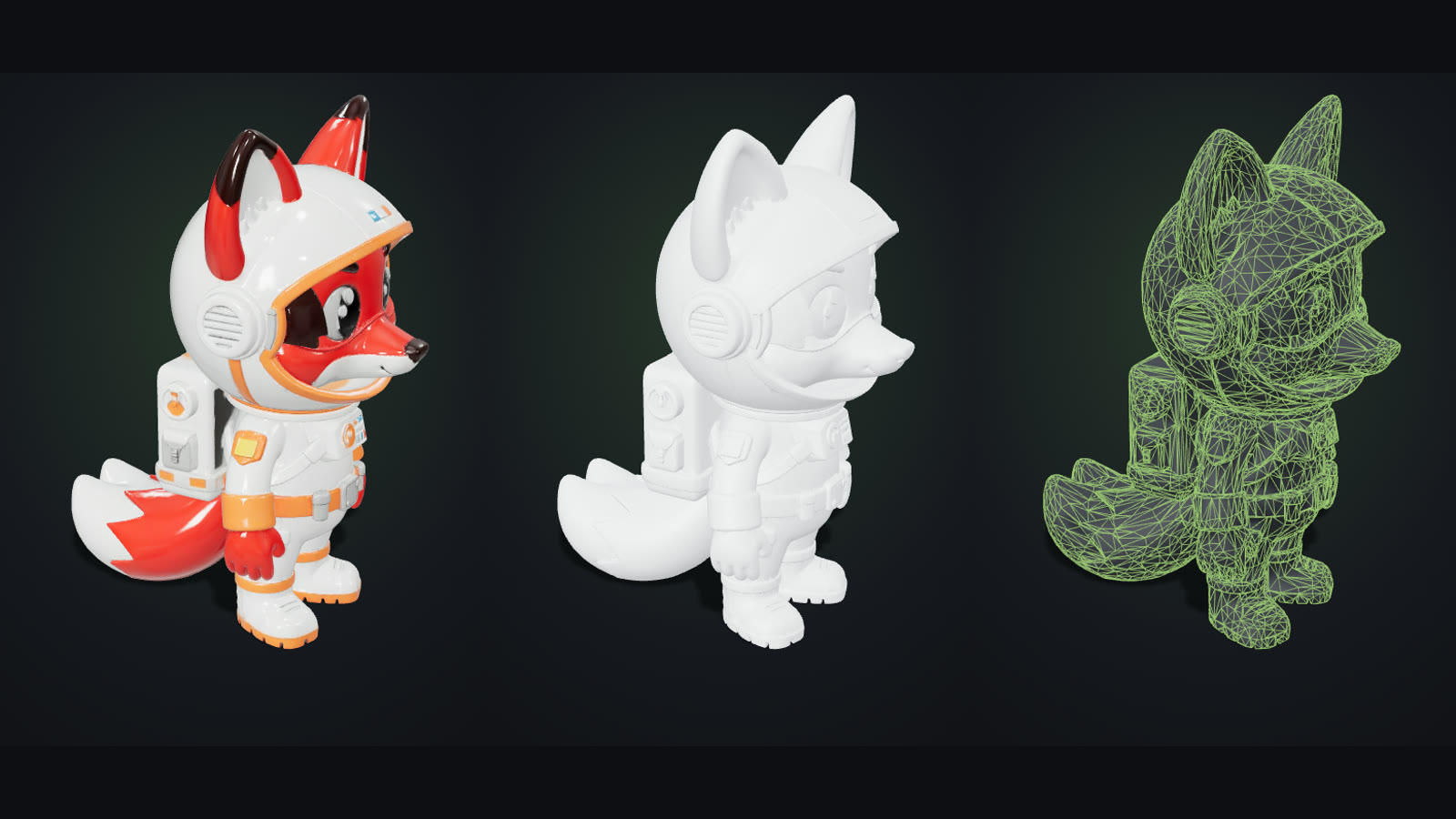
- Shows the model in a browser viewer with textured, clay, wireframe and normals views
- Downloads GLB, STL (upright, 100 mm tall), OBJ with its texture, and USDZ
- Offers a low-poly Game-ready engine with detail baked into 4K texture maps
Who it's for
- Makers who want to 3D print figurines, toys and props
- Indie game developers who need props fast
- Designers prototyping product shapes
Where AI 3D Model Generator fits in your workflow
- Printing a figurine from a single picture
- Filling a game level with consistent low-poly props
- Turning a text idea into a 3D print or asset
Why creators choose it
- Three engines: Pro (Tripo H3.1), Fast (TRELLIS.2), Game-ready (Tripo P2)
- Pro models reach about 1.4–1.5 million triangles; Game-ready props land around 4,000–5,000
- STL exports are Z-up, centred and 100 mm tall
- Credits are refunded automatically when a model fails
Featured guides
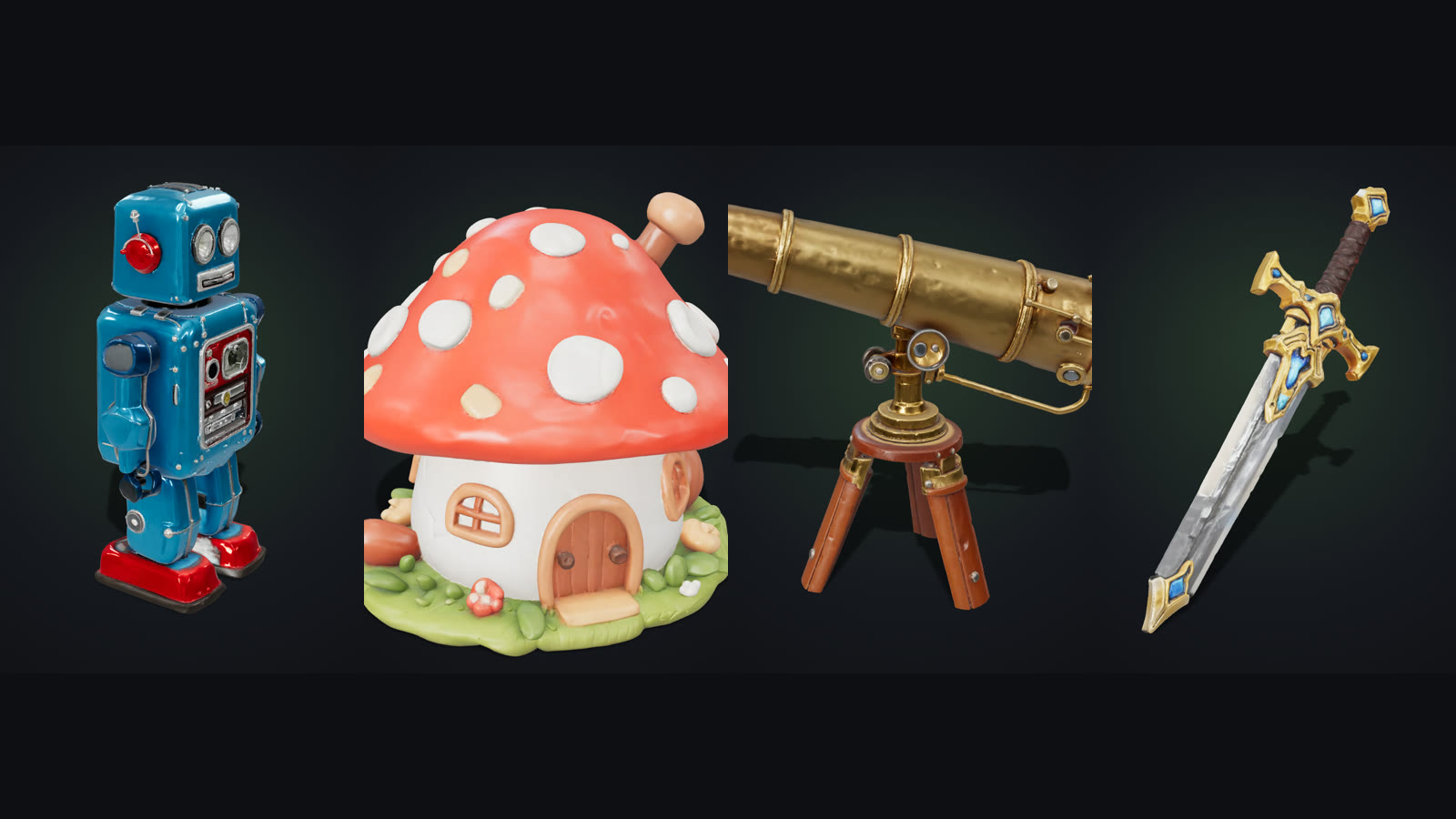
Text to 3D Prompts: A Simple Formula and 20 Examples to Try
Write text to 3D prompts that produce clean, printable models: a four-part formula, 20 copy-ready examples, and the prompt mistakes that turn objects into messy scenes.
Sep 25, 2026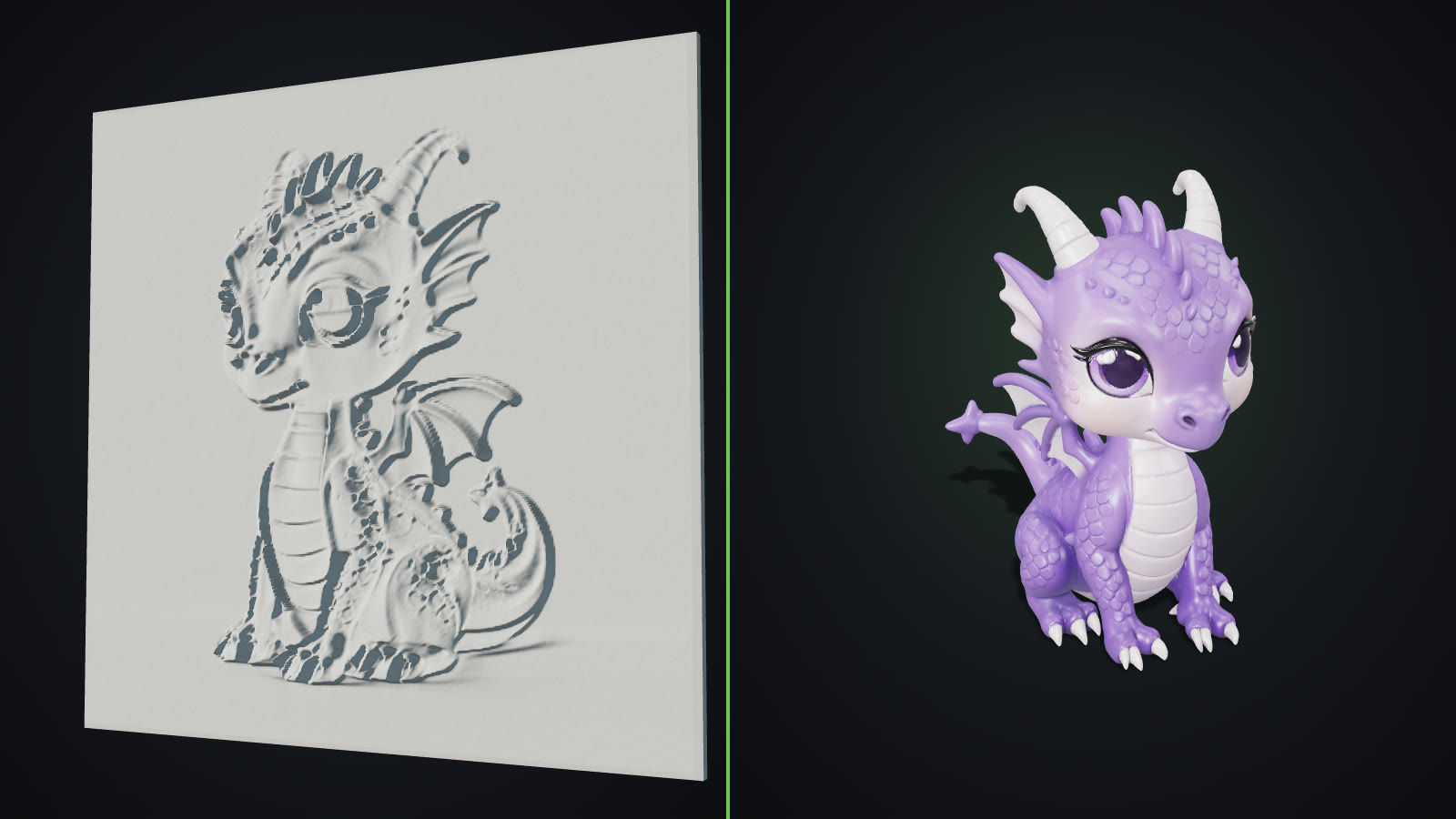
Lithophane vs 3D Model: What “Image to STL” Really Gives You
Lithophane vs 3D model: two very different things an “image to STL” tool can make. See how each works, what each prints like and which one your picture needs.
Sep 25, 2026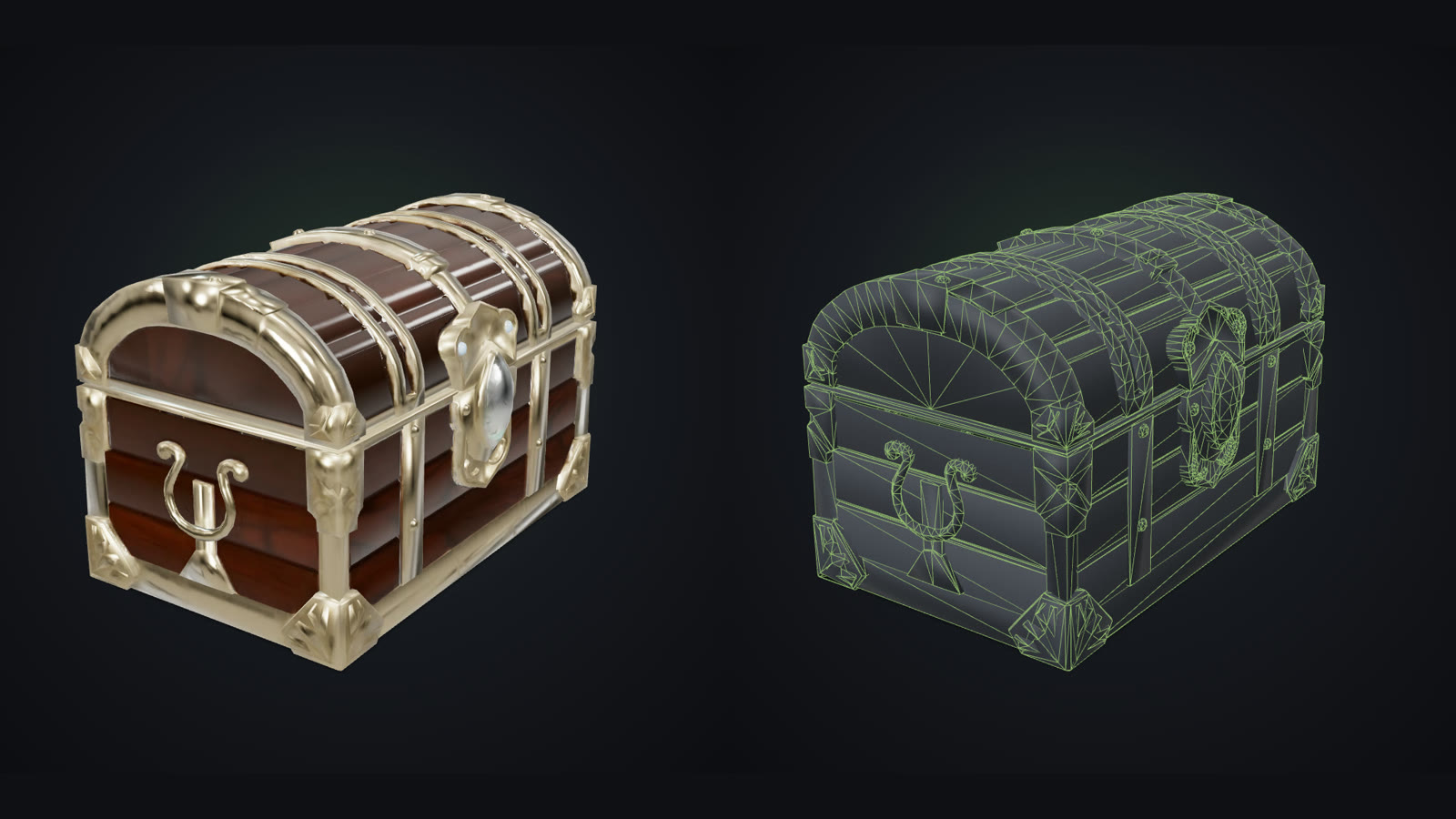
How to Import a GLB Into Unity, Unreal, Godot and Roblox
How to import a GLB into Unity (glTFast), Unreal Engine 5, Godot 4, Roblox Studio and Blender, with the right settings for scale, materials and triangle limits.
Sep 25, 2026More AI 3D Model Generator guides
 AI-generated
STL vs OBJ vs GLB vs 3MF: Which 3D File Format Should You Use?
STL vs OBJ vs GLB vs 3MF explained in plain words: what each 3D file format stores, which tools open it, and which one to pick for printing, games, the web or AR.
 AI-generated
How to 3D Print a Picture: From Photo to Finished Figurine
Turn one photo into a real 3D print: pick the right picture, generate a full 3D model, export an STL, set up your slicer and print a figurine you can hold.