



Voiceover brief template: Plan, produce, and iterate high-converting AI voiceovers
A creator-first voiceover brief template and workflows to plan, produce, and iterate AI voiceovers. Includes QA checklist, legal guardrails, and GoCrazyAI steps.
 AI-generated
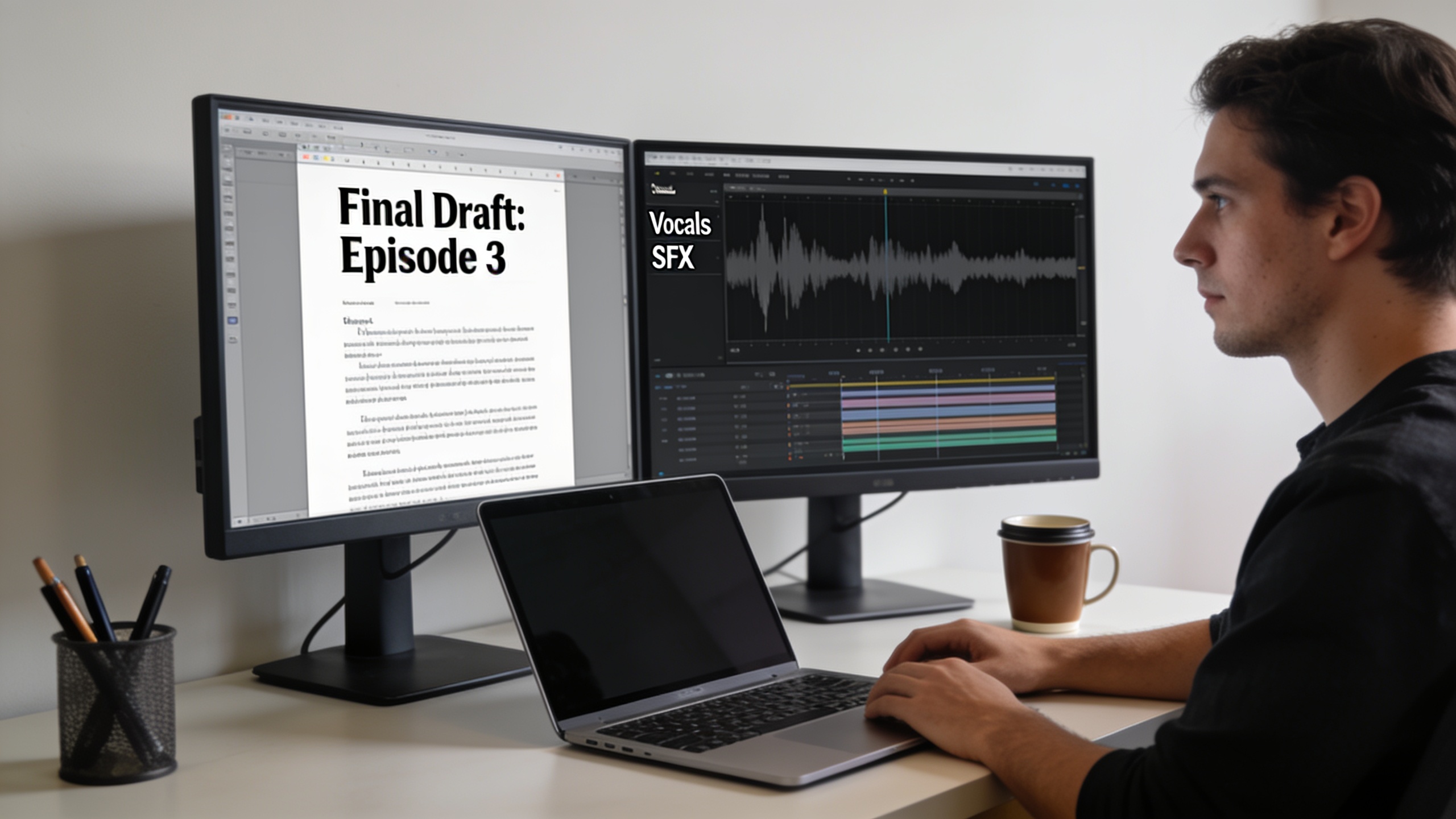
You need voiceovers that sound right on the first pass and don't waste hours of fixes. This guide gives a copy-ready voiceover brief template, two production workflows (YouTube narration and a short-form ad), a QA checklist, and legal safeguards you can copy into your pipeline. I also show how to run these workflows with GoCrazyAI AI Voices and integrate simple A/B tests to find the voice that converts.
Quick Answer
Voiceover brief template: use a short, structured brief listing target audience, use case/duration, three tone adjectives, example references, pronunciation notes, pacing (wpm or seconds per line), and delivery do/don’ts. Pair that brief with an iterative QA loop—sample, listen, revise, and A/B test—to get production-ready AI voiceovers fast.
Why are modern creators choosing AI voices — real results and ethical guardrails?
AI voices are often chosen because they speed production and make repeated updates trivial, while offering a large palette of consistent tones. Recent industry research found AI audio ads performed at least as well as human voiceovers, and regional AI accents often amplified impact[1]. At the same time, roughly 37% of listeners misidentified AI voices as human in a 2026 follow-up, which shows how natural synthetic speech can be and why disclosure and QA matter[2].
Practical implication: AI voices usually match human voiceovers for effectiveness in many ad formats, but outcomes depend on context—short-form vs. long-form, presence of captions, and whether viewers are multitasking. Academic studies from 2024–2025 also show voice choice affects engagement differently by format[3]. That means creators should treat voice selection as an experiment, not an assumption.
How to apply this quickly: pick 2–3 candidate voices, run short A/B tests on a representative sample (same script, different voices), and compare CTRs, view-through rates, and qualitative feedback. Include a record of consent if you're cloning a real voice. For legal guidance and risk mitigation, see FTC and consumer protection recommendations about voice cloning and record-keeping[4].
How do you write a voiceover brief template that gets the voice right the first time (copy-ready fields)?
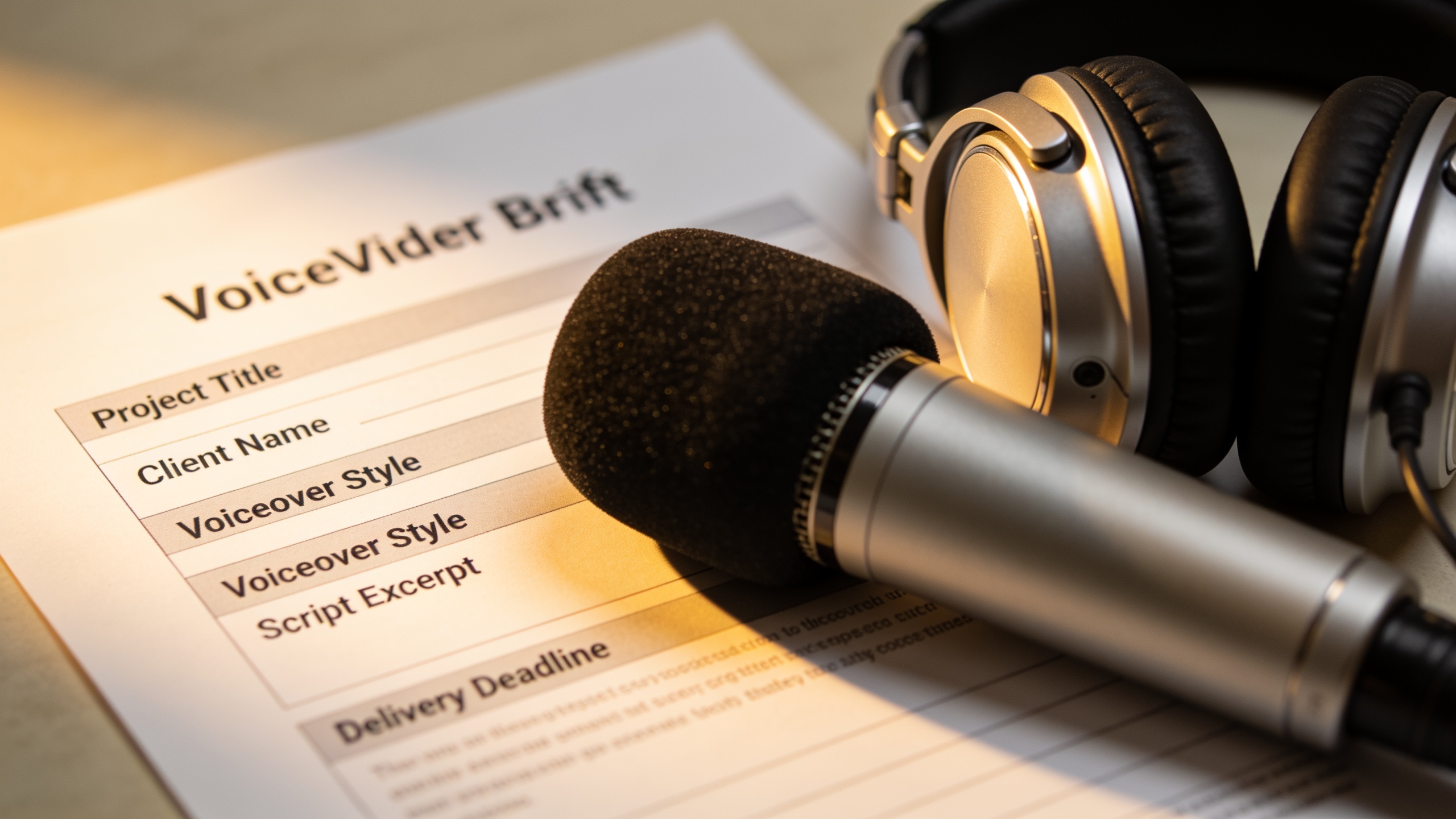
A voiceover brief template is the single most time-saving asset for consistent results. Use these fields every time and paste them into your project management card or script doc. The short answer: include target audience, use case/duration, three adjectives for tone, example references, pronunciation notes, pacing (wpm or seconds per line), and delivery do/don’ts. These fields mirror successful briefs used across the industry[5].
Copy-ready template (paste and fill):
- Project name:
- Target audience (age, region, intent):
- Use case & duration (e.g., YouTube longform, 6m / Instagram ad, 15s):
- Main objective (e.g., drive CTR, increase watch time, brand recall):
- Tone (three adjectives):
- Reference links or timestamps (one or two example clips):
- Pronunciation / names / acronyms: (list exact pronunciations)
- Pacing target: (words per minute OR seconds per line, e.g., 12–15 wpm for calm explainers; 160–180 wpm for fast ads)
- Delivery do’s: (e.g., friendly, slightly breathy, pause after hook)
- Delivery don’ts: (e.g., no sarcasm, avoid dropping last syllables)
- Mandatory sponsor reads / legal lines (verbatim):
- File format / sample rate required: (e.g., WAV 48kHz)
- Notes for localisation or accents:
Why these fields matter: including pronunciation notes and pacing prevents re-records. Example templates from Taskade and BigMouth follow the same structure, and creators who adopt them report fewer post-production fixes[6][7]. Use the template as a checklist each time you request a new voice render.
 AI-generated
Examples: Hands-on workflow A — From script to YouTube narration using GoCrazyAI AI Voices?
Summary answer: For YouTube narration, use a brief-driven approach: pick 2–3 voice candidates, generate time-stamped renders, check pronunciation and cadence against captions, and finalize the best variant after a polish pass. On GoCrazyAI, this is efficient because you can browse 160+ premium voices, clone a short sample, and generate multiple takes quickly. Link: GoCrazyAI AI Voices.
Step-by-step example workflow (YouTube essay, 8–12 minutes):
1) Fill the voiceover brief template with audience, duration, and pacing (e.g., 120–150 wpm for long-form narration). 2) Select three candidate voices on GoCrazyAI: one neutral narrator, one warm conversational, one slightly energetic. 3) For each voice, render the intro (hook) and first 60–90 seconds as separate files. Export with captions turned on to check subtitle sync. 4) Review pronunciation and adjust the brief with phonetic notes. Regenerate. 5) Import the chosen voice render into the edit timeline (use GoCrazyAI Media Mixer or your NLE) and run a listen-on-device QA pass (phone headphones + desktop speakers).
Prompt example for a custom voice design or clone request (copy and paste):
"Narrator: neutral, warm, slightly conversational. Age: 30–40. Accent: General American. Pronunciation: 'Q4' = cue-four; 'CoLab' = 'co-lab'. Pace: 130 wpm. Delivery: clear enunciation, brief breath before sentence starts, no hesitation."
Notes: Keep the first renders short. For long scripts, splitting into 30–60 second chunks reduces alignment issues and keeps pacing consistent across the whole video.
 AI-generated
Hands-on workflow B: Rapid ad testing with AI voices — how do you iterate voice, tone, and timing for better CTRs?
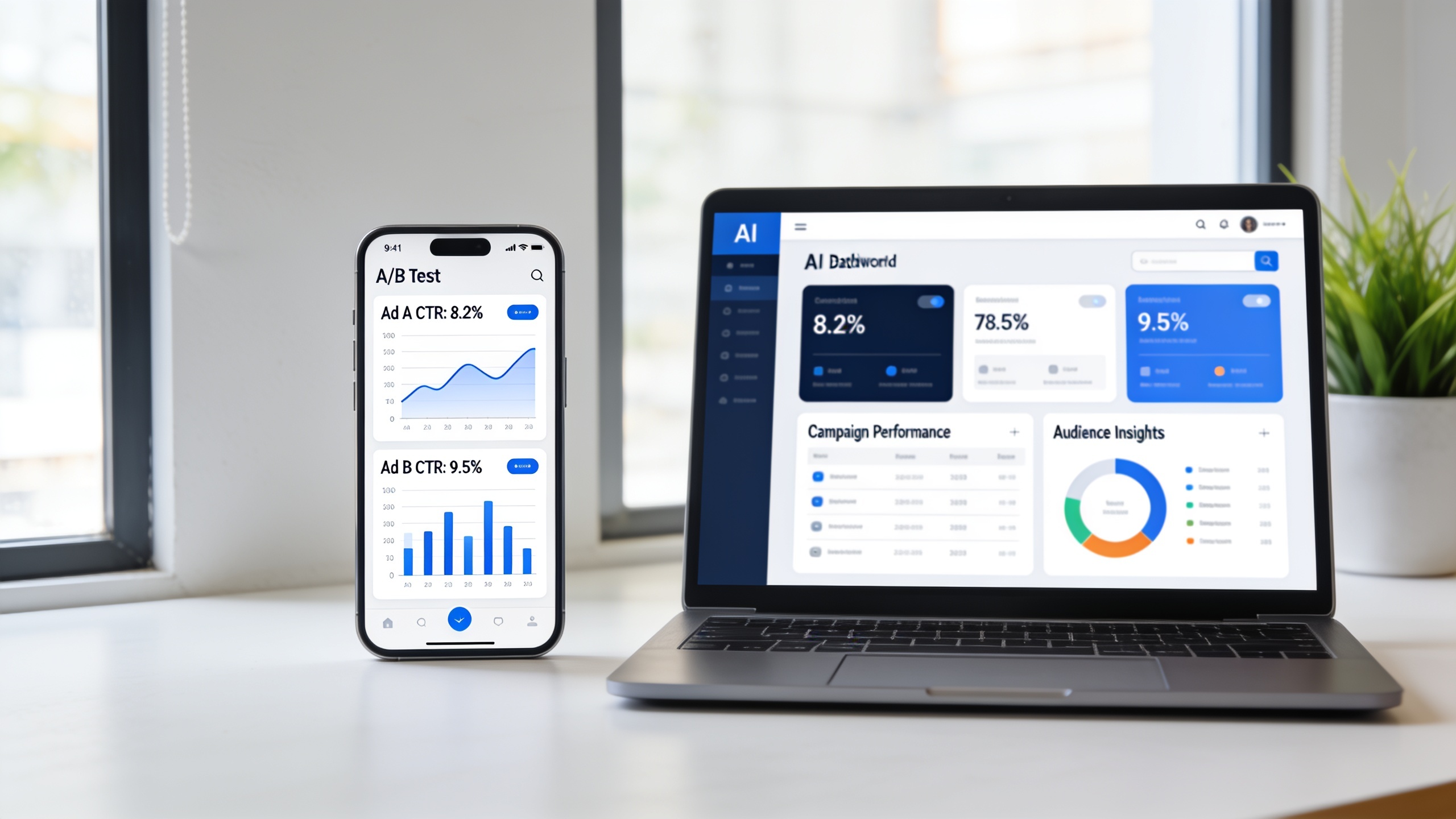
Short answer: run fast, measurable ad tests by swapping voices while keeping script and visuals constant; measure CTR, view-through rate, and engagement to pick the highest-performing voice. Use short renders (10–30s) and test 3–6 variants in parallel.
Why this works: the Azerion 2026 study shows AI audio ads can match human performance and that regional AI accents often improve impact, so testing voice variations is likely to find real gains[1]. Also, the 2026 listener survey indicates many listeners can’t reliably tell AI from human, so performance, not origin, should guide selection[2].
Practical A/B testing setup:
- Create the static visual or video cut that will be constant across tests. Export a clean master without audio.
- Produce 4 voice renders from your brief: two neutral, one regional accent variant, and one higher-energy read. Keep timing identical (use exact seconds per line or locked-in pacing).
- Pair each audio with the same video. Upload ads in parallel to a small, targeted audience cohort. Run tests for at least 48–72 hours or until statistical significance starts to appear.
- Track CTR, conversion rate, and watch time. Qualitative feedback (comments, retention spikes) matters too.
Iteration tips: if an ad underperforms, try small changes—faster pacing, a different hook emphasis, or a regional accent that matches the target market. Use your brief to store pronunciation fixes and energy notes so repeats are consistent.
What is a quality assurance & iteration checklist — pronunciation, emotion, pacing, and A/B test metrics?
Answer: A focused QA checklist covers voice fit, pronunciation, consistent pacing, emotional contour, caption accuracy, sponsor/legal lines, and A/B test metrics; running the checklist before publishing reduces rework and prevents brand errors.
Use this QA checklist every time before final export:
- Voice fit: Does the selected voice match the brief’s three adjectives and target demo? If not, re-render.
- Pronunciation: Validate all names, product terms, and acronyms. Add phonetic notes and re-render problem lines.
- Pacing: Compare actual WPM to brief targets or check seconds-per-line. Slightly slower pacing helps comprehension in long-form.
- Emotion & contour: Ensure the voice rises and falls where the script intends—mark crescendos in the brief.
- Captions/subtitles: Auto-captions vs. provided captions—verify alignment and fix mismatches.
- Sponsor/legal reads: Confirm verbatim sponsor language and placement.
- Device spot checks: Listen on phone, laptop, and a TV or external speaker.
- File integrity: Confirm format, sample rate, and naming conventions.
- A/B test readiness: Check that variants differ only by voice/tone, not content or visual. Pre-tag variants in analytics for clear comparison.
Iteration loop: collect metrics, add qualitative notes to the brief, tweak tone or pacing, and re-run a focused A/B test. Overseeros and similar QA guides show that this loop significantly lowers rework for YouTube and short-form creators[8].
 AI-generated
What legal, ethical, and brand-safety pitfalls should you watch for when using AI voices?
Answer: The main legal and ethical pitfalls are cloning without consent, failing to disclose synthetic voice use when required, and poor record-keeping for voice licenses; regulators advise consent, detection, and safeguards for cloned voices.
Checklist and best practices:
- Consent & record-keeping: If you clone a real voice, keep signed consent and an audio sample record. Some jurisdictions require express permission; regulators like the FTC have published guidance on approaches to voice cloning[4].
- Clear disclosure: Disclose synthetic voice use where required by law or platform policy. Disclosure reduces consumer confusion and risk.
- Avoid misleading likenesses: Do not imitate a living person, public figure, or private individual without documented authorization.
- Retain license details: Keep metadata for every synthesized file (voice ID, render parameters, timestamp, requester). This helps audits and takedown responses.
- Platform and ad policy checks: Confirm your ad platform allows synthetic voice for the campaign type.
- Security & access control: Limit who can create clones and review generated voice outputs before publishing.
Why this matters: Consumer Reports, FTC research, and academic risk studies warn that misuse of voice cloning can cause harm; following consent and record-keeping practices reduces legal exposure and preserves brand trust[4][9].
 AI-generated
How do you deploy GoCrazyAI AI Voices across channels and scale a faceless-creator pipeline?
Short answer: centralize the brief, use GoCrazyAI AI Voices to generate and store voice variants, pair audio renders with visuals from the AI Video Generator or music from the AI music generator, and automate A/B tests for channel-specific optimization. This approach scales a faceless-creator pipeline while keeping consistency.
Practical deployment pattern:
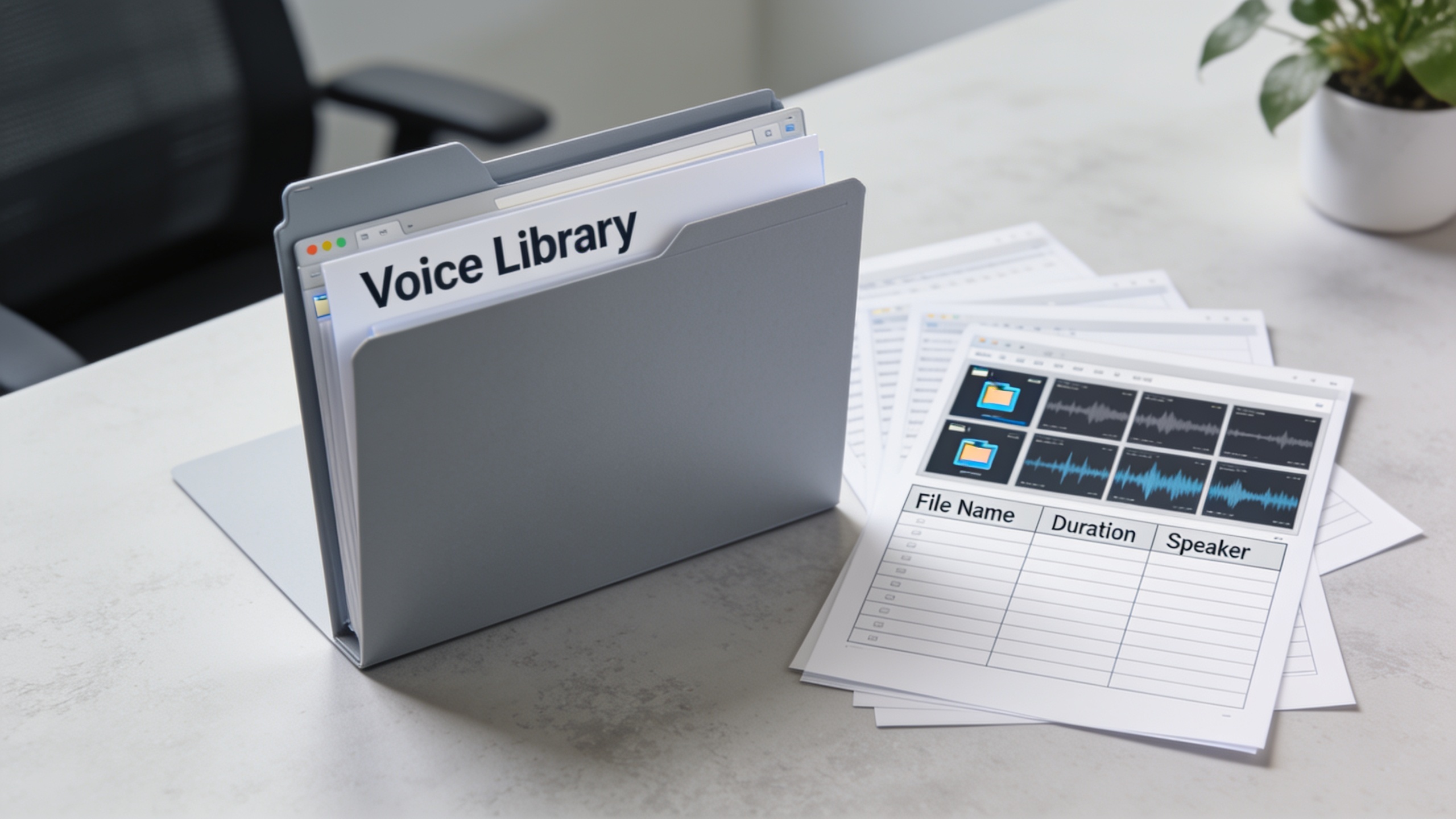
1) Central brief repo: keep the voiceover brief template in a shared doc or project board. Always attach the brief to renders. 2) Voice library: use GoCrazyAI to store preferred voices and cloned samples. The platform offers 160+ premium voices and cloning from a short sample, which makes it simple to maintain brand voices. Link: GoCrazyAI AI Voices. 3) Channel-specific presets: create presets for YouTube (slower pacing, full captions), TikTok/Reels (faster, punchier), and podcast (full-bandwidth WAV). 4) Asset pairing: when you need visuals, generate footage with the AI Video Generator and sync using the AI Video Editor. Example: export a 15s ad render and drop in music from the AI music generator for instant ad-ready files. Link to AI Video Generator: AI Video Generator. Link to AI music generator: AI music generator. 5) Automation & naming: export files with consistent names (project_voice_variant_v1_DATE.wav) and save render metadata. 6) Scale with tests: spin 3–6 voice variants at scale per campaign and use short A/B runs to find winners before a full rollout.
This pipeline keeps iterations fast: brief → render → QA → small-scale A/B → scale. GoCrazyAI’s voice cloning and 160+ preset voices shorten the rendering loop and simplify multi-channel distribution.
Frequently Asked Questions
What should I include in a voiceover brief template?
Include target audience, use case/duration, three tone adjectives, example references, pronunciation notes, pacing (wpm or seconds per line), delivery do/don’ts, sponsor/legal lines, and file format requirements.
Can AI voices outperform human voiceovers for ads?
In many cases yes: a July 2026 industry study found AI audio ads performed at least as well as human voiceovers and regional AI accents often increased impact[1]. Results depend on context, so test before committing.
How do I test different AI voices quickly?
Render 3–6 short variants with identical timing, pair each with the same visual, and run parallel A/B tests. Track CTR, watch time, and qualitative feedback over 48–72 hours.
What legal steps are required when cloning a real voice?
Obtain explicit written consent, retain the signed record and sample, and store metadata about who authorized the clone and when. Follow FTC guidance for cloning safeguards[4].
Conclusion
Final thoughts: Start every AI voice project with a tight voiceover brief and a quick QA loop. Render short samples, test them against your target audience, and keep consent and metadata for any cloned voices. If you want a fast way to prototype voices and clone a short sample for repeated use, try GoCrazyAI AI Voices to store variants and speed production workflows — see the AI Voices page to get started (/ai-voice).
Sources
- The voice of the future: what the latest research tells us about AI audio advertising (Azerion, July 14, 2026)azerion.com ↗
- AI audio ads match human voiceovers; regional (AI) accents amplify impact — coverage summarizing the Azerion study (VoiceOverNews, July 2026)voiceovernews.com ↗
- How to Write a Voiceover Brief - That Actually Gets You the Right Voice First Time! (BigMouth Voices)bigmouthvoices.com ↗
- Voiceover Brief Template | AI Voice Talent Brief (Taskade template)taskade.com ↗
- AI voiceover QA for YouTube (Overseeros guide)overseeros.com ↗
- Approaches to Address AI-enabled Voice Cloning (FTC research & guidance, April 2024)ftc.gov ↗
- AI Voice Cloning: Do These 6 Companies Do Enough to Prevent Misuse? (Consumer Reports Innovation, 2024)innovation.consumerreports.org ↗
- The effectiveness of human vs. AI voice-over in short video advertisements (Journal article, 2024/2025 research)sciencedirect.com ↗
- Explainer Video Script & Voiceover Brief Template (Turtle AI Coworker)turtleaicoworker.com ↗
- Not My Voice! A Taxonomy of Ethical and Safety Harms of Speech Generators (FA CCT / arXiv, 2024)arxiv.org ↗