



AI Image Studio · Unblur
Unblur Image: Sharpen Blurry Photos With AI
A soft, slightly out-of-focus or over-compressed photo comes back with crisp edges, clear eyes and readable detail. The AI rebuilds what the blur hid, not a new picture.
About the Unblur Image
Classic sharpening filters only boost the contrast of edges that are already there, which is why they make blurry photos look crunchy instead of clear. An AI unblur works differently: it recognises what the image shows (an eye, a lace, a letter) and redraws that detail cleanly, so the result looks like a photo that was in focus.
It works best on the everyday kinds of blur: a slightly missed focus, a phone photo shot in low light, a picture that was resized or compressed too many times. The face, the pose and the colours stay the same, and the page below is honest about the blur it cannot fix.
Before and after
Real results from the tool above. Originals on the left, output on the right.
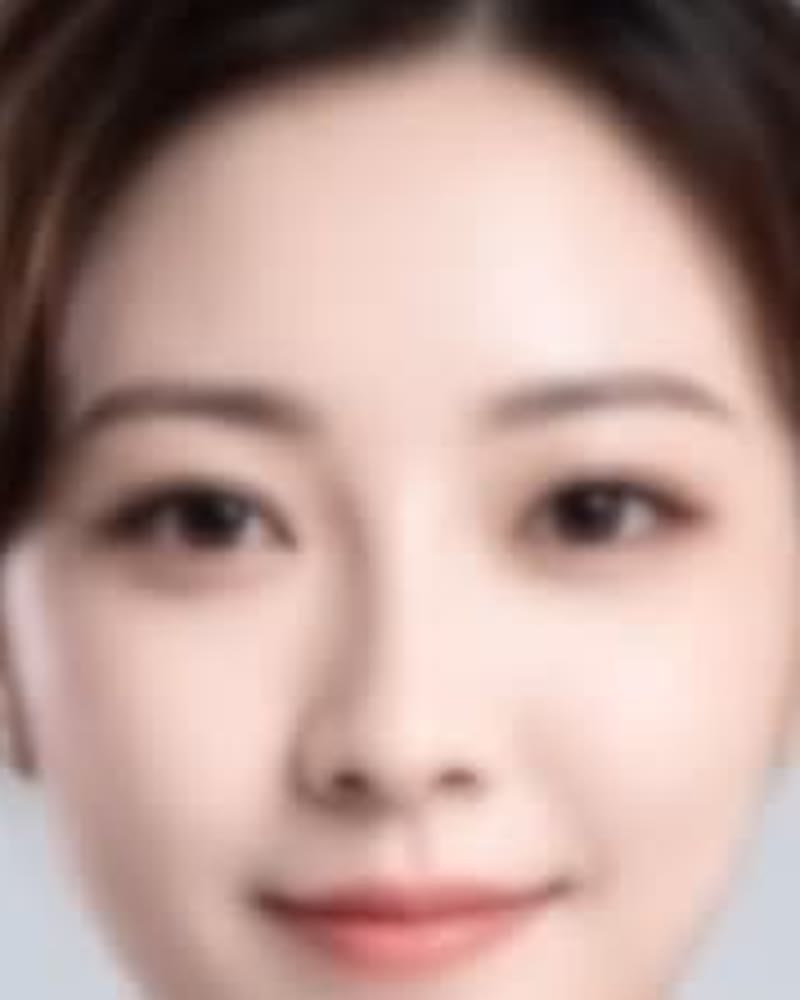 Before
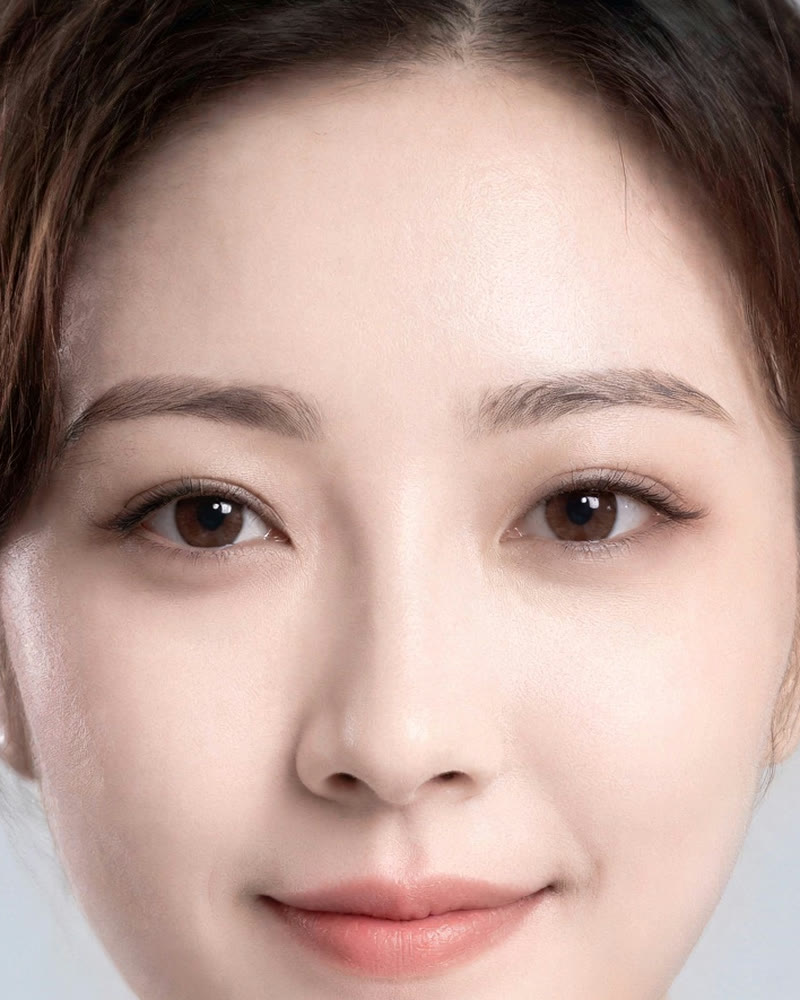 AI-generated
Soft portrait
2K, Natural. Eyes, brows and hairline back in focus; the face is unchanged.
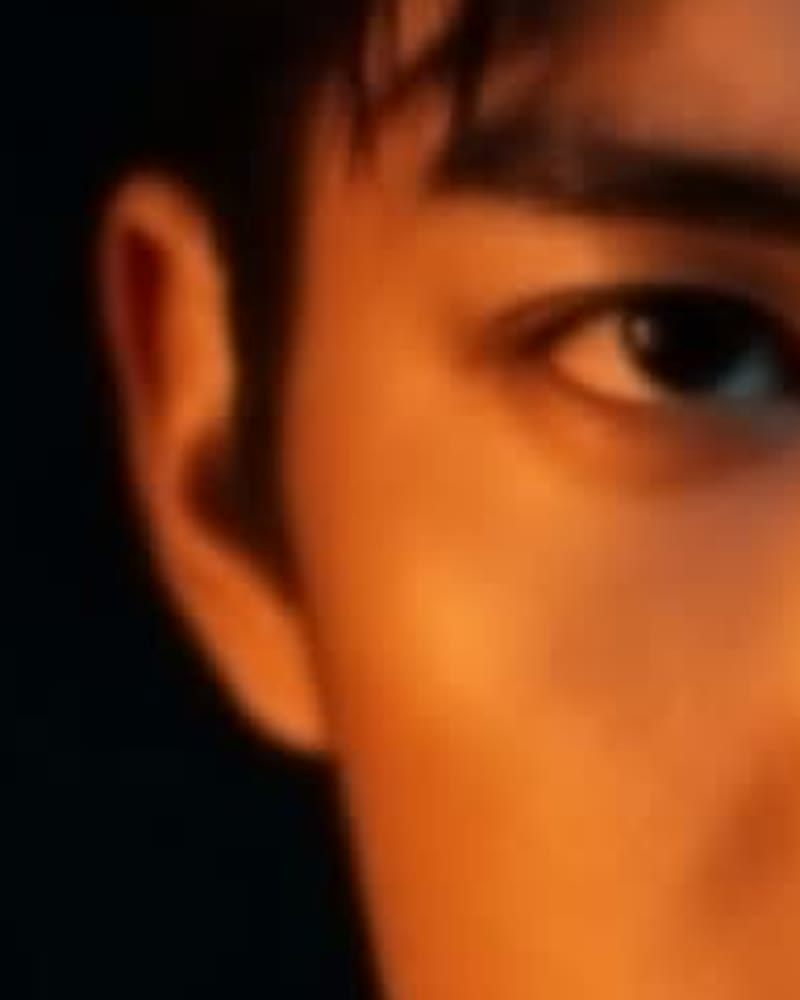 Before
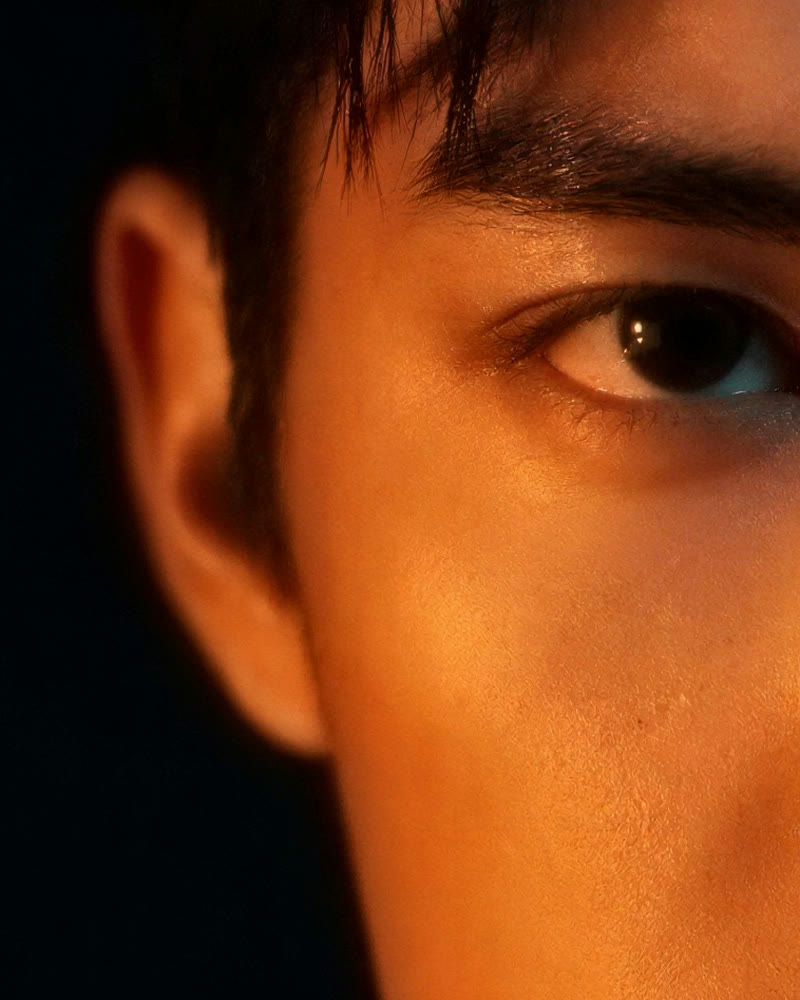 AI-generated
Low-light face
2K, Natural. Lashes and skin texture recovered from a dim, soft shot.
 Before
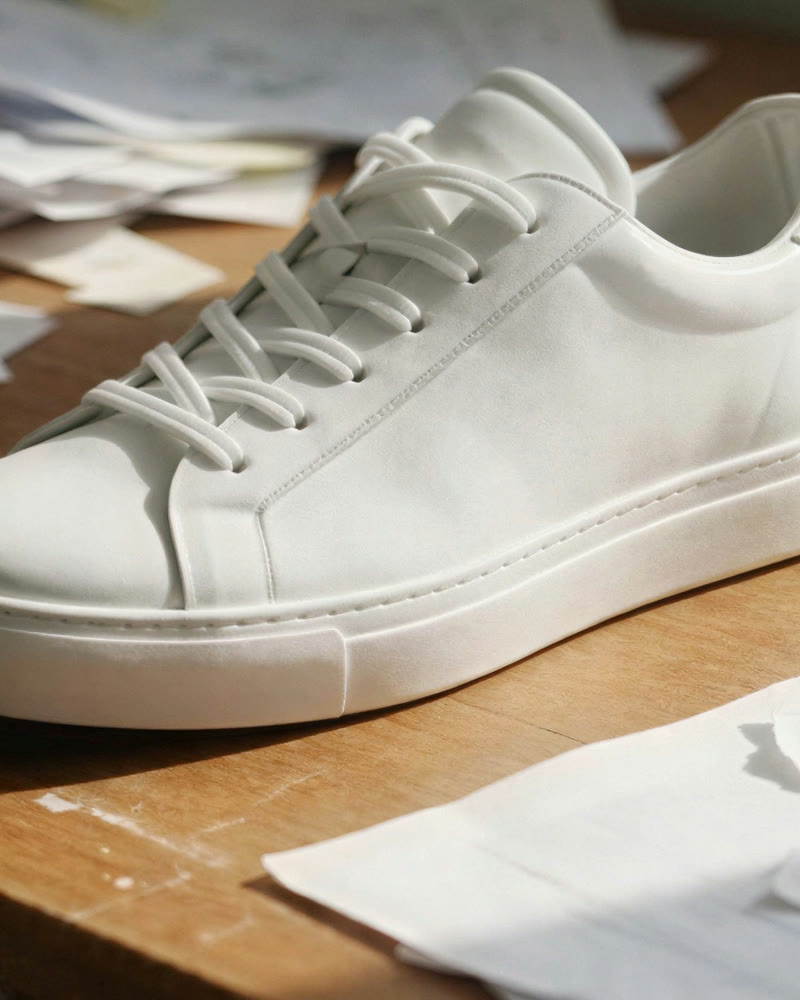 AI-generated
Product shot
2K, Natural. Laces and stitching sharpened for a listing photo.
What an AI unblur can and cannot fix
The honest version, so you know before you spend a credit.
| Kind of blur | Result | Tip |
|---|---|---|
| Slightly missed focus | Fixed well | Natural keeps it true to the photo |
| Soft from resizing or compression | Fixed well | Pick 2K or 4K to also gain resolution |
| Low-light phone softness | Much better | Enhanced adds back skin and fabric texture |
| Small subject far away | Better, not perfect | Crop closer first, then unblur |
| Heavy motion blur (streaks) | Improves only a little | The detail was never captured |
| Completely out of focus | Not recoverable | Try another shot from the same moment |
Unblur photos without changing them
Three steps and one credit for most photos. Below: how it works, where it helps, how to get the clearest result and what people ask before their first unblur.
How it works
- 1
Upload the blurry photo
JPG, PNG, WEBP or HEIC, or one of your own creations. The tool shows its real size and what each output size will be.
- 2
Keep Natural, pick a size
Natural sharpens without adding anything new. Small photos can use 2K; sizes smaller than 1.5× your photo are greyed out, so a large phone photo goes straight to 8K.
- 3
Compare and download
Drag the before/after slider and zoom to 4× to check the eyes and edges, then download the PNG with no watermark.
What you can use it for
Missed-focus portraits
The one shot where everyone smiled but the camera focused on the background.
Screenshots and saved images
Pictures that went through chats and social apps and lost their detail on the way.
Product and listing photos
Phone shots that looked sharp on the screen and soft once buyers zoom in.
Documents and signs
Soft text in a photo of a sign, a label or a page becomes readable again.
AI images
Generated images that came out slightly soft, before you print them or turn them into video.
Features
- Sharpens soft and out-of-focus photos
- Rebuilds eyes, edges and small text
- Face and colours stay the same
- Before/after slider with 4× zoom
- PNG download with no watermark
- Saved to your creations automatically
Tips for the best results
- Start with Natural. Switch to Enhanced only if skin or fabric should look richer.
- Crop to the subject before unblurring a small face in a big photo; the AI then spends its detail where it matters.
- Use the original file, not a screenshot of it. Every re-save adds blur of its own.
- Check the eyes at 4× zoom. If they look right, the rest of the photo will too.
Why this unblur tool
We tested eight AI upscaling engines on the same damaged photos and picked the one that sharpened the most while changing the least: same face, same letters, same product. You see the price before you confirm, compare against your original at 4× zoom, and download a clean PNG with no watermark.
Frequently asked questions
Can AI really unblur a photo?
Yes, for the most common kinds of blur: slightly missed focus, softness from resizing or compression and low-light phone softness. It recognises what the photo shows and redraws the fine detail cleanly. Heavy motion blur and completely out-of-focus shots improve only a little, because that detail was never captured.
Will it change the face in my photo?
No. On the Natural setting the tool sharpens what is there without adding new features, and in our side-by-side test the engine kept faces, eye colour and expressions the same. Enhanced and Max detail add texture such as pores and fabric grain, not new features.
Is the unblur tool free?
No. Unblurring uses the upscaler, which costs 1 credit for 2K, 4 credits for 4K and 13 for 8K. The price is shown before you confirm, and a failed run is refunded automatically.
Does the result have a watermark?
No. The downloaded PNG has no watermark or visible stamp. It carries invisible metadata that labels it as AI-processed, which keeps it publishable under platform and EU transparency rules.
What size should I pick?
The smallest one the tool offers for your photo. Small and compressed images (under about 2.5 megapixels) can use 2K for 1 credit. The tool only offers sizes at least 1.5× larger than your photo, so a big phone photo goes to 8K.
How is this different from a sharpen filter?
A sharpen filter only raises contrast along edges that already exist, which makes blur look harsher. The AI rebuilds the missing detail, so eyelashes, letters and textures come back instead of halos.
Whose photos can I unblur?
Your own images, and photos of adults who have agreed to it. GoCrazyAI is for adults (18+); every upload is checked automatically before processing, and images that may show anyone under 18 are declined.
Explore more AI photo tools
Image Editor
Edit any photo with a text prompt
3D Model Generator
Photo to 3D model, GLB & STL
Image to STL
Photo to a print-ready STL
Text to 3D
Describe it, get a 3D model
3D Game Assets
Low-poly props from one image
AI Headshots
Pro headshots from a selfie
AI Interior Design
Redesign any room from a photo
Object Remover
Brush away anything in a photo
Image Extender
Uncrop & expand any photo
Photo Restoration
Restore & colorize old photos
Image Upscaler
Any photo to 4K or 8K
Upscale for Print
8K files at 300 DPI
Background Remover
Transparent PNG in one click
Skin Enhancer
Natural one-click retouch
Change Camera Angle
New views of one photo
Mockup Generator
Your design on any product
See the full AI image tools collection or open the AI Image Studio.